Detect Exposed AI Model Servers: Signals, Logs, and Blind Spots
Unprotected inference endpoints often leak proprietary weights through verbose error messages and unauthenticated debug interfaces that standard firewalls ignore.

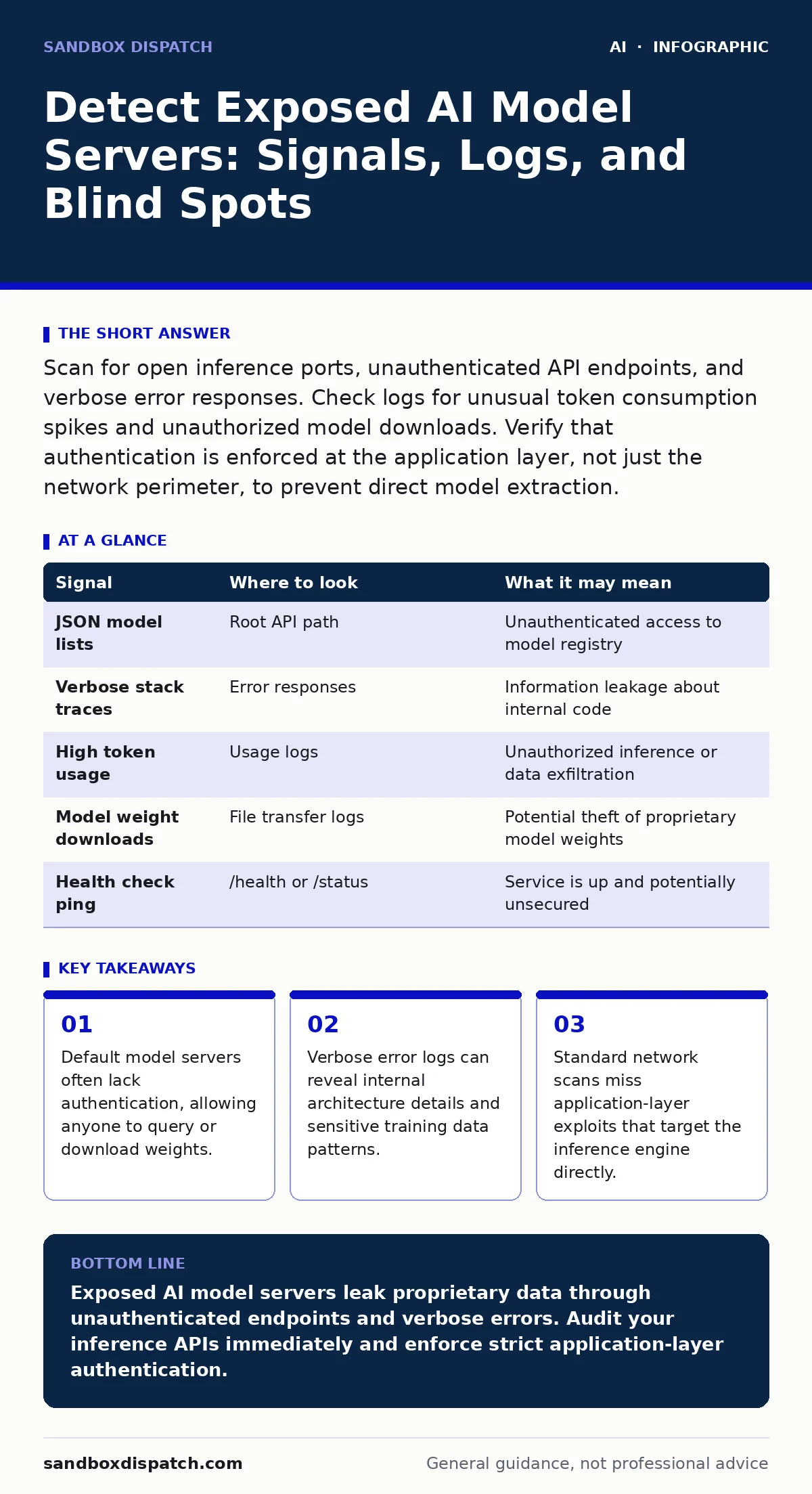
Scan for open inference ports, unauthenticated API endpoints, and verbose error responses. Check logs for unusual token consumption spikes and unauthorized model downloads. Verify that authentication is enforced at the application layer, not just the network perimeter, to prevent direct model extraction.
Network Port Scanning Reveals Open Inference Endpoints
Exposed AI model servers frequently listen on standard web ports but behave differently than typical web applications. You must scan for ports commonly used by inference frameworks. Look for services responding to HTTP requests on ports associated with model serving. These services often return JSON responses containing model metadata. A simple request to the root path may return a list of available models. This indicates the server is publicly accessible without authentication. You should block these ports from external access unless explicitly required. Internal networks often allow unrestricted access, creating a blind spot. External scanners will find these open doors quickly.
API Endpoint Enumeration Exposes Model Metadata
Inference APIs usually expose endpoints for prediction, health checks, and model information. Attackers enumerate these paths to find unprotected routes. You must check for endpoints that return model architecture details. Look for paths that list available models or return configuration files. These endpoints often lack rate limiting. An attacker can query them repeatedly to gather intelligence. You should restrict access to administrative endpoints. Standard authentication mechanisms may not apply to these specific routes. Verify that every endpoint requires valid credentials. Do not assume the API gateway handles all security.
| Signal | Where to look | What it may mean |
|---|---|---|
| JSON model lists | Root API path | Unauthenticated access to model registry |
| Verbose stack traces | Error responses | Information leakage about internal code |
| High token usage | Usage logs | Unauthorized inference or data exfiltration |
| Model weight downloads | File transfer logs | Potential theft of proprietary model weights |
| Health check ping | /health or /status | Service is up and potentially unsecured |
Log Analysis Uncovers Anomalous Query Patterns
Server logs contain evidence of unauthorized access attempts. You must analyze request logs for unusual patterns. Look for requests that do not match normal user behavior. High-frequency queries from single IP addresses indicate automation. Requests containing large payloads may attempt prompt injection. You should flag queries that trigger long processing times. This suggests the model is performing complex, unauthorized tasks. Check for requests that return error codes related to authentication. These indicate failed attempts to bypass security. Review logs for access to administrative functions. Normal users rarely access these endpoints.
Application Behavior Highlights Memory Leaks
AI models consume significant memory resources. Exposed servers may reveal memory usage through performance metrics. You must monitor memory consumption patterns. Sudden spikes in memory usage can indicate model loading attacks. Attackers may try to force the server to load new models. This can exhaust available resources. Look for repeated attempts to load different model versions. This behavior suggests an attacker is mapping the environment. You should limit the models that can be loaded dynamically. Static model loading is more secure. Monitor CPU usage for signs of training attempts. Inference servers should not perform training tasks.
Authentication Bypass Attempts Target Session Tokens
Many AI servers rely on session tokens for authentication. Attackers attempt to bypass these controls. You must inspect logs for invalid or missing tokens. Look for requests that use default or hardcoded tokens. These tokens may be publicly known. Check for attempts to manipulate session parameters. Attackers may try to elevate privileges. Verify that token validation occurs on every request. Do not trust client-side validation. Implement server-side checks for every inference request. Rotate tokens regularly to limit exposure. Ensure tokens are transmitted over encrypted channels.
Debug Interfaces Leak Internal System Details
Development environments often include debug interfaces. These interfaces remain active in production if not removed. You must search for known debug endpoints. Look for paths that expose runtime information. These endpoints may reveal environment variables. They can also show connected database credentials. Attackers use this information to pivot. You should disable all debug features in production. Verify that no development tools are installed. Remove unnecessary packages and dependencies. Conduct regular audits of installed software. Ensure that only required components are running.
Model Weight Extraction Through Inference
Advanced attackers extract model weights through inference queries. This technique requires many queries. You must monitor for high-volume, structured queries. Look for requests that probe specific input ranges. This behavior suggests an attacker is reverse-engineering the model. You should implement rate limiting on inference endpoints. Limit the number of queries per user. Detect and block patterns associated with extraction. Use anomaly detection systems. Train these systems to recognize extraction attempts. Alert security teams immediately. Investigate all suspicious activity.
Blind Spots in Cloud and Container Environments
Cloud deployments introduce unique risks. You must check for misconfigured storage buckets. Model weights are often stored in cloud storage. These buckets may be publicly accessible. You should verify access controls on all storage resources. Ensure that only authorized services can read weights. Check container configurations for exposed ports. Containers often run with elevated privileges. You must restrict container capabilities. Use minimal base images. Remove unnecessary tools from containers. Monitor container network traffic. Detect unusual outbound connections.
Integration Risks With Third-Party Services
AI models often integrate with third-party services. These integrations expand the attack surface. You must audit all external connections. Look for dependencies on external APIs. Verify that these APIs are secure. Check for data leakage through third-party services. Ensure that sensitive data is not sent to untrusted endpoints. Review the security posture of all partners. Implement strict data handling policies. Monitor for unauthorized data transfers. Detect anomalies in integration traffic. Ensure that integrations use authentication.
Incident Response for Exposed Models
When an exposure is detected, immediate action is required. You must isolate the affected server. Stop all inference requests. Preserve logs for forensic analysis. Assess the extent of the breach. Determine if model weights were extracted. Rotate all credentials and tokens. Update security configurations. Patch identified vulnerabilities. Review access controls. Implement additional monitoring. Learn from the incident. Update security policies. Train staff on new threats.
Key takeaways
- Default model servers often lack authentication, allowing anyone to query or download weights.
- Verbose error logs can reveal internal architecture details and sensitive training data patterns.
- Standard network scans miss application-layer exploits that target the inference engine directly.
Exposed AI model servers leak proprietary data through unauthenticated endpoints and verbose errors. Audit your inference APIs immediately and enforce strict application-layer authentication.
Frequently asked questions
How do I know if my AI model server is exposed?
Scan for open inference ports and test API endpoints for unauthenticated access. Check logs for unauthorized queries and verbose error responses.
Can standard firewalls protect AI model servers?
Standard firewalls block network-level threats but cannot detect application-layer attacks. You need application-specific security controls to protect inference endpoints.
What logs should I monitor for AI security?
Monitor request logs for unusual query patterns, high token usage, and unauthorized access attempts. Review error logs for verbose stack traces and authentication failures.
How do I prevent model weight extraction?
Implement strict rate limiting, use anomaly detection systems, and restrict dynamic model loading. Monitor for high-volume, structured queries that indicate extraction attempts.
How this guide was produced: written by the Sandbox Dispatch editorial team with AI assistance, checked against the public references listed below, and reviewed when the facts change. See our editorial policy or report an error.