Exposed AI Model Servers: Definition, Risks, and Hardening
Leaving AI endpoints open to the public internet grants anyone direct access to your proprietary weights, training data, and inference logic without authentication.

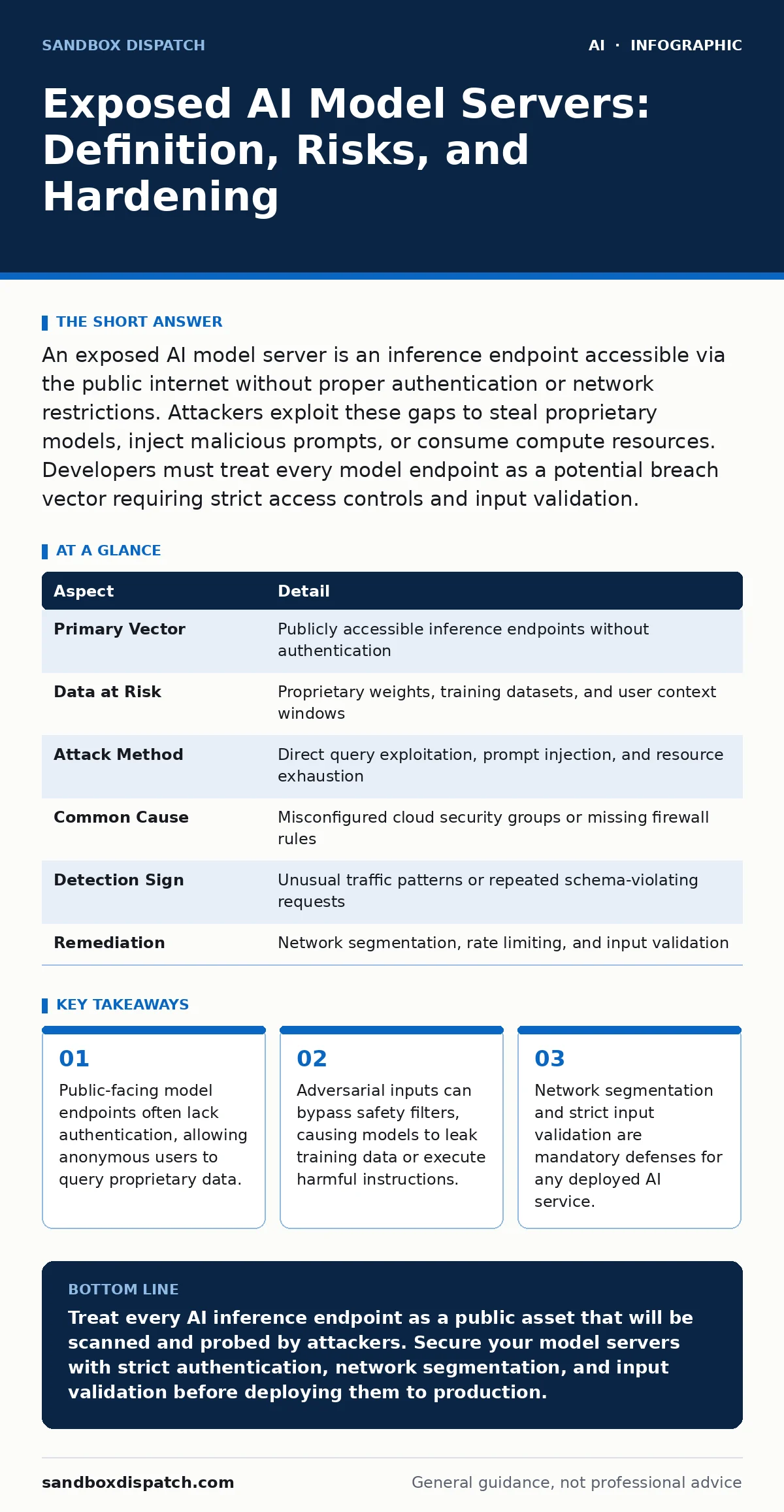
An exposed AI model server is an inference endpoint accessible via the public internet without proper authentication or network restrictions. Attackers exploit these gaps to steal proprietary models, inject malicious prompts, or consume compute resources. Developers must treat every model endpoint as a potential breach vector requiring strict access controls and input validation.
What an Exposed Model Server Actually Is
An exposed AI model server is a network-accessible endpoint that serves inference requests without adequate perimeter security. Imagine a library where the front door is unlocked, the shelves are unguarded, and anyone can walk in to read, copy, or rearrange the books. In technical terms, this is a REST API, gRPC service, or HTTP endpoint hosting a large language model or vision transformer that responds to queries from any IP address.
The exposure is not limited to the model weights themselves. It includes the inference logic, the prompt templates, and often the context window history. When you deploy a model for internal use but forget to restrict it to a private virtual network, you create a public-facing asset. Attackers scan the internet for these open ports and standard AI framework signatures. They find endpoints that respond to test prompts, revealing that the server is live and vulnerable.
At a Glance: Exposure Mechanics
| Aspect | Detail |
|---|---|
| Primary Vector | Publicly accessible inference endpoints without authentication |
| Data at Risk | Proprietary weights, training datasets, and user context windows |
| Attack Method | Direct query exploitation, prompt injection, and resource exhaustion |
| Common Cause | Misconfigured cloud security groups or missing firewall rules |
| Detection Sign | Unusual traffic patterns or repeated schema-violating requests |
| Remediation | Network segmentation, rate limiting, and input validation |
How Exposure Happens in Practice
Developers often assume that if a service is not advertised, it is not visible. This assumption fails against automated scanning tools. A developer spins up a model container on a cloud provider. The container listens on port 8080 for inference requests. The developer configures the application but skips the network security group settings. The default rule allows all inbound traffic.
The model is now reachable from the entire internet. Attackers do not need to guess a password because none exists. They send a standard "Hello" prompt. The server returns a response. The attacker now knows the model is active, the latency it exhibits, and the format of its outputs. They can then begin probing for deeper vulnerabilities. This is not a complex hack. It is a configuration oversight that turns a development asset into a public resource.
Who Gets Hurt and What They Lose
The impact extends beyond the immediate theft of data. When an endpoint is exposed, the attacker controls the inference pipeline. They can drain your compute credits by sending high-volume, computationally expensive queries. This is a denial-of-service attack that costs you money rather than just downtime.
Data leakage is the more insidious risk. Models trained on proprietary code, medical records, or financial data can be reverse-engineered through careful querying. An attacker can ask the model to complete a specific code snippet from your private repository. If the model was trained on that data, it may reproduce it. This violates privacy regulations and intellectual property rights.
The reputation damage is significant. Users trust you with sensitive inputs. If those inputs are processed by an insecure server, they may be intercepted or logged by an attacker. This breach of trust is hard to repair. Companies that expose models without safeguards signal a lack of basic security hygiene.
Common Forms of Exposure
Not all exposures look the same. Some are obvious, while others hide in plain sight. Understanding the forms helps you spot them before attackers do.
- Unauthenticated Endpoints: The server accepts requests from any source. There is no API key, OAuth token, or mutual TLS requirement.
- Over-Permissive Network Rules: Cloud security groups or firewalls allow ingress from 0.0.0.0/0. This is the most common cause of accidental exposure.
- Debug Interfaces Left Open: Developers enable debug modes for troubleshooting. These modes often return verbose errors, stack traces, and internal configuration details.
- Shadow IT Deployments: Teams deploy models on personal cloud accounts or forgotten virtual machines. These assets are not monitored by the central security team.
- Default Credentials: Some model serving frameworks ship with default login pages. If the credentials are not changed, attackers gain administrative access to the model management interface.
What People Usually Get Wrong
Security teams often focus on the data at rest and ignore the data in motion. They encrypt the database storing the model weights. They encrypt the database storing the user logs. But they leave the inference channel wide open. This is a fundamental misunderstanding of the attack surface.
Another common error is assuming that the model itself is secure. Developers believe that because the model is aligned or fine-tuned for safety, it cannot be abused. This is false. Adversarial examples can bypass alignment. Jailbreaking AI chatbots involves crafting specific inputs that trick the model into ignoring its safety constraints. If the endpoint is exposed, an attacker can iterate on these jailbreaks in real-time.
You also cannot rely on obscurity. Hiding the endpoint behind a non-standard port does not stop scanners. They check all ports. You must assume your endpoint is known. Your defense must be based on authentication, authorization, and validation, not on the hope that no one will find it.
How to Reduce the Risk
You must treat every model endpoint as a hostile interface. Apply the same rigor to AI services as you do to web applications. Here are the concrete steps to secure your deployments.
- Enforce Authentication: Require API keys or OAuth tokens for every request. Never trust the client IP address alone. Validate the token on every call.
- Restrict Network Access: Use private subnets for model servers. Allow traffic only from your application layer. Block direct internet access to the inference port.
- Validate Inputs: Sanitize every prompt. Check for length, encoding, and known adversarial patterns. Reject requests that violate your schema.
- Rate Limiting: Implement strict rate limits per user or per API key. This mitigates resource exhaustion attacks and slows down brute-force probing.
- Monitor Anomalies: Log all requests. Alert on unusual patterns, such as high-frequency requests from a single IP or prompts that exceed standard length.
Integrating Defense into Your Workflow
Security is not a one-time fix. It is part of the deployment pipeline. When you build the container for your model, include security checks. Scan the image for vulnerabilities. Configure the entrypoint to require environment variables for authentication. If the variables are missing, the service should fail to start.
You should also consider treating AI models as untrusted insiders. Even if the model is internal, an attacker who gains access to the network can use it to pivot. They can ask the model to summarize internal documents it has access to. They can use it to generate phishing emails that bypass spam filters.
Refer to our guide on LLM guardrails for specific techniques on input and output filtering. These guardrails act as a second layer of defense, catching malicious prompts that slip through basic validation. They are not a substitute for network security, but they add necessary depth.
Also review adversarial examples to understand how attackers craft inputs that confuse models. Understanding the mechanism helps you design better validation rules. You cannot defend against what you do not understand.
The Cost of Neglect
The cost of securing an endpoint is low. The cost of a breach is high. Fixing a misconfigured firewall takes minutes. Recovering from a data leak takes months. It involves legal notifications, customer remediation, and reputational repair.
Do not wait for an incident to learn this lesson. Assume your endpoints are visible. Secure them as if they are. The effort is minimal. The peace of mind is worth it.
Key takeaways
- Public-facing model endpoints often lack authentication, allowing anonymous users to query proprietary data.
- Adversarial inputs can bypass safety filters, causing models to leak training data or execute harmful instructions.
- Network segmentation and strict input validation are mandatory defenses for any deployed AI service.
- Treating models as untrusted insiders prevents attackers from using the model itself as a pivot point.
Treat every AI inference endpoint as a public asset that will be scanned and probed by attackers. Secure your model servers with strict authentication, network segmentation, and input validation before deploying them to production.
Frequently asked questions
Is exposing an open-source model dangerous?
Yes, because exposure allows attackers to steal your fine-tuning data, prompt templates, and user context, not just the public weights.
Does HTTPS protect an exposed model server?
HTTPS encrypts the data in transit but does not prevent unauthorized access or validate the content of the prompts sent to the model.
How do I detect if my model is being abused?
Monitor for unusual traffic patterns, such as high query rates, large prompt sizes, or requests that consistently trigger error responses.
Should I use a web application firewall for AI endpoints?
Yes, a WAF can filter out known malicious patterns and protect against common injection attacks, adding a layer of defense to your API.
How this guide was produced: written by the Sandbox Dispatch editorial team with AI assistance, checked against the public references listed below, and reviewed when the facts change. See our editorial policy or report an error.