How GhostProfile Evades Screen Mirroring by Cloning Browser Profiles for Remote Control?
GhostProfile creates cloned browser profiles to control Chrome or Firefox sessions remotely, bypassing screen mirroring detection while using victim credentials.
Key points
- GhostProfile clones Chrome or Firefox profiles to operate hidden browsers using victims' active login sessions.
- The implant uses Chrome DevTools Protocol and WebDriver BiDi to control the concealed browser window.
- Researchers from Moonlock Lab disclosed the malware on October 12 after receiving a sample from MalwareHunterTeam.
- Starting with Chrome 136, Google restricted remote debugging flags to protect default data directories from this technique.
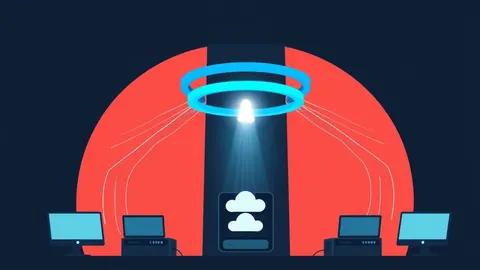
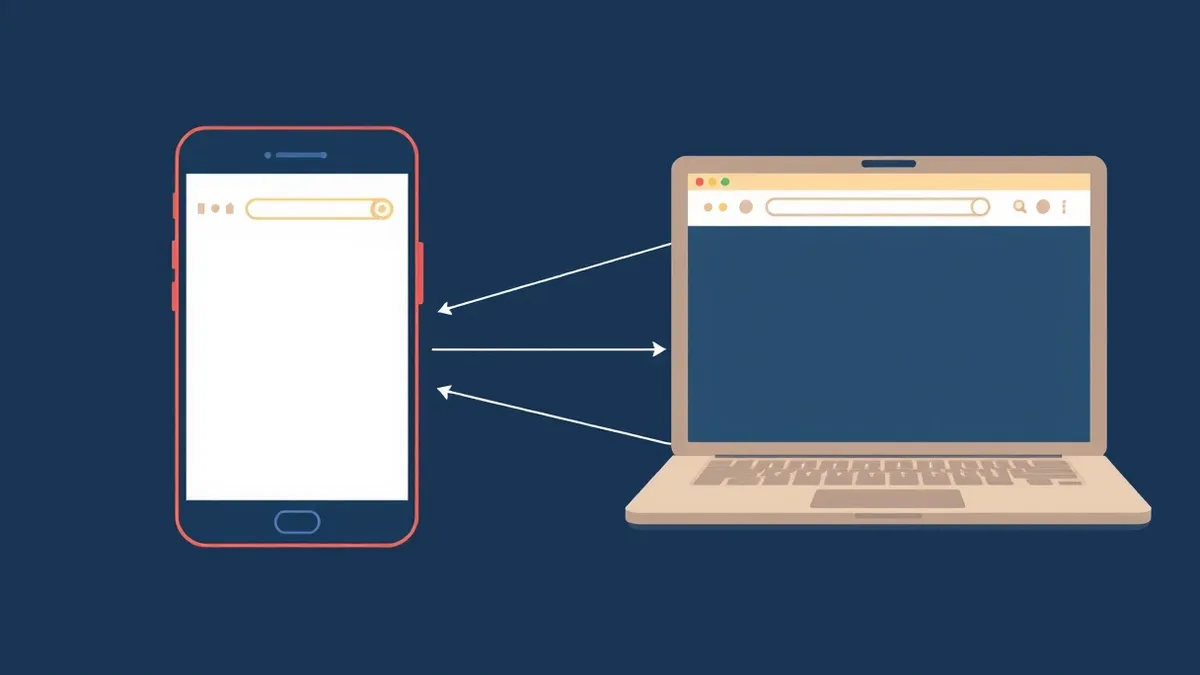
GhostProfile is a newly reported macOS implant that clones browser profiles to allow remote control of Chrome or Firefox sessions. According to Moonlock Lab, the malware creates a disposable copy of the victim’s browser profile, enabling attackers to interact with logged-in services without displaying activity on the user’s screen. This approach differs from traditional hidden-VNC tools that mirror the desktop, instead focusing on direct browser automation.
How does GhostProfile operate without mirroring the screen?
The malware creates a temporary browser-profile clone and controls it through the Chrome DevTools Protocol and WebDriver BiDi. According to Moonlock’s disclosure, this ghost browser retains the victim’s cookies, allowing an operator to navigate websites while keeping authentication state intact. The victim’s normal browser window remains open and unchanged, making the unauthorized access difficult to detect through visual inspection alone.
View the original post on X
What technical methods does the implant use to stay hidden?
GhostProfile moves its browser window to screen coordinates far outside the visible display area. It also modifies the browser’s automation flag and spoofs WebGL and plugin information to appear less like an automated tool. The operator receives JPEG screenshots of the hidden browser and can send simulated mouse clicks and keyboard input. These changes aim to make the automated browsing less obvious to websites, though Moonlock did not confirm whether all sites accept this disguise.
What are the implications for user account security?
The implant provides an environment where attackers can browse using the victim’s live logins, potentially accessing accounts whose sessions remain valid without additional password prompts. This capability moves beyond simple credential theft, as it allows real-time interaction with services. However, the disclosure does not establish that every website accepts the cloned session or that device-bound protections are bypassed. Success depends on the specific browser, session implementation, and service-side security controls.
What steps have vendors taken to mitigate this technique?
Starting with Chrome 136, Google stopped honoring the --remote-debugging-port and --remote-debugging-pipe flags against the default data directory unless a nonstandard --user-data-dir is supplied. According to Google, using a separate directory employs a different encryption key, protecting existing Chrome data from this attack route. This change addresses the profile-cloning mechanism used by GhostProfile, making the attack technically more difficult to execute against updated browsers.
What to do and how to stay safe: GhostProfile
- Monitor for unexpected browser processes or high CPU usage that may indicate a hidden browser instance running in the background.
- Review active sessions in your online accounts and log out of any unrecognized devices or locations.
- Keep your browser updated to the latest version, as vendors may implement protections against unauthorized remote debugging.
- Use strong, unique passwords and enable multi-factor authentication to reduce the impact of session hijacking.
Step-by-step guide: Build an Incident Response Plan That Actually Works
General security guidance from the Sandbox Dispatch newsroom. It is not confirmed advice from the organisations named in this story.
Frequently asked questions
Does GhostProfile steal passwords directly from the browser?
No, GhostProfile clones the browser profile to use existing active login sessions and cookies, rather than extracting passwords for later use.
Is GhostProfile currently being used in active attacks?
Moonlock Lab disclosed the malware on October 12 after receiving a sample, but the disclosure does not confirm widespread active exploitation.
Can users detect GhostProfile through screen mirroring?
No, GhostProfile does not mirror the victim’s screen; it creates a separate hidden browser window that is moved off-screen and controlled remotely.