Build an Incident Response Plan That Actually Works
Most response plans fail not because of bad tools, but because they assume human rationality during the physiological stress of a breach.
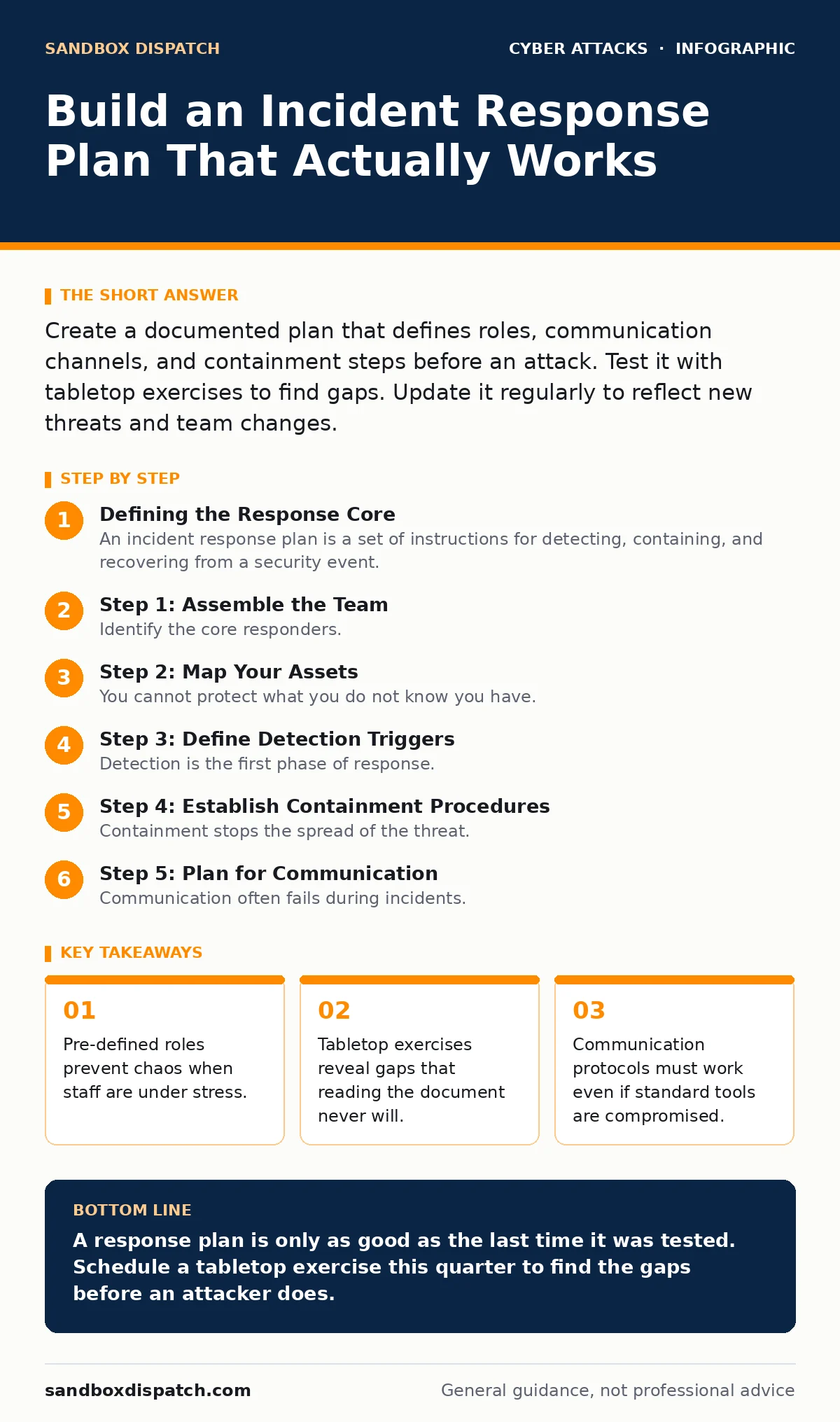
Create a documented plan that defines roles, communication channels, and containment steps before an attack. Test it with tabletop exercises to find gaps. Update it regularly to reflect new threats and team changes.
Defining the Response Core
An incident response plan is a set of instructions for detecting, containing, and recovering from a security event. It is not a technical manual for fixing code. It is a management framework for decision-making under pressure.
You must define who has authority to make decisions. During a crisis, debate slows action. One person must own the decision to shut down services or notify legal teams.
Define the scope of the plan. Does it cover only IT systems? Does it include physical security? If an attacker uses tailgating to enter a server room, your digital response plan is irrelevant without a physical security component.
Include external contacts. You will need law enforcement, legal counsel, and potentially a public relations firm. Having these numbers ready saves critical time.
Step 1: Assemble the Team
Identify the core responders. This team needs members from IT, legal, human resources, and executive leadership. Each role has a specific function during a crisis.
Write down the primary and secondary contact for each role. People leave companies. If your plan lists only one person per role, it breaks when that person is on vacation or unemployed.
Define the escalation path. Who decides to declare an incident? Who decides to contain it? Clarity here prevents hesitation.
Step 2: Map Your Assets
You cannot protect what you do not know you have. Create an inventory of critical systems. Identify which servers hold sensitive data. Identify which applications face the internet.
Map the dependencies between these systems. If you shut down a database server to contain malware, which applications will break? Understanding these links helps you make faster containment decisions.
Prioritize assets by business impact. Not all systems are equal. Focus your initial response on the systems that keep the business running.
Step 3: Define Detection Triggers
Detection is the first phase of response. You need clear signals that an incident has occurred. These signals should come from multiple sources.
Endpoint protection software can detect malware. Network monitors can see unusual traffic. Users can report suspicious activity. Relying on only one source creates blind spots.
Consider social engineering vectors. An employee might report a suspicious login alert. Another might fall for QR code phishing. Your detection plan must account for human-reported events, not just automated alerts.
Step 4: Establish Containment Procedures
Containment stops the spread of the threat. You need pre-approved actions for common scenarios. Do not wait to invent a solution while the clock ticks.
Define how you isolate affected systems. This might mean disconnecting network cables or blocking IP addresses. Document the exact steps.
Consider the trade-off between containment and availability. Shutting down a system stops the threat but stops business operations. Your plan must address this balance.
See also: Early Warning Signs of Cyber Espionage for Technical Teams · Jailbroken AI Response: Immediate Containment and Recovery Steps
Step 5: Plan for Communication
Communication often fails during incidents. Standard channels may be compromised. You need out-of-band communication methods.
Use phone calls, SMS, or a dedicated chat platform. Define who talks to the media. Only one person should speak to the press. Conflicting messages damage trust.
Step 6: Document Recovery Steps
Recovery restores normal operations. You must verify that the threat is gone before bringing systems back online. This verification step is often skipped due to pressure.
Define how you rebuild systems. Do you restore from backups? Do you rebuild from scratch? If you restore from backups, ensure those backups are clean.
Test your backup restoration process. A backup you cannot restore is useless. Verify that your backups are not infected.
Verification Checklist
Use this checklist to validate your plan.
- Roles are assigned to named individuals and backups.
- Contact information for external partners is current.
- Containment steps are documented for top three threat scenarios.
- Out-of-band communication methods are tested.
- Backup restoration process is documented and tested.
- Plan is accessible offline, in case network access is lost.
Upkeep and Testing
A plan that is never tested is a plan that will fail. Schedule regular tabletop exercises. These are discussions where the team walks through a hypothetical scenario.
Imagine a ransomware attack. Discuss each step. Identify where you get stuck. Update the plan based on these findings.
Review the plan after every real incident. Even small incidents reveal gaps. Update contact lists and procedures as the organization changes.
Consider emerging threats. Cybercrime-as-a-service lowers the barrier for attackers. New attack vectors appear constantly. Your plan must evolve.
Integrating with Related Processes
Your incident response plan does not exist in a vacuum. It connects to other security processes.
If you detect email spoofing, your response plan triggers. If you see login alerts indicating brute force, your plan activates. These connections must be explicit.
Ensure your endpoint protection tools feed into your detection triggers. Ensure your callback verification procedures for financial transactions are part of your fraud response.
Key takeaways
- Pre-defined roles prevent chaos when staff are under stress.
- Tabletop exercises reveal gaps that reading the document never will.
- Communication protocols must work even if standard tools are compromised.
A response plan is only as good as the last time it was tested. Schedule a tabletop exercise this quarter to find the gaps before an attacker does.
Frequently asked questions
How often should I update my incident response plan?
Update it after every significant change in infrastructure or team structure. Review it at least annually.
Do I need a plan if I am a small business?
Yes. Small businesses are frequent targets. A simple plan is better than no plan.
Who should lead the incident response team?
The leader should be someone with the authority to make operational decisions, often from IT or security management.
How do I test my plan without causing downtime?
Use tabletop exercises. Discuss scenarios on paper without executing technical steps on live systems.
How this guide was produced: written by the Sandbox Dispatch editorial team with AI assistance, checked against the public references listed below, and reviewed when the facts change. See our editorial policy or report an error.