Prompt injection in AI desktop apps: blocking malicious inputs
Desktop large language models execute local commands when tricked by untrusted text embedded in files, emails, or clipboard data.

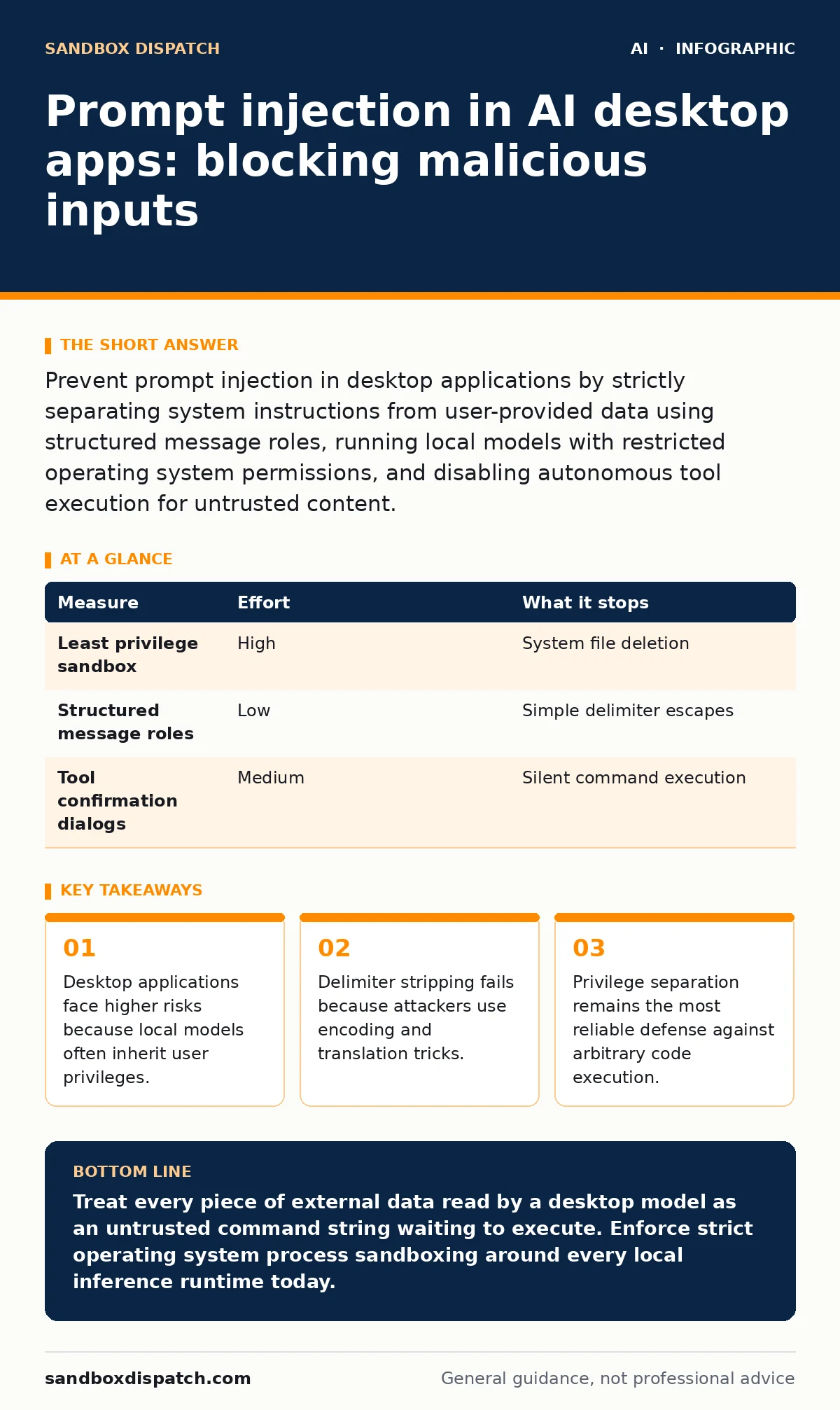
Prevent prompt injection in desktop applications by strictly separating system instructions from user-provided data using structured message roles, running local models with restricted operating system permissions, and disabling autonomous tool execution for untrusted content.
Understanding the Desktop Attack Surface
Desktop software running large language models combines untrusted external data with direct operating system access. This combination creates unique security flaws where text read from a local file commands the model to delete user directories. Prompt injection occurs when malicious instructions override original system directives. Developers building generative AI applications on local hardware must treat all incoming text as potentially hostile code rather than benign user input.
Traditional software assumes data cannot become code unless explicitly evaluated. Large language models blur this boundary entirely because they process instructions and data through the exact same token stream. Imagine an application summarizing a text document that contains hidden instructions commanding the model to exfiltrate local configuration files via a network request. The model treats the hidden text as a legitimate user command because context windows lack native instruction-data boundaries.
Prioritizing Prevention Measures
Ranking prevention measures depends on how effectively each control stops data from turning into instructions. Developers should prioritize architectural boundaries over algorithmic filters because models inherently struggle to distinguish data from commands. Reviewing security posture through systematic AI red teaming reveals which defensive layers fail first under pressure. 3 distinct security tiers define the hierarchy of desktop model protection.
| Measure | Effort | What it stops |
|---|---|---|
| Least privilege sandbox | High | System file deletion |
| Structured message roles | Low | Simple delimiter escapes |
| Tool confirmation dialogs | Medium | Silent command execution |
Structuring Input and System Prompts
Separating instructions from data requires strict application programming interface schemas rather than text delimiters. Models parse structured roles like system, user, and assistant differently depending on how the underlying framework formats the context window. Simple prefix strings fail because attackers easily craft payloads that mimic administrative headers.
Enforcing rigid structural boundaries ensures the model recognizes where untrusted content begins and ends. Developers must avoid concatenating raw user strings directly into system prompts. Modern inference runtimes provide native message array parameters that establish programmatic boundaries between administrative directives and external payloads.
Sandboxing Local Model Execution
Sandboxing restricts what a compromised model can touch on the host machine. Operating systems offer containerization tools and permission profiles that limit file system access and network sockets for local inference runtimes. Restricting these permissions ensures that even a successful injection cannot read sensitive user documents or transmit them externally.
Desktop applications run with the full permissions of the logged-in user by default. Granting an AI runtime unrestricted disk access turns a simple instruction override into a total system compromise. Isolating the inference process inside a restricted container or virtual environment limits potential damage to a throwaway temporary directory.
Controlling Tool Use and Function Calling
Function calling amplifies danger when models interact with local operating system application programming interfaces. Applications built around agentic AI frameworks often grant models the ability to execute shell commands, modify files, or send network requests automatically. Disabling autonomous execution for untrusted inputs forces the application to pause and require human approval before running any detected tool calls.
Suppose an AI assistant receives an email containing hidden instructions to invoke a file deletion tool. If the application executes tool calls without human verification, the injection succeeds instantly. Requiring an explicit button click from the user breaks the attack chain before the local system executes the requested function.
See also: How to Implement LLM Guardrails: A Step-by-Step Architecture · Prompt Injection vs Jailbreaking: Which Defense Fits Your System
Handling Multimodal Data Streams
Multimodal inputs introduce hidden injection vectors inside images, audio clips, and portable document format files. Attackers hide textual instructions within pixel patterns or audio frequencies that human reviewers overlook during casual inspection. Parsing these files requires stripping metadata and rendering content through isolated conversion pipelines before it reaches the context window.
Visual text recognition engines process text extracted from images with the exact same weight as typed user input. Developers must treat all extracted text from non-text files as untrusted external data. Implementing strict size limits and sanitization on extracted text prevents oversized payloads from overwhelming the model context.
Verifying Resilience Through Testing
- Restrict local model process permissions using operating system isolation features.
- Implement explicit user confirmation prompts before executing any tool or function call.
- Enforce strict structured message framing for all external text inputs.
Systematic validation uncovers flaws before software reaches end users. Testing requires crafting specialized injection payloads designed to trick the application into performing unauthorized actions on local files. Automated test suites should continuously evaluate how the model handles adversarial inputs across multiple file formats and interaction channels.
Key takeaways
- Desktop applications face higher risks because local models often inherit user privileges.
- Delimiter stripping fails because attackers use encoding and translation tricks.
- Privilege separation remains the most reliable defense against arbitrary code execution.
Treat every piece of external data read by a desktop model as an untrusted command string waiting to execute. Enforce strict operating system process sandboxing around every local inference runtime today.
Frequently asked questions
Can fine-tuning stop prompt injection?
Fine-tuning teaches a model preferred styles and behaviors, but it does not remove the fundamental vulnerability to instruction overrides embedded in untrusted data.
Why are desktop apps more vulnerable than web servers?
Desktop apps execute locally with user file permissions and direct access to local system tools, whereas web servers usually run behind isolated cloud containers.
How this guide was produced: written by the Sandbox Dispatch editorial team with AI assistance, checked against the public references listed below, and reviewed when the facts change. See our editorial policy or report an error.