How to Implement LLM Guardrails: A Step-by-Step Architecture
Guardrails shift trust from the model to the pipeline, preventing output manipulation even when the underlying AI fails or is compromised.

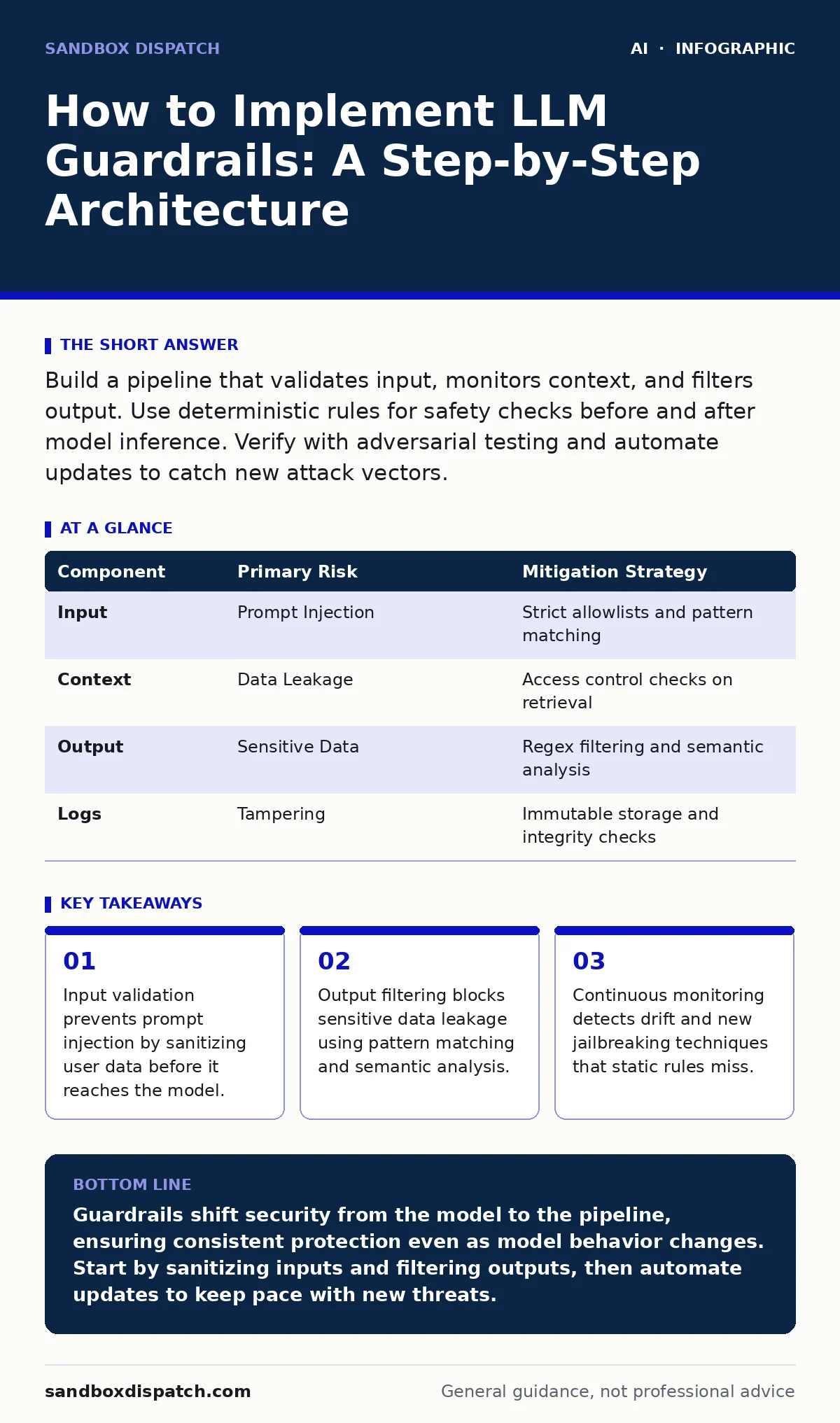
Build a pipeline that validates input, monitors context, and filters output. Use deterministic rules for safety checks before and after model inference. Verify with adversarial testing and automate updates to catch new attack vectors.
Define Your Trust Boundary
You must decide where control ends and the model begins. Large language models are probabilistic engines that predict the next token. They do not understand truth or safety. Your system must enforce these concepts externally. This external layer is the guardrail. It sits between the user and the model. It also sits between the model and the final response. Without this boundary, you rely on the model’s internal alignment.
That alignment shifts with every update. It can also be bypassed by clever phrasing. You need a deterministic layer that does not guess. It must follow strict rules. These rules are easier to audit than neural weights. They are also easier to change. You define what is acceptable input. You define what is acceptable output. Everything else is rejected or modified. This separation keeps your application stable even if the model behaves unpredictably.
Step 1: Sanitize Input Prompts
The first line of defense is the input. Users often paste data they copied from other sources. This data may contain hidden instructions. These instructions are known as prompt injections. Imagine a user pastes a support ticket that includes a command to ignore previous instructions. The model might follow that hidden command. Your guardrail must strip or flag such content. Use allowlists for expected data types.
If you expect an email address, validate the format strictly. Reject anything that looks like code or commands. Check for known injection patterns. Look for phrases that ask the model to role-play or ignore rules. This step reduces the attack surface significantly. It does not stop all attacks. Sophisticated attacks use indirect phrasing. But it stops the obvious ones. You tell it worked when rejected inputs increase while valid inputs pass unchanged.
Step 2: Control Context Retrieval
Many applications retrieve documents to answer questions. This technique is called retrieval-augmented generation. The retrieved text becomes part of the prompt. If that text is malicious, the model will process it. You must guard the retrieval stage. Verify the source of each document. Check if the document has been altered since indexing. Use metadata to enforce access controls.
Do not retrieve documents the user is not authorized to see. This prevents data leakage across user boundaries. It also prevents the model from citing forged sources. You tell it worked when the model only references approved documents. Monitor for cases where the model ignores the retrieved context. This indicates a failure in the instruction layer.
Step 3: Filter Model Outputs
The model generates text token by token. You cannot always predict what it will say. You must inspect the final output. Use regular expressions to find sensitive patterns. Look for credit card numbers or social security numbers. Block them immediately. Use semantic analysis to detect harmful content. Check for hate speech or illegal advice.
This step is slower than input validation. It adds latency to the response. You must balance speed with safety. For high-risk applications, prioritize safety. For chatbots, prioritize speed. You tell it worked when flagged outputs are caught before reaching the user. Review the false positive rate. If you block too much, users will leave. If you block too little, you risk harm.
Step 4: Log and Monitor Behavior
Guardrails are not static. Attackers adapt. You must track how your system performs. Log every input and output. Record which guardrail triggered a block. Store this data securely. Analyze trends over time. Look for new patterns in rejected inputs. This helps you update your rules. It also helps you identify false positives. If a legitimate user is blocked, you must fix the rule. You tell it worked when you can trace every incident back to a specific rule. This traceability is vital for debugging. It is also vital for compliance. You must be able to prove that you checked for risks.
See also: Prompt Injection vs Jailbreaking: Which Defense Fits Your System · How Insecure AI Plugins and Agents Fail: A Step-by-Step Breakdown
Step 5: Automate Rule Updates
Manual updates are slow. New threats emerge daily. You need a way to update rules quickly. Use a configuration file for your guardrails. Store this file in version control. Deploy changes through a pipeline. Test new rules in a staging environment. Do not deploy directly to production. Use canary deployments to test on a small group. This reduces the risk of breaking the system. You tell it worked when new rules are deployed without downtime. Monitor the impact of each change. If a new rule blocks too many valid requests, roll it back. This agility keeps your system secure. It also keeps it usable.
Verification Checklist
You must verify that your guardrails work. Use this checklist to test your implementation.
- Input validation rejects known prompt injection patterns.
- Output filtering blocks sensitive data patterns.
- Context retrieval enforces access controls.
- Logs capture all blocked requests.
- Rules can be updated without redeploying the model.
- False positive rate is within acceptable limits.
- System handles high traffic without dropping packets.
Upkeep and Drift Detection
Models change over time. This is known as model drift. A model that was safe last month may be unsafe today. You must re-test your guardrails regularly. Use automated tests to check for regressions. Include adversarial examples in your test suite. These are inputs designed to break the system. Test for jailbreaking AI chatbots by trying to bypass filters. Test for data poisoning attacks by injecting bad data into the retrieval index. Review your logs weekly. Look for new attack patterns. Update your rules accordingly. This process is ongoing. There is no final state of security. You must stay active.
Common Pitfalls to Avoid
One common pitfall is over-reliance on complexity. Complex rules are hard to maintain. They are also hard to debug. Keep your rules simple. Use clear logic. Another pitfall is ignoring user experience. If your guardrails are too strict, users will find ways around them. They may leave the application. Balance security with usability. Test with real users. Get feedback on blocked requests. Use this feedback to refine your rules. Do not assume you know what users will try. They are creative. You must be adaptable.
Another pitfall is neglecting the supply chain. Your guardrails depend on libraries and frameworks. These dependencies can have vulnerabilities. Keep them updated. Audit them regularly. Do not trust third-party code blindly. Verify that it does what it claims. This is part of your overall security posture. It is not optional.
| Component | Primary Risk | Mitigation Strategy |
|---|---|---|
| Input | Prompt Injection | Strict allowlists and pattern matching |
| Context | Data Leakage | Access control checks on retrieval |
| Output | Sensitive Data | Regex filtering and semantic analysis |
| Logs | Tampering | Immutable storage and integrity checks |
Integrating with Broader Security
Guardrails are one part of a larger system. They work best with other controls. Consider how they interact with deepfake detection if you generate media. Consider how they relate to AI bias in your training data. Ensure your framework aligns with the NIST AI Risk Management Framework. This provides a structured approach to risk. It helps you prioritize your efforts. It also helps you communicate with stakeholders. You are not just building a feature. You are building a trust system. This system must be transparent. It must be accountable. It must be resilient.
Key takeaways
- Input validation prevents prompt injection by sanitizing user data before it reaches the model.
- Output filtering blocks sensitive data leakage using pattern matching and semantic analysis.
- Continuous monitoring detects drift and new jailbreaking techniques that static rules miss.
Guardrails shift security from the model to the pipeline, ensuring consistent protection even as model behavior changes. Start by sanitizing inputs and filtering outputs, then automate updates to keep pace with new threats.
Frequently asked questions
How do I prevent prompt injection in my LLM application?
Use strict input validation and allowlists. Reject any input that contains code or commands. Sanitize user data before it reaches the model.
What is the best way to filter sensitive data from outputs?
Use regular expressions to detect patterns like credit card numbers. Combine this with semantic analysis to catch contextual leaks.
How often should I update my guardrail rules?
Update them whenever you detect new attack patterns. Automate this process to ensure timely responses to emerging threats.
Can guardrails stop all AI hallucinations?
No. Guardrails can flag likely hallucinations using fact-checking or confidence scores. They cannot guarantee truth in all cases.
How this guide was produced: written by the Sandbox Dispatch editorial team with AI assistance, checked against the public references listed below, and reviewed when the facts change. See our editorial policy or report an error.