Endpoint Protection: How It Stops Attacks Beyond the Firewall
See how endpoint tools detect malicious behavior on devices, filling the gap that network defenses miss when threats bypass perimeter controls.

Endpoint protection secures individual devices like laptops and servers by monitoring for malicious activity. It combines antivirus, firewall, and behavioral analysis to stop threats that bypass network defenses. It acts as the last line of defense when attackers reach your hardware.
The Digital Lock on Your Door
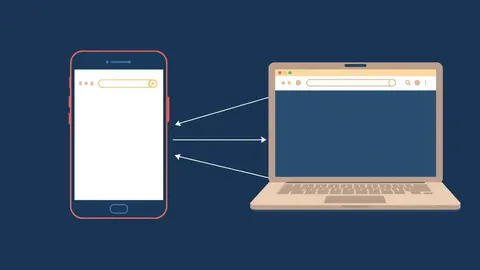
Imagine a house with a strong gate. The gate stops strangers from walking in, but it cannot stop someone who already has a key. Endpoint protection is that keyholder. It sits on every device that connects to your network. Laptops, servers, and mobile phones all become endpoints. Each one is a potential entry point for an attacker. If the perimeter fails, the endpoint is the final barrier. It watches what happens on the device itself. This shifts the focus from the network edge to the hardware. You protect the asset, not just the path to it.
Why Perimeter Defenses Fall Short
Traditional security relies on firewalls. Firewalls filter traffic based on rules. They allow or block data packets. This works well for external threats. It struggles when an insider acts maliciously. It also fails when a user clicks a link in a phishing email. The connection is legitimate. The traffic looks normal. The firewall lets it through. Once the payload lands on the device, the network defense is blind. Endpoint protection closes this gap. It monitors the device after the connection is established. It sees the execution of code. It detects the change in system state. This local visibility is critical for modern threats.
Core Components of Modern Protection
Modern endpoint protection is not just antivirus software. It is a suite of technologies working together. Antivirus scans files against a database of known threats. This is signature-based detection. It is fast but limited to known malware. Behavioral analysis watches how programs act. It looks for patterns that suggest malicious intent.
For example, a text editor trying to modify system files is suspicious. Firewall controls inbound and outbound connections. It stops the device from talking to command-and-control servers. Device control manages USB drives and other peripherals. It prevents data theft via physical media. These components feed data to a central console. This allows for coordinated response.
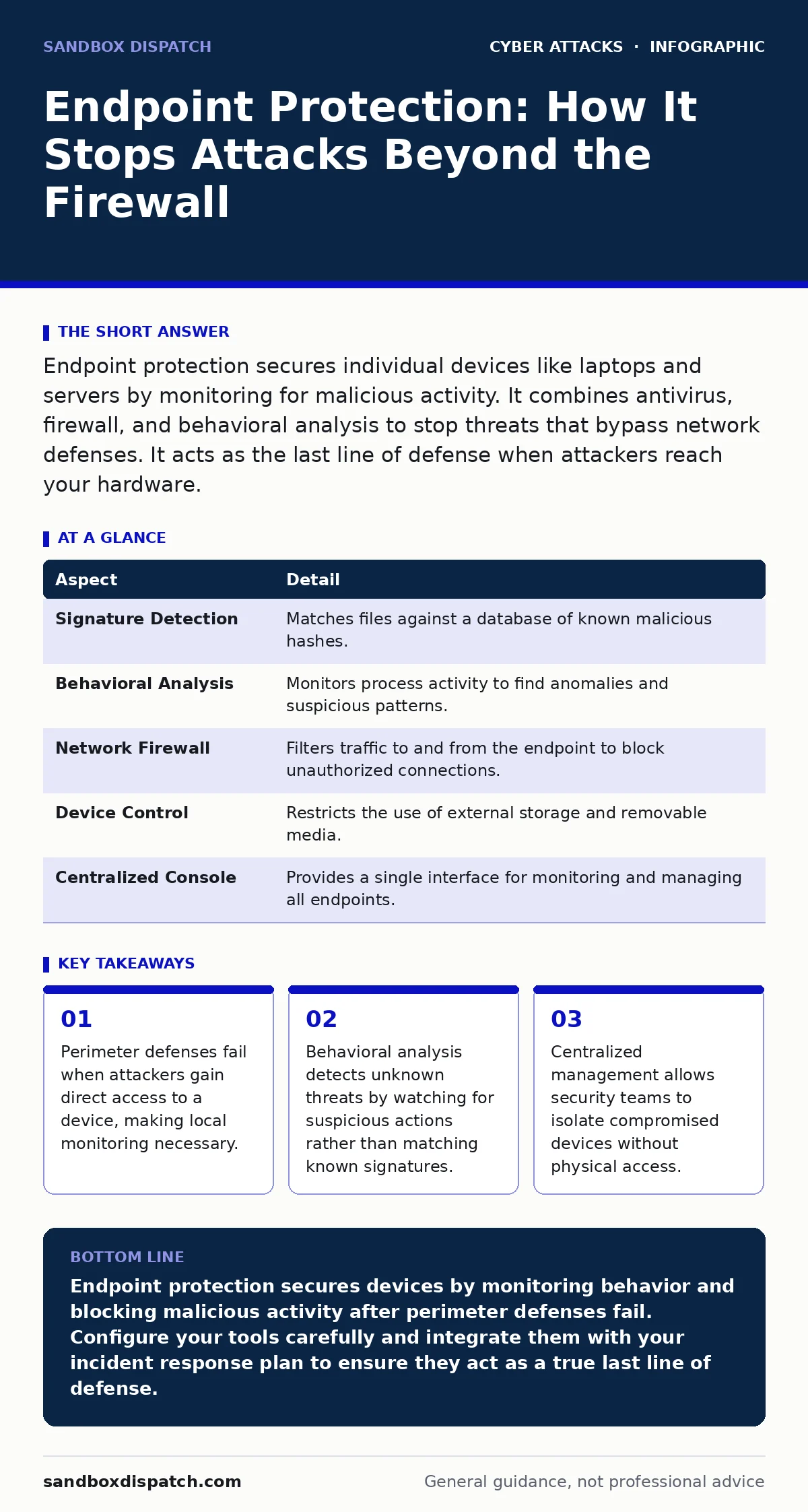
| Aspect | Detail |
|---|---|
| Signature Detection | Matches files against a database of known malicious hashes. |
| Behavioral Analysis | Monitors process activity to find anomalies and suspicious patterns. |
| Network Firewall | Filters traffic to and from the endpoint to block unauthorized connections. |
| Device Control | Restricts the use of external storage and removable media. |
| Centralized Console | Provides a single interface for monitoring and managing all endpoints. |
How It Fits With Other Defences
Endpoint protection does not work in isolation. It is part of a layered security strategy. Network security stops threats at the border. Email security filters malicious messages. Application security ensures code is safe. Endpoint protection handles what slips through. It is the last line of defense. If an attacker bypasses the email filter, the endpoint detects the malicious attachment. If they exploit a web vulnerability, the endpoint stops the exploit kit. This layering reduces the risk of total compromise. Each layer adds friction for the attacker. Friction increases the chance of detection. It also buys time for response.
The Role of Behavioral Analysis
Signature-based detection has a major flaw. It cannot stop new threats. Attackers create new malware daily. These zero-day exploits have no known signature. Behavioral analysis solves this. It does not care what the file is named. It cares what the file does. It looks for indicators of compromise. These indicators include rapid file encryption.
They include attempts to disable security software. They include unusual network connections. This method catches unknown malware. It also catches legitimate software used maliciously. This is known as living off the land. Attackers use built-in tools like PowerShell to hide. Behavioral analysis spots the abnormal use. It flags the activity for review.
What People Usually Get Wrong
Many organizations treat endpoint protection as a set-and-forget tool. They install it and ignore the alerts. This is a dangerous mistake. The tools generate noise. They need tuning. Without tuning, they produce false positives. False positives disrupt work. They cause users to disable the protection. This creates a larger security hole. Another mistake is relying solely on the endpoint. If the endpoint is compromised, it is too late. You must prevent the compromise. Use application whitelisting. This allows only approved software to run. It stops most malware before it executes. It reduces the attack surface significantly.
The Hidden Cost of Complexity
Endpoint protection adds complexity to IT operations. Every device needs an agent. The agent consumes resources. It uses CPU and memory. This can slow down older devices. It may impact performance. You must balance security with usability. If the device is too slow, users complain. They may seek workarounds. Workarounds often bypass security. Another cost is management overhead. You must update policies. You must investigate alerts. You must patch vulnerabilities. This requires skilled staff. If you lack expertise, the tool is useless. It becomes a data collection point. It does not protect you. Invest in training and automation. Automate routine tasks. Free up staff for complex analysis.
Integration With Incident Response
Endpoint protection is only as good as your response. Detection is the first step. Response is the second. When a threat is detected, you must act. Isolate the device from the network. This stops lateral movement. Collect forensic data. This helps identify the scope. Determine how the attacker got in. Patch the vulnerability. This prevents recurrence. Endpoint protection tools often include these features. They allow remote isolation. They capture memory dumps. They provide logs for analysis. This integration speeds up response. It reduces the damage. It helps you recover faster. Without fast response, detection is just a warning. It does not stop the breach.
Key takeaways
- Perimeter defenses fail when attackers gain direct access to a device, making local monitoring necessary.
- Behavioral analysis detects unknown threats by watching for suspicious actions rather than matching known signatures.
- Centralized management allows security teams to isolate compromised devices without physical access.
Endpoint protection secures devices by monitoring behavior and blocking malicious activity after perimeter defenses fail. Configure your tools carefully and integrate them with your incident response plan to ensure they act as a true last line of defense.
Frequently asked questions
Does endpoint protection replace antivirus?
Yes, modern endpoint protection platforms include antivirus capabilities along with behavioral analysis and firewall features. It provides a more complete layer of security than standalone antivirus.
Can endpoint protection stop ransomware?
It can detect and block ransomware by monitoring for suspicious file encryption patterns. It may also isolate the device to prevent the spread, though recovery still requires backups.
Is endpoint protection needed for home users?
Home users benefit from basic antivirus and firewall features. Advanced behavioral analysis is less critical but still helpful against targeted attacks or phishing.
How does it handle remote workers?
Endpoint protection works independently of the network. It secures the device wherever it connects, making it essential for remote and hybrid work environments.
How this guide was produced: written by the Sandbox Dispatch editorial team with AI assistance, checked against the public references listed below, and reviewed when the facts change. See our editorial policy or report an error.