IoT Malware Mistakes That Compromise Your Network Security
Default credentials and unpatched firmware allow attackers to pivot from a smart lightbulb to your core server infrastructure within minutes.

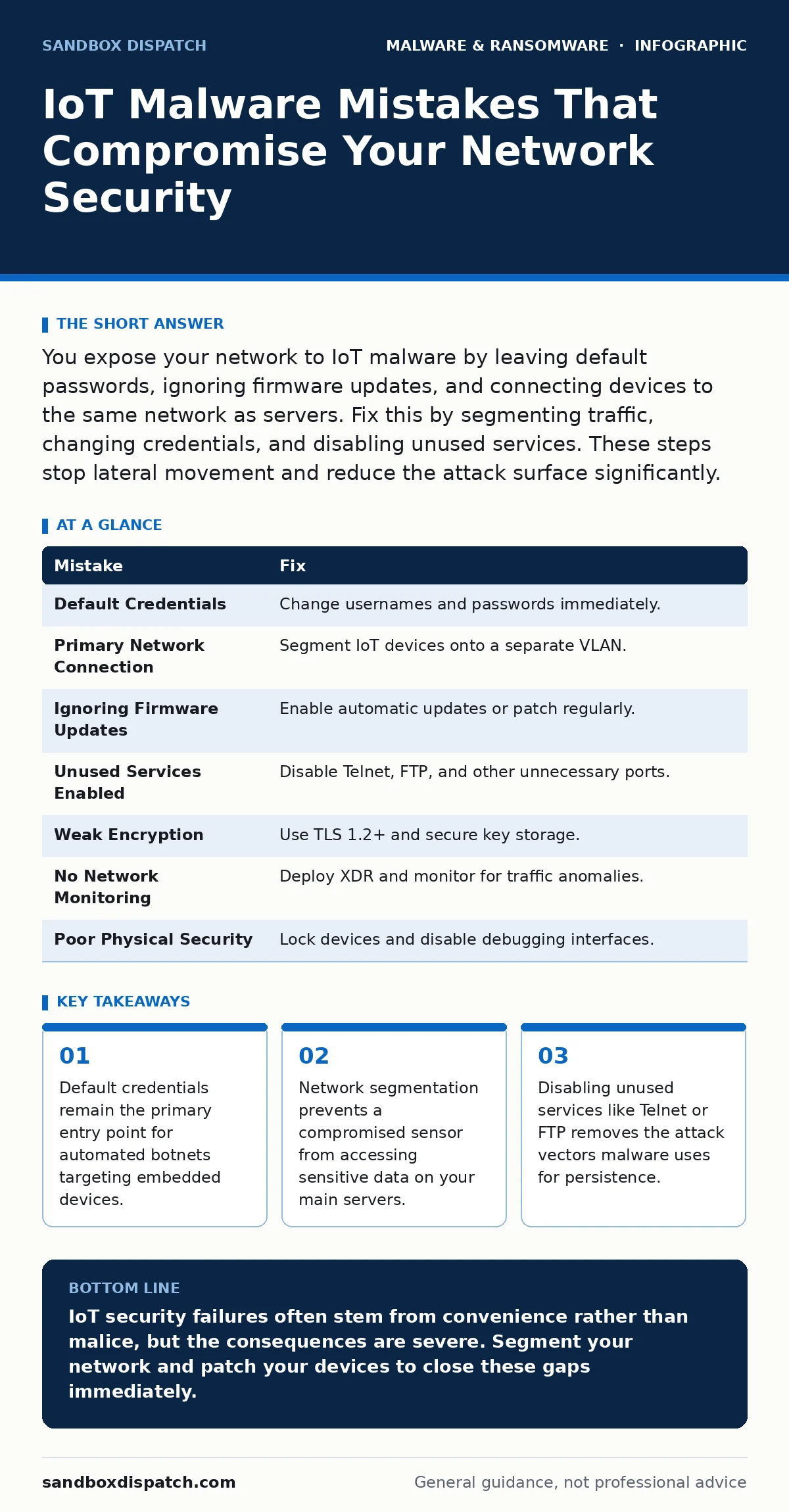
You expose your network to IoT malware by leaving default passwords, ignoring firmware updates, and connecting devices to the same network as servers. Fix this by segmenting traffic, changing credentials, and disabling unused services. These steps stop lateral movement and reduce the attack surface significantly.
Mistake 1: Leaving Default Credentials on New Devices
Why it hurts: Manufacturers ship devices with known username and password combinations to simplify setup. Attackers use automated scanners to find these devices on the public internet. Once an attacker logs in with the default credentials, they gain full control of the device. They can install malware, steal data, or use the device as a pivot point to attack other systems. This mistake allows immediate unauthorized access without any exploitation of software vulnerabilities.
The fix: Change the default username and password immediately after setup. Use a unique, complex password for each device. If the device does not allow you to change the username, use a strong password that differs from any other account you manage. Document these credentials in a secure password manager. Never reuse passwords across different devices or services. This simple step blocks the most common initial access vector used by malware distributors.
Mistake 2: Connecting IoT Devices to the Primary Network
Why it hurts: IoT devices often have weaker security controls than laptops or servers. Placing them on the same network segment as your critical systems allows malware to move laterally. A compromised smart thermostat can scan your internal network and exploit vulnerabilities in your file servers. This lack of segmentation turns a low-value target into a high-risk entry point. Attackers use this trust relationship to bypass perimeter defenses and reach valuable assets directly.
The fix: Implement network segmentation using VLANs or separate subnets. Place IoT devices on a dedicated network that cannot initiate connections to your primary server or workstation networks. Use a firewall to restrict traffic between these segments. Allow only necessary communication, such as a sensor sending data to a specific application server. This containment strategy limits the blast radius of a compromise. Even if malware infects an IoT device, it cannot easily reach your sensitive data.
Mistake 3: Ignoring Firmware Updates and Security Patches
Why it hurts: Firmware updates often contain patches for known security vulnerabilities. Leaving devices on outdated firmware leaves these holes open for exploitation. Malware authors target these known flaws because the exploit code is widely available. An unpatched device is an easy target for automated attacks. You also miss out on security improvements and bug fixes that harden the device against new threats. This negligence effectively invites attackers to use public exploit kits against your infrastructure.
The fix: Enable automatic firmware updates if the device supports it. If automatic updates are not available, check the manufacturer’s website regularly for new releases. Apply patches as soon as they become available. Verify that the update process is secure and signed to prevent downgrade attacks. If a device no longer receives updates, consider replacing it. Unsupported devices pose a continuous risk that grows over time as new exploits are discovered and published.
Mistake 4: Failing to Disable Unused Services and Ports
Why it hurts: IoT devices often come with unnecessary services enabled, such as Telnet, FTP, or SSH. These services increase the attack surface by providing more entry points for attackers. Each open port is a potential gateway for malware. Attackers scan for these common services and attempt to exploit known vulnerabilities or brute-force access. Disabling these services reduces the number of ways an attacker can compromise the device. It also limits the commands an attacker can execute if they do gain access.
The fix: Audit the services running on each device. Disable any service that is not required for the device’s core function. Use the device configuration interface to turn off Telnet, FTP, and other legacy protocols. Replace insecure protocols with secure alternatives when possible. For example, use SFTP instead of FTP. Regularly review open ports using network scanning tools to ensure no new services have been enabled. This hardening reduces the likelihood of successful exploitation and limits the impact of any breach.
Mistake 5: Using Weak Encryption or No Encryption for Data
Why it hurts: IoT devices often transmit data in plaintext or use weak encryption protocols. This allows attackers to intercept and read sensitive information. They can capture credentials, sensor data, or control commands. Weak encryption is easily broken with modern computing power. Even strong encryption can be compromised if keys are stored insecurely on the device. This exposure leads to data theft and allows attackers to manipulate device behavior. It also violates compliance requirements for data protection in many industries.
The fix: Ensure all data transmitted by IoT devices is encrypted using strong protocols like TLS 1.2 or higher. Disable older, insecure protocols like WEP or SSL. Use certificate-based authentication to verify the identity of devices and servers. Store encryption keys securely using hardware security modules or secure enclaves. Regularly rotate encryption keys to limit the impact of a key compromise. This protects data in transit and at rest, making it much harder for attackers to extract useful information.
See also: Behavior Based Detection: How Runtime Analysis Stops Unknown Threats · Tamper Protection Misunderstandings: 6 Myths That Weaken Security
Mistake 6: Neglecting Network Monitoring and Anomaly Detection
Why it hurts: IoT devices often behave differently from standard computers. They may send regular, small packets of data. Traditional security tools may not detect malicious activity on these devices. Attackers can use compromised IoT devices for low-and-slow attacks that evade detection. Without monitoring, you may not realize a device is compromised until significant damage has occurred. This lack of visibility allows malware to persist and expand its foothold in your network. It also delays incident response and increases the cost of remediation.
The fix: Deploy network monitoring tools that can analyze traffic from IoT devices. Look for anomalies in traffic patterns, such as unusual volumes or destinations. Use extended detection and response (XDR) solutions to correlate events across different security tools. Set up alerts for suspicious activities, such as a device communicating with known malicious IP addresses. Regularly review logs and alerts to identify potential threats. This proactive approach helps you detect and respond to malware infections before they cause widespread damage.
Mistake 7: Overlooking Physical Security and Device Hardening
Why it hurts: IoT devices are often deployed in physically accessible locations. Attackers can physically tamper with these devices to extract data or install malware. They may connect debugging interfaces or remove storage chips for analysis. Physical access allows attackers to bypass many software security controls. This risk is particularly high for devices in public or semi-public areas. Ignoring physical security leaves a critical gap in your defense strategy that software patches cannot address.
The fix: Secure IoT devices in locked enclosures or restricted areas. Disable physical debugging interfaces like JTAG or UART when not in use. Use tamper-evident seals to detect unauthorized access. Implement hardware-based security features like secure boot and hardware root of trust. Regularly inspect devices for signs of tampering. This physical hardening complements software security measures and protects against direct physical attacks. It also deters casual tampering and makes sophisticated attacks more difficult to execute.
| Mistake | Fix |
|---|---|
| Default Credentials | Change usernames and passwords immediately. |
| Primary Network Connection | Segment IoT devices onto a separate VLAN. |
| Ignoring Firmware Updates | Enable automatic updates or patch regularly. |
| Unused Services Enabled | Disable Telnet, FTP, and other unnecessary ports. |
| Weak Encryption | Use TLS 1.2+ and secure key storage. |
| No Network Monitoring | Deploy XDR and monitor for traffic anomalies. |
| Poor Physical Security | Lock devices and disable debugging interfaces. |
Key takeaways
- Default credentials remain the primary entry point for automated botnets targeting embedded devices.
- Network segmentation prevents a compromised sensor from accessing sensitive data on your main servers.
- Disabling unused services like Telnet or FTP removes the attack vectors malware uses for persistence.
IoT security failures often stem from convenience rather than malice, but the consequences are severe. Segment your network and patch your devices to close these gaps immediately.
Frequently asked questions
How do I know if my IoT device has been compromised?
Look for unusual network traffic, unexpected reboots, or changes in device behavior. Check for unauthorized firmware versions or new accounts.
Can IoT malware spread to my personal computer?
Yes, if your IoT device and computer are on the same network without segmentation. Malware can exploit vulnerabilities in your computer’s software.
What is the best way to secure a smart home?
Use a separate network for smart devices, change default passwords, and keep firmware updated. Disable remote access features if not needed.
Do I need antivirus software on IoT devices?
Most IoT devices do not support traditional antivirus. Focus on network segmentation, firmware updates, and disabling unused services instead.
How this guide was produced: written by the Sandbox Dispatch editorial team with AI assistance, checked against the public references listed below, and reviewed when the facts change. See our editorial policy or report an error.