Tamper Protection Misunderstandings: 6 Myths That Weaken Security
Tamper protection blocks unauthorized changes to security software, but it does not stop malware from running in memory or stealing data from an active session.

Tamper protection prevents attackers from disabling your endpoint security agent. It does not block all malware, stop ransomware encryption, or prevent data theft. Misunderstanding these limits leads to false confidence. You must combine it with application control and least privilege to reduce risk effectively.
Misreading: Tamper protection stops all malware
Correct reading: Tamper protection only protects the security agent itself from being stopped, uninstalled, or modified. It does not scan for or block every piece of malicious code on your system. An attacker can still execute a script, launch a process, or exploit a vulnerability without touching the security agent. If the malware does not attempt to disable the defender, tamper protection remains silent. You must assume the agent is watching, but not that it is catching everything. This distinction matters when evaluating your overall defense posture against advanced threats.
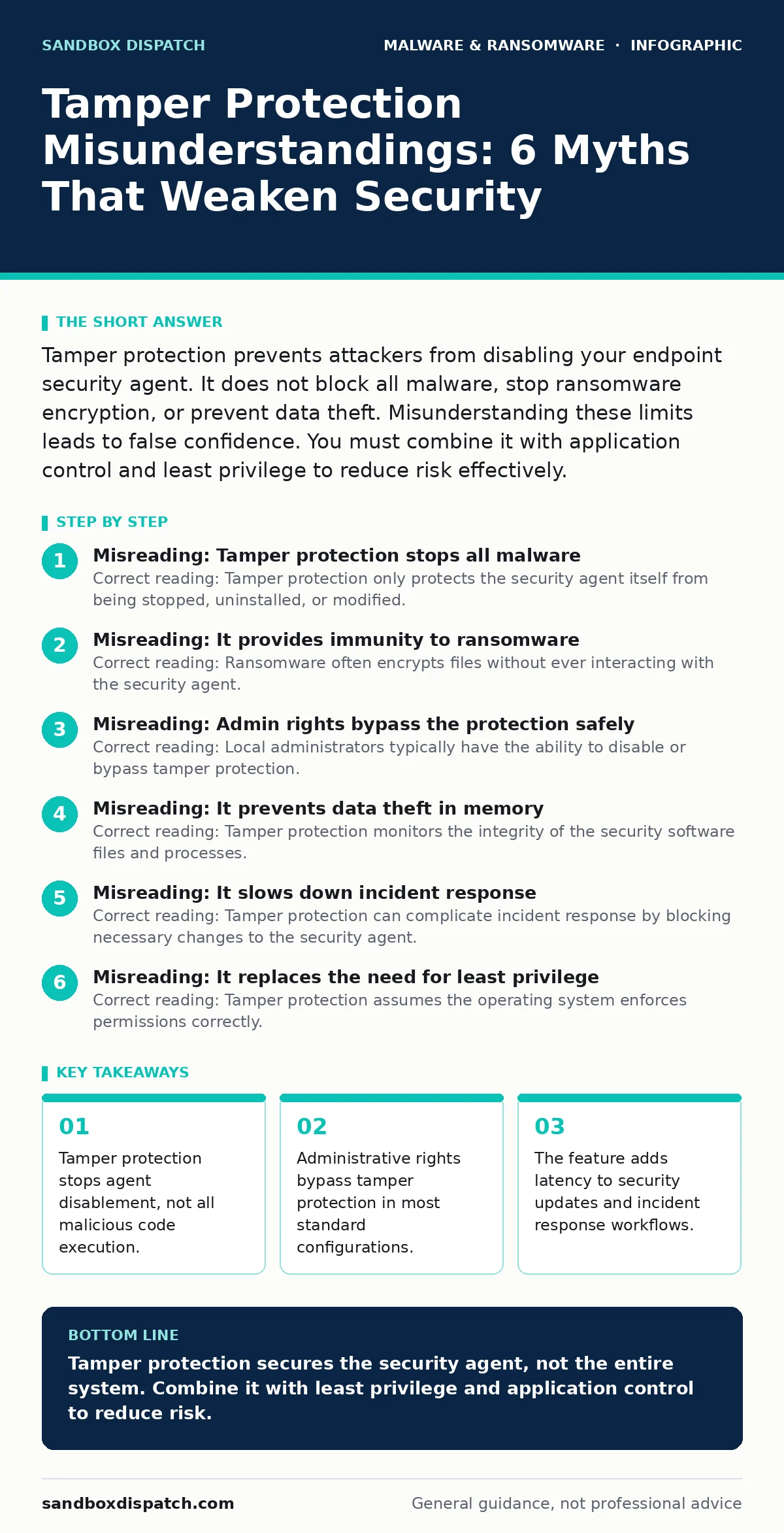
Misreading: It provides immunity to ransomware
Correct reading: Ransomware often encrypts files without ever interacting with the security agent. Tamper protection cannot stop an application from writing encrypted data to disk if that application is running with sufficient permissions. The feature prevents the attacker from turning off the antivirus, but it does not prevent the encryption process itself. You need application allowlisting and controlled folder access to stop ransomware behavior. Relying solely on tamper protection leaves your data exposed to file-level attacks that operate within normal system boundaries.
Misreading: Admin rights bypass the protection safely
Correct reading: Local administrators typically have the ability to disable or bypass tamper protection. This is a design choice to allow IT staff to manage the agent. However, it means that any process running with administrative privileges can effectively neutralize this security layer. Attackers who escalate privileges to admin level can often disable the protection or uninstall the agent entirely. You must limit administrative access strictly. If every user has admin rights, tamper protection offers little value against sophisticated threats that achieve privilege escalation.
Misreading: It prevents data theft in memory
Correct reading: Tamper protection monitors the integrity of the security software files and processes. It does not monitor the contents of application memory. Malware that steals credentials, reads clipboard data, or captures keystrokes operates in memory. These actions do not require modifying the security agent. Tools like crypto-stealing malware or clipboard hijackers often succeed because they operate above the layer that tamper protection secures. You need memory forensics capabilities and behavioral monitoring to detect these in-memory threats. File integrity alone is insufficient for data protection.
Misreading: It slows down incident response
Correct reading: Tamper protection can complicate incident response by blocking necessary changes to the security agent. Responders may need to disable real-time scanning to prevent a false positive from locking a system, or to analyze a malicious file without triggering immediate deletion. Tamper protection adds a step to these workflows. You must establish a clear process for temporarily suspending tamper protection during investigations. This suspension must be logged and time-bound. Without this procedure, responders may struggle to contain or analyze threats effectively.
See also: Exploit Chains: How Attackers Link Weaknesses to Break In · Mobile Malware Defined: Hidden Costs and Defense Strategies
Misreading: It replaces the need for least privilege
Correct reading: Tamper protection assumes the operating system enforces permissions correctly. If a user account has excessive rights, malware can perform actions that tamper protection does not monitor. Least privilege ensures that processes run with the minimum permissions required. This reduces the attack surface and limits what malware can do even if it bypasses the security agent. You must combine tamper protection with strict permission models. Ignoring least privilege undermines the value of tamper protection because attackers can operate within the allowed permissions without triggering alerts.
Misreading: It is a silver bullet for endpoint security
Correct reading: Endpoint security requires multiple layers. Tamper protection is one control among many. It protects the sensor, not the system. You must combine it with network segmentation, application control, and user training. Extended detection and response (XDR) platforms integrate data from multiple sources to provide a broader view. Tamper protection feeds into this ecosystem but does not replace it. Relying on a single feature creates a single point of failure. A layered approach ensures that if one control fails, others remain to detect or stop the threat.
Misreading: It blocks all persistence mechanisms
Correct reading: Malware uses various methods to persist on a system. Some methods involve modifying system files that the security agent monitors. Tamper protection helps here. Other methods involve creating scheduled tasks, registry run keys, or service entries. These actions do not necessarily modify the security agent. The agent may detect them, but tamper protection does not. You need specific rules to monitor for persistence techniques. DLL sideloading, for example, allows malware to run via legitimate applications. Tamper protection does not stop this unless the agent has specific detection rules for it.
Key takeaways
- Tamper protection stops agent disablement, not all malicious code execution.
- Administrative rights bypass tamper protection in most standard configurations.
- The feature adds latency to security updates and incident response workflows.
- It does not protect data in transit or within active application memory.
Tamper protection secures the security agent, not the entire system. Combine it with least privilege and application control to reduce risk.
Frequently asked questions
Does tamper protection stop remote access tool abuse?
No, it only prevents the security agent from being disabled. Attackers using legitimate remote access tools can still interact with the system if they have valid credentials.
Can tamper protection be disabled by malware?
Only if the malware runs with administrative privileges. Standard user malware cannot disable it. This highlights the importance of limiting admin rights.
Does it protect against IoT malware?
Tamper protection is an endpoint feature for operating systems like Windows or macOS. IoT devices often lack traditional security agents. You must use network-level controls for IoT security.
How does it affect system performance?
It adds minimal overhead. The main cost is in incident response workflows where suspending protection takes extra steps. It does not significantly impact general system performance.
How this guide was produced: written by the Sandbox Dispatch editorial team with AI assistance, checked against the public references listed below, and reviewed when the facts change. See our editorial policy or report an error.