WordPress Theme Vulnerabilities: Risks and Protection for Small Business
Free themes often contain hidden code that executes commands on your server, bypassing standard security checks and exposing small businesses to silent data theft.
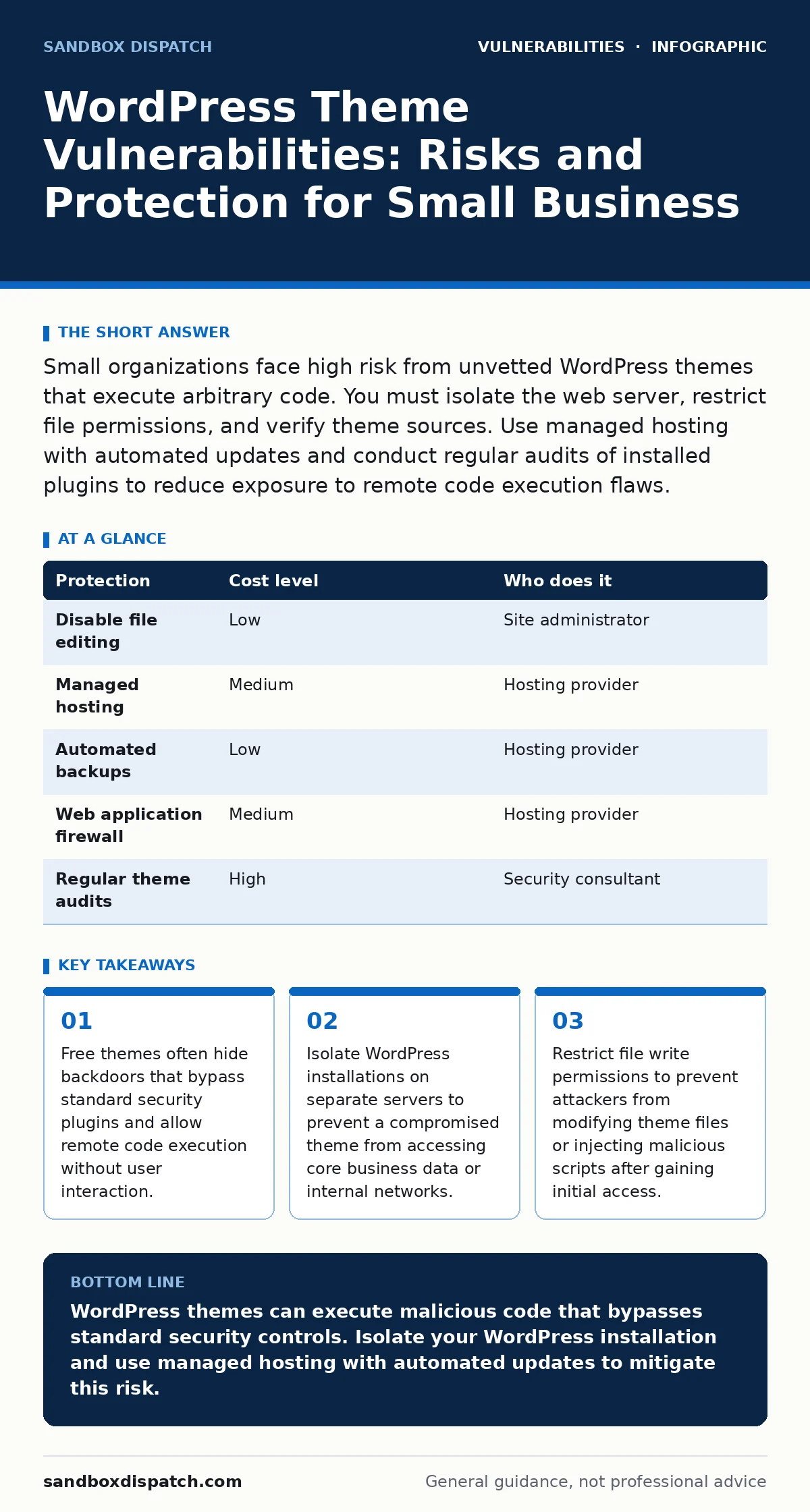
Small organizations face high risk from unvetted WordPress themes that execute arbitrary code. You must isolate the web server, restrict file permissions, and verify theme sources. Use managed hosting with automated updates and conduct regular audits of installed plugins to reduce exposure to remote code execution flaws.
How Theme Vulnerabilities Bypass Standard Security
WordPress themes define the visual layout and structure of your website. Unlike plugins, which add functionality, themes control how content renders. Attackers target themes because they are trusted by the platform. A vulnerable theme can execute arbitrary code on the server when a page loads. This bypasses firewall rules that only inspect incoming requests. The code runs within the context of the web server user. This grants the attacker the same permissions as the application.
The risk stems from how WordPress handles template files. These files are parsed by the PHP interpreter. If a theme includes an included file from an untrusted source, it can inject executable code. This technique, known as remote file inclusion, allows an attacker to pull malicious scripts from their own server. Your website then executes these scripts as if they were part of the legitimate theme. This creates a persistent backdoor that survives password changes.
Why Small Organizations Face Disproportionate Risk
Small businesses often lack dedicated security staff. They rely on free or low-cost themes to save money. These themes frequently come from unvetted marketplaces or aggregator sites. Developers of these themes may not follow secure coding practices. They might include deprecated functions that are known to be insecure. They may also bundle malicious code to harvest email addresses or cryptocurrency mining scripts.
Small organizations often share infrastructure. They host their WordPress site on the same server as email or internal tools. A compromise in the theme affects the entire server. This violates the principle of least privilege. The attacker gains access to more data than intended. Large enterprises often isolate web-facing applications. Small businesses rarely do. This architectural choice amplifies the impact of a single vulnerability. The breach spreads laterally to sensitive business data.
The Hidden Cost of Free Themes
Free themes are not just free of monetary cost. They are often free of maintenance. When a vulnerability is discovered, the original developer may abandon the theme. You are left running insecure code. This is similar to running an operating system without patches. The theme may break with new WordPress versions. This forces you to reinstall or find a replacement. During this transition, your site may be offline or vulnerable.
Some themes hide premium features behind locked code. This code may not be updated when security flaws are found in the free version. You pay with your security posture. The initial savings are offset by the cost of remediation. Cleaning an infected server requires time and expertise. Downtime costs revenue. Reputation damage costs customers. The true cost of a free theme is the risk you assume.
Low-Cost Protections for Non-Technical Teams
You can reduce risk without hiring a security team. Start with configuration hardening. This involves adjusting settings to reduce the attack surface. Disable file editing in the WordPress admin panel. This prevents attackers who gain admin access from modifying theme files directly. Restrict directory browsing. This stops attackers from listing files and finding sensitive configuration data.
Use a managed hosting provider. They handle server-level security. They isolate your site from others. They provide automated backups. This ensures you can restore a clean copy if infected. You do not need to manage the underlying operating system. This reduces the chance of misconfiguration. Check if they offer patch management services. This ensures your WordPress core, themes, and plugins are updated promptly.
| Protection | Cost level | Who does it |
|---|---|---|
| Disable file editing | Low | Site administrator |
| Managed hosting | Medium | Hosting provider |
| Automated backups | Low | Hosting provider |
| Web application firewall | Medium | Hosting provider |
| Regular theme audits | High | Security consultant |
What to Ask Your IT Provider
If you outsource your IT, you need to verify their capabilities. Do not assume they know WordPress-specific threats. Ask specific questions. Do they monitor for PHP object injection attempts? This is a common attack vector in WordPress. Can they detect unusual file changes in theme directories? Do they test updates in a staging environment before applying them to production? This prevents broken sites and catches conflicts early.
Ask about their incident response plan. What happens if a theme is compromised? Do they have a process to isolate the server? Can they restore from a clean backup quickly? Do they provide logs that show who changed files? Transparency is key. You need to trust that they are not hiding gaps in their security. A provider who cannot answer these questions is not ready for WordPress.
- Do they monitor for remote code execution attempts in theme files?
- Can they isolate a compromised WordPress instance within minutes?
- Do they maintain an inventory of all installed themes and plugins?
- Do they test updates in a staging environment before deployment?
The Role of Attack Surface Management
Your WordPress site is part of a larger attack surface. This includes all the points where an attacker could enter. Themes are just one point. Plugins, user accounts, and server configurations are others. You must manage the entire surface. Risk-based vulnerability management helps prioritize fixes. Not all vulnerabilities are equal. Some allow remote code execution. Others only display information. Focus on the high-risk items first.
Vulnerability disclosure policies are important for large platforms. For small businesses, you rely on the WordPress community. Report issues to the theme author. Do not patch vulnerabilities yourself unless you are skilled. Improper patches can break the site or introduce new flaws. Use official channels. This ensures the fix is tested and distributed correctly. It also helps the community stay safe.
Zero-Click Exploits and Theme Trust
While zero-click exploits are rare in WordPress, the concept applies. An attacker does not need you to click a link. They just need you to load a page. If the theme has a vulnerability, the exploit triggers automatically. This makes detection difficult. You may not notice anything wrong. The attacker has already executed code. This is why monitoring is critical. You need to detect unusual server activity.
Null pointer dereference bugs are less common in web applications. However, logic errors in themes can cause crashes. These crashes can be leveraged for denial of service. They can also mask other attacks. Ensure your theme is stable. Check for error logs. Frequent errors indicate poor code quality. Poor code quality often correlates with security flaws. Choose themes from reputable sources. Verify their update history. Avoid themes that have not been updated in years.
Key takeaways
- Free themes often hide backdoors that bypass standard security plugins and allow remote code execution without user interaction.
- Isolate WordPress installations on separate servers to prevent a compromised theme from accessing core business data or internal networks.
- Restrict file write permissions to prevent attackers from modifying theme files or injecting malicious scripts after gaining initial access.
WordPress themes can execute malicious code that bypasses standard security controls. Isolate your WordPress installation and use managed hosting with automated updates to mitigate this risk.
Frequently asked questions
Can a WordPress theme steal my database?
Yes, if the theme contains a backdoor that allows remote code execution. The attacker can use the server's permissions to read database files and export sensitive data.
How do I know if my theme is compromised?
Check for unexpected files in the theme directory. Look for encoded strings or unusual PHP functions. Compare the files with the original download to identify changes.
Is it safe to use free themes from the WordPress repository?
Generally yes, as they undergo review. However, reviews are not exhaustive. Always check the update frequency and user reviews. Monitor for security advisories related to the theme.
Do web application firewalls stop theme vulnerabilities?
They can block some attacks, like known injection patterns. They cannot stop all exploits, especially those that use legitimate functions maliciously. You still need secure code and regular updates.
How this guide was produced: written by the Sandbox Dispatch editorial team with AI assistance, checked against the public references listed below, and reviewed when the facts change. See our editorial policy or report an error.