How Agentic AI Works: The Loop, The Limits, And The Leak
Trace the decision loop that turns prompts into actions, spot where context leaks, and build constraints that actually hold.

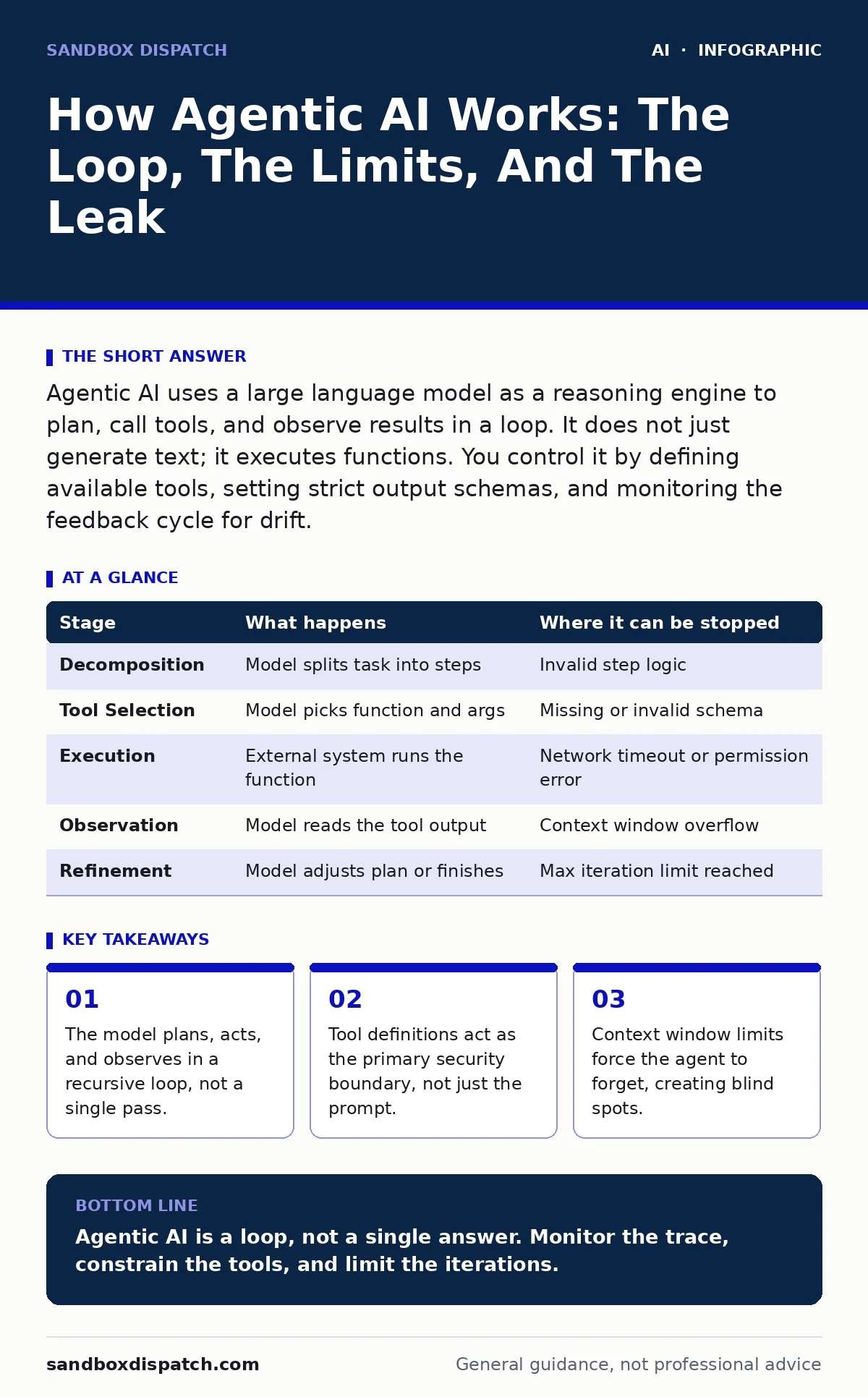
Agentic AI uses a large language model as a reasoning engine to plan, call tools, and observe results in a loop. It does not just generate text; it executes functions. You control it by defining available tools, setting strict output schemas, and monitoring the feedback cycle for drift.
The Core Mechanism: Planning, Acting, Observing
Agentic AI differs from standard chat models by closing the loop between thought and action. A standard model answers a prompt and stops. An agent answers, decides it needs more data, calls a function, reads the result, and then answers again. This cycle repeats until the task is complete or a stop condition is met.
The core engine is a large language model, but it serves only as the coordinator. It does not hold the data, nor does it directly interact with external systems. Instead, it generates structured commands that other components execute. This separation allows the system to scale beyond the model’s training data, accessing live information and performing real-world changes.
You must view the agent not as a smart entity, but as a state machine driven by probabilistic text generation. The "intelligence" emerges from the ability to parse errors, adjust plans, and maintain context across multiple steps. If any part of this chain fails, the agent may loop indefinitely or produce incorrect outputs without signaling failure.
Stage 1: Task Decomposition
The process begins when you provide a high-level objective. The model breaks this objective into smaller, executable steps. This is called task decomposition. For a complex request, the model might decide it needs to search for information, analyze the results, and then draft a response.
If the decomposition is too broad, the agent loses focus. If it is too narrow, it may miss necessary dependencies. The model relies on its internal weights to estimate the complexity of the task. It may underestimate the need for verification steps, leading to premature completion.
Stage 2: Tool Selection and Argument Generation
Once the steps are defined, the agent selects which tools to use. Tools are pre-defined functions, such as a database query, a web search API, or a code execution sandbox. The model generates the specific arguments required for the tool. This step is critical because the model must translate natural language intent into structured data, like JSON.
The model does not know if the tool will succeed. It only knows the schema of the tool. If the schema is ambiguous, the model may hallucinate arguments that do not exist. This leads to immediate failure when the tool rejects the call. You must define tool descriptions with extreme precision to reduce this error rate.
| Stage | What happens | Where it can be stopped |
|---|---|---|
| Decomposition | Model splits task into steps | Invalid step logic |
| Tool Selection | Model picks function and args | Missing or invalid schema |
| Execution | External system runs the function | Network timeout or permission error |
| Observation | Model reads the tool output | Context window overflow |
| Refinement | Model adjusts plan or finishes | Max iteration limit reached |
Stage 3: Execution and Observation
The system executes the selected tool. This happens outside the model’s core reasoning engine. The result, whether success or error, is returned to the model as text. This is the observation phase. The model reads this output and updates its internal state.
If the tool returns an error, the model must interpret the error message. It may retry with different arguments, or it may conclude the task is impossible. This feedback loop is where most security risks emerge. If the tool output contains sensitive data, the model now has access to it. If the model is then prompted to summarize its findings, that sensitive data may leak into the final response.
Stage 4: Context Management and Memory
Agents have a limited context window, the amount of text they can hold in memory at once. As the loop continues, the conversation history grows. Eventually, the system must discard old information to make room for new inputs. This is often called sliding window context management.
Discarding information is a hidden cost. The agent may forget a constraint you set in the first prompt. It may repeat a step it already completed. You must design the system to summarize past interactions or store key facts in external memory. Without this, the agent’s performance degrades over long tasks.
Constraining The Agent: Safety By Design
You cannot rely on the model to be safe. You must constrain its environment. The primary control mechanism is the tool definition. If the agent cannot call a tool, it cannot perform the action. This is more effective than telling the model not to do something.
Another control is the output schema. Force the model to return structured data, not free text. This makes it easier to validate the output before presenting it to the user. If the output does not match the schema, the system rejects it. This prevents the model from bypassing safety checks with clever wording.
The Hidden Cost: Latency and Token Waste
Each loop iteration consumes tokens and time. A simple task may require ten iterations, each calling a tool and reading the result. This adds significant latency. Users expect instant responses, but agents are inherently slower.
Token waste is another issue. The model processes the entire conversation history for each step. If the history is large, the cost increases quadratically. You must optimize the context window by summarizing or pruning irrelevant information. This requires careful engineering to balance cost, speed, and accuracy.
Reading The Trace: Debugging The Loop
To understand what an agent is doing, you must read the trace. The trace is the log of every step, tool call, and observation. It reveals where the agent went wrong. Did it choose the wrong tool? Did it misinterpret the error? Did it forget a constraint?
Do not rely on the final output. The final output may look correct even if the reasoning was flawed. This is known as a confidence trap. The model may guess the right answer for the wrong reasons. By examining the trace, you can identify these failures and adjust the prompt or tool definitions.
Applying Constraints: The Principle of Least Privilege
Apply the principle of least privilege to agent tools. Each tool should have only the permissions it needs to perform its specific function. Do not give the agent a generic admin tool. Instead, create specific tools for specific actions.
For example, if the agent needs to send an email, provide a tool that only allows sending to predefined recipients. Do not provide a tool that allows sending to any address. This limits the damage if the agent is compromised or behaves unexpectedly.
See also: Treat AI Models as Untrusted Insiders: 6 Common Misunderstandings
The Edge Case: Recursive Loops
Agents can enter recursive loops. This happens when the model cannot find a solution and keeps trying the same approach. It may call the same tool with the same arguments, over and over. You must set a maximum iteration limit.
When the limit is reached, the system must stop and report failure. Do not let the agent continue indefinitely. This wastes resources and may cause system instability. Design your system to handle failure gracefully, providing clear feedback to the user.
Key takeaways
- The model plans, acts, and observes in a recursive loop, not a single pass.
- Tool definitions act as the primary security boundary, not just the prompt.
- Context window limits force the agent to forget, creating blind spots.
Agentic AI is a loop, not a single answer. Monitor the trace, constrain the tools, and limit the iterations.
Frequently asked questions
What is the difference between a chatbot and an agent?
A chatbot generates text responses. An agent generates text, calls external tools, observes results, and repeats this cycle until a task is complete.
How do you prevent an agent from leaking data?
Restrict tool outputs to only necessary information. Sanitize data before it enters the model’s context. Monitor traces for sensitive patterns.
Can an agent change its own instructions?
Only if you allow it. By default, the system prompt is static. Do not provide tools that allow the agent to modify its core instructions or tool definitions.
Why do agents fail on simple tasks?
They may overcomplicate the task, choose the wrong tool, or misinterpret the output. Simple tasks often lack the complexity needed for the model to reason correctly, leading to hallucination.
How this guide was produced: written by the Sandbox Dispatch editorial team with AI assistance, checked against the public references listed below, and reviewed when the facts change. See our editorial policy or report an error.