Detect Data Leaks in Logs and Network Traffic
Most data exfiltration leaves no trace in security alerts because it travels over authorized channels, requiring you to analyze volume and timing rather than just content.

Detect leaks by correlating user behavior anomalies with network egress logs. Monitor for unusual data volumes, off-hours access, and connections to unknown external IPs. Use Data Loss Prevention tools to scan for sensitive patterns, but focus on establishing a baseline of normal activity to identify deviations that indicate theft.
Baseline Normal Network Behavior
You cannot detect a leak if you do not know what normal looks like. Establish a baseline for your network traffic and user activity. This means recording typical data transfer volumes, common destination IP addresses, and standard working hours for each role. When you have this baseline, deviations become visible. A developer downloading a large code repository at 3 a.m. is an anomaly. The same action at 10 a.m. is routine.
Context changes the meaning of the signal. You must define thresholds for what constitutes unusual behavior. These thresholds should be dynamic, adjusting for seasonal changes or project deadlines. Static rules generate noise. Noise causes alert fatigue. Alert fatigue causes teams to ignore real threats.
Examine Application Logs for Context
Application logs contain the narrative of user actions. They show which files were opened, which records were queried, and which actions were performed. Security Information and Event Management (SIEM) systems aggregate these logs. You must configure them to capture detailed audit logging. Without detailed logs, you are blind to the specific actions that precede a leak.
Look for sequences of actions that do not match job functions. A marketing employee accessing source code repositories is a red flag. A finance user exporting customer records in bulk is another. These actions may be permitted by your user access provisioning policies. Permitted actions are not always appropriate actions. You must review permissions regularly to ensure they align with current roles.
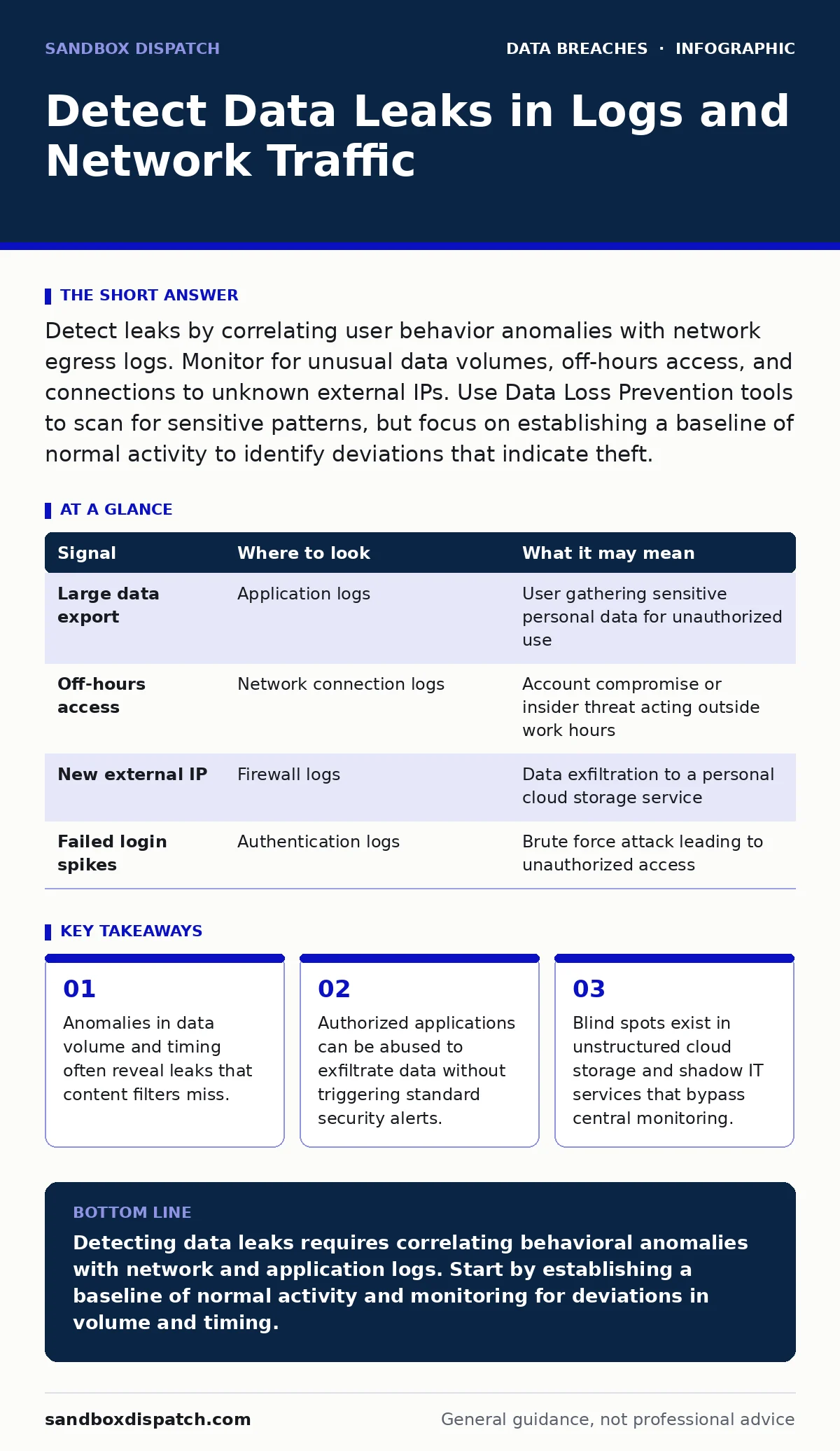
| Signal | Where to look | What it may mean |
|---|---|---|
| Large data export | Application logs | User gathering sensitive personal data for unauthorized use |
| Off-hours access | Network connection logs | Account compromise or insider threat acting outside work hours |
| New external IP | Firewall logs | Data exfiltration to a personal cloud storage service |
| Failed login spikes | Authentication logs | Brute force attack leading to unauthorized access |
Analyze Network Egress Patterns
Data must leave your network to become a leak. Monitor all outbound traffic. Pay attention to the volume and destination. Standard web traffic is noisy. You must filter for encrypted connections to unknown domains. These connections often hide exfiltrated data. Encrypted traffic prevents you from inspecting the content. You must rely on metadata. Metadata includes packet size, frequency, and duration.
Imagine a user sending small amounts of data every minute for hours. This pattern blends in with normal web browsing. It avoids detection by volume-based alerts. This technique is called slow exfiltration. You detect it by looking for consistent, low-volume transfers to non-business IPs. You must also monitor for changes in DNS queries. New domains may indicate command-and-control servers or personal file sharing services.
Inspect Cloud Storage and Shadow IT
Cloud storage services are common places for accidental leaks. Employees often use personal accounts for work data. This practice bypasses corporate security controls. It creates shadow IT. Shadow IT is technology used without IT department knowledge. You cannot protect what you cannot see. You must conduct a data inventory and mapping exercise. This process identifies where data lives. It reveals gaps in your coverage.
Look for shared links with external permissions. Check for files stored in personal cloud accounts. These files are often accessible to anyone with the link. They are not protected by your organization’s access controls. You must enforce data retention policies that limit how long data is stored. Excessive retention increases the attack surface. It gives attackers more time to find and steal data.
Detect Insider Threat Indicators
Insider threats are difficult to detect because insiders have valid credentials. They do not need to bypass authentication. They use their authorized access to steal data. You must look for behavioral changes. Sudden changes in work habits can indicate malicious intent. This includes accessing files unrelated to their job. It also includes copying large amounts of data to local drives.
Correlate HR data with security logs. Employee offboarding security procedures are critical. When an employee leaves, their access should be revoked immediately. Delays in revocation allow former employees to access data. This is a common cause of leaks. You must also monitor for disgruntled employees. Signs of dissatisfaction may precede data theft. Combine behavioral analytics with log review to identify these risks.
See also: Audit Logging Best Practices for Secure Systems · User Access Provisioning: How Identity Systems Grant and Restrict Rights
Common Blind Spots in Detection
Many organizations miss leaks because they focus only on endpoints. They ignore network traffic and cloud storage. This narrow focus leaves gaps. Another blind spot is encrypted traffic. Without decryption, you cannot inspect content. You must balance privacy with security. Decryption may violate privacy laws. You must define clear policies for when decryption is allowed.
Unstructured data is another blind spot. Databases are easy to monitor. File shares and email attachments are harder. These sources contain sensitive personal data that is often unprotected. You must use Data Loss Prevention (DLP) tools to scan these sources. DLP tools identify sensitive patterns. They can block or alert on unauthorized transfers. Without DLP, you rely on manual review. Manual review is slow and error-prone.
Integrate Signals for Accuracy
No single source provides the full picture. You must integrate signals from logs, network traffic, and user behavior. This integration reduces false positives. It increases the accuracy of your detection. Use a SIEM to correlate events. Create rules that trigger alerts when multiple anomalies occur together. For example, an off-hours login followed by a large data export is highly suspicious.
Continuous tuning is necessary. Rules must be updated as your environment changes. New applications and services introduce new normal behaviors. You must adjust your baselines accordingly. Regular testing ensures your detection methods remain effective. Simulate leaks to verify your tools catch them. This process identifies gaps in your coverage. It helps you prioritize improvements.
Key takeaways
- Anomalies in data volume and timing often reveal leaks that content filters miss.
- Authorized applications can be abused to exfiltrate data without triggering standard security alerts.
- Blind spots exist in unstructured cloud storage and shadow IT services that bypass central monitoring.
Detecting data leaks requires correlating behavioral anomalies with network and application logs. Start by establishing a baseline of normal activity and monitoring for deviations in volume and timing.
Frequently asked questions
How do I distinguish between legitimate large data transfers and exfiltration?
Compare the transfer against the user’s role and historical behavior. Legitimate transfers usually align with job functions and occur during work hours. Exfiltration often involves unusual destinations or off-hours activity.
Can I detect leaks in encrypted traffic without decrypting it?
You can detect anomalies in metadata, such as volume and timing, but you cannot inspect the content. Decryption is required for content inspection, but it must be balanced against privacy concerns.
What is the most common cause of accidental data leaks?
Misconfigured cloud storage permissions are a leading cause. Users often share files with external parties without realizing the security implications. Regular audits of cloud storage permissions are necessary.
How often should I review my data leak detection rules?
Review and tune your rules regularly, especially after significant changes to your environment. At least quarterly reviews are recommended to ensure they remain effective against new threats.
How this guide was produced: written by the Sandbox Dispatch editorial team with AI assistance, checked against the public references listed below, and reviewed when the facts change. See our editorial policy or report an error.