Brute Force Attack Prevention Checklist for Secure Systems
Automated login attempts exploit predictable patterns, making rate limiting and multi-factor authentication the only reliable defenses against credential guessing.
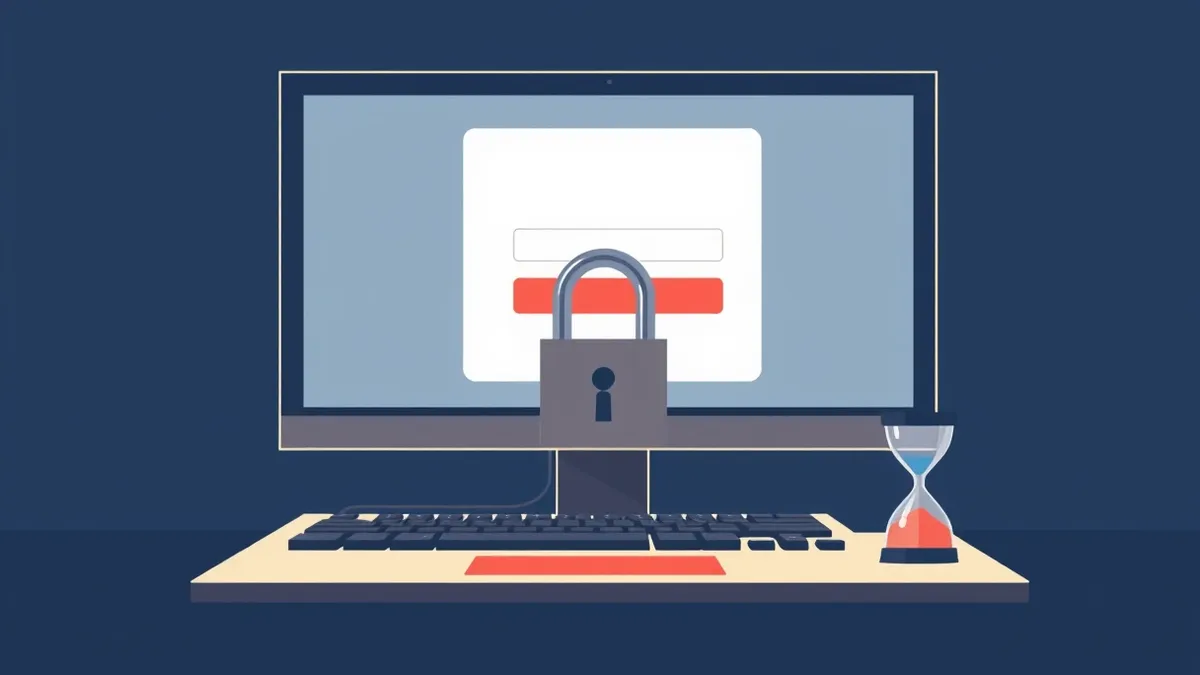
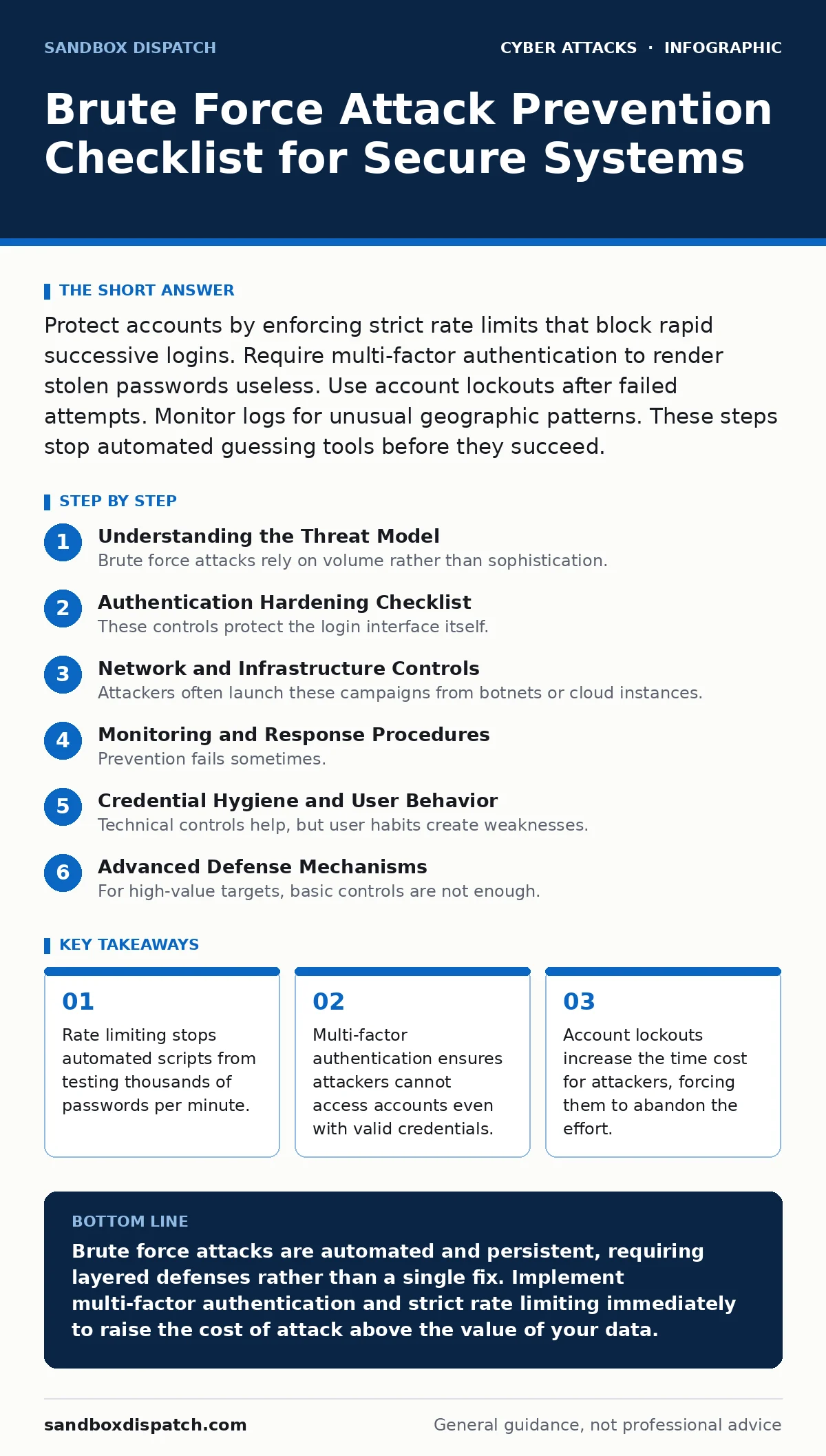
Protect accounts by enforcing strict rate limits that block rapid successive logins. Require multi-factor authentication to render stolen passwords useless. Use account lockouts after failed attempts. Monitor logs for unusual geographic patterns. These steps stop automated guessing tools before they succeed.
Understanding the Threat Model
Brute force attacks rely on volume rather than sophistication. An automated script cycles through a list of common passwords or generates random combinations until it finds a match. You face this threat whenever a system accepts a username and password pair. The attacker does not need to know your specific password. They only need a way to test guesses rapidly.
Imagine a door with a simple pin lock. A thief does not pick the lock. They try every combination from 0000 to 9999. If the door opens instantly, they succeed quickly. If the door locks for 10 minutes after 3 wrong tries, the thief gives up. Your systems must act like the slower door.
Authentication Hardening Checklist
These controls protect the login interface itself. They make each guess more expensive for the attacker.
- Enforce multi-factor authentication: A second factor like a hardware token or app code prevents access even if the password is compromised.
- Implement account lockout policies: Locking an account after 5 failed attempts forces attackers to switch targets or wait hours.
- Use password complexity requirements: Complex passwords increase the total number of possible combinations, slowing down exhaustive searches.
- Disable default or generic usernames: Removing "admin" or "root" as visible options reduces the attack surface for targeted guessing.
- Enforce session timeouts: Automatic logout after inactivity limits the window an attacker has to hijack an active session.
Network and Infrastructure Controls
Attackers often launch these campaigns from botnets or cloud instances. You can filter traffic before it reaches your application logic.
- Configure rate limiting: Limit the number of login requests per IP address per minute to stop high-volume automated tools.
- Deploy intrusion prevention systems: These devices detect and block known attack signatures and abnormal traffic patterns in real time.
- Hide server version headers: Removing software version details prevents attackers from targeting specific known vulnerabilities in your stack.
- Use CAPTCHA on login forms: Visual or invisible challenges distinguish human users from automated scripts without blocking legitimate traffic.
- Block known malicious IP ranges: Regularly update firewall rules to deny traffic from IP blocks associated with botnet activity.
Rate limiting is not just about speed. It is about economics. If an attacker cannot test enough passwords to find a match within a reasonable time, they move on to an easier target. You win by being too expensive to attack.
Monitoring and Response Procedures
Prevention fails sometimes. Detection ensures you notice when it happens. You need visibility into failed login attempts across your infrastructure.
- Log all authentication attempts: Record both successful and failed logins with timestamps and source IP addresses for forensic analysis.
- Set up alerting for spikes: Trigger notifications when failed login counts exceed baseline thresholds for any single account or IP.
- Correlate logs across systems: Check if failed attempts on one service match patterns on another, indicating a coordinated campaign.
- Implement geographic anomaly detection: Flag logins from countries where you have no business presence or user base.
- Maintain an incident response plan: Define clear steps for isolating compromised accounts and resetting credentials during an active attack.
Suppose you see 100 failed logins for a single user in one minute. This is not a user forgetting their password. This is an automated attack. Your monitoring must catch this pattern immediately.
Credential Hygiene and User Behavior
Technical controls help, but user habits create weaknesses. Password reuse and weak secrets undermine even the best rate limiting.
- Prohibit password reuse: Prevent users from setting new passwords that match previous ones to avoid recycling compromised secrets.
- Use a password manager: Encourage users to store unique, complex passwords for every service to limit the blast radius of a leak.
- Educate on phishing risks: Users who click malicious links may hand over credentials, bypassing brute force protections entirely.
- Monitor for credential stuffing: Detect when users log in from new devices or locations immediately after a known data breach.
- Regularly audit active sessions: Review and terminate sessions that appear inactive or originate from suspicious sources.
Related threats often pair with brute force. Attackers may use password spraying to test a single common password against many accounts. They might also rely on email filtering bypasses to reset passwords. Understanding endpoint protection helps ensure that even if a password is guessed, the device remains secure.
See also: Difference Between Intrusion Detection and Prevention System · Angler Phishing Attack: How Social Media Hijacking Steals Credentials
Advanced Defense Mechanisms
For high-value targets, basic controls are not enough. You need to add friction and obscurity to the attack path.
- Implement honeytokens: Create fake usernames or database entries that trigger alerts when accessed, signaling an active intrusion.
- Use adaptive authentication: Require additional verification steps only when risk signals like unusual location or device are detected.
- Deploy web application firewalls: Filter HTTP requests to block common exploit patterns and injection attempts alongside login attacks.
- Encrypt data at rest: Ensure that even if the application server is compromised, stored credentials remain unreadable without the key.
- Conduct regular penetration testing: Simulate brute force attacks to verify that your rate limits and lockouts function as designed.
Implementation Priorities
You cannot implement every control at once. Start with the highest impact items. Multi-factor authentication and rate limiting provide the best return on investment. They stop the majority of automated attacks with minimal user friction.
Next, focus on monitoring. You cannot protect what you cannot see. Ensure your logging captures enough detail to reconstruct an attack. Finally, address user behavior. Technical controls fail if users share passwords or reuse them across sites.
Maintaining Defense Effectiveness
Security is not a one-time project. Attackers adapt their tools. They find ways to bypass rate limits by distributing requests across many IPs. They use slower, stealthier techniques to avoid detection.
Review your controls quarterly. Update your rate limit thresholds based on new traffic patterns. Verify that your intrusion prevention systems have the latest signatures. Check that your multi-factor authentication methods are still supported and secure.
Imagine your system is under attack. Do your logs show the failed attempts? Did the rate limiter block the IP? Did the account lock? If any answer is no, you have a gap. Fix it before the next attack.
Key takeaways
- Rate limiting stops automated scripts from testing thousands of passwords per minute.
- Multi-factor authentication ensures attackers cannot access accounts even with valid credentials.
- Account lockouts increase the time cost for attackers, forcing them to abandon the effort.
Brute force attacks are automated and persistent, requiring layered defenses rather than a single fix. Implement multi-factor authentication and strict rate limiting immediately to raise the cost of attack above the value of your data.
Frequently asked questions
How many failed attempts should trigger a lockout?
Most systems lock accounts after 5 to 10 consecutive failed attempts. This balances security with user convenience, preventing lockouts from simple typos while stopping rapid guessing.
Does multi-factor authentication stop all brute force attacks?
Multi-factor authentication stops access even if the password is guessed. However, attackers may still attempt to bypass the second factor using SIM swapping or phishing, so choose strong second factors like hardware tokens.
Can I use CAPTCHA to completely block bots?
No. Advanced bots can solve simple CAPTCHAs or use human services to bypass them. Use CAPTCHA as one layer among many, not as the sole defense.
What is the difference between brute force and password spraying?
Brute force tries many passwords for one account. Password spraying tries one common password for many accounts. Both require rate limiting and multi-factor authentication to mitigate.
How this guide was produced: written by the Sandbox Dispatch editorial team with AI assistance, checked against the public references listed below, and reviewed when the facts change. See our editorial policy or report an error.