Password Spraying Mistakes That Leave Your Account Open
Password spraying bypasses standard lockout policies by using one common password against many accounts, turning low-risk guesses into successful breaches without triggering alarms.

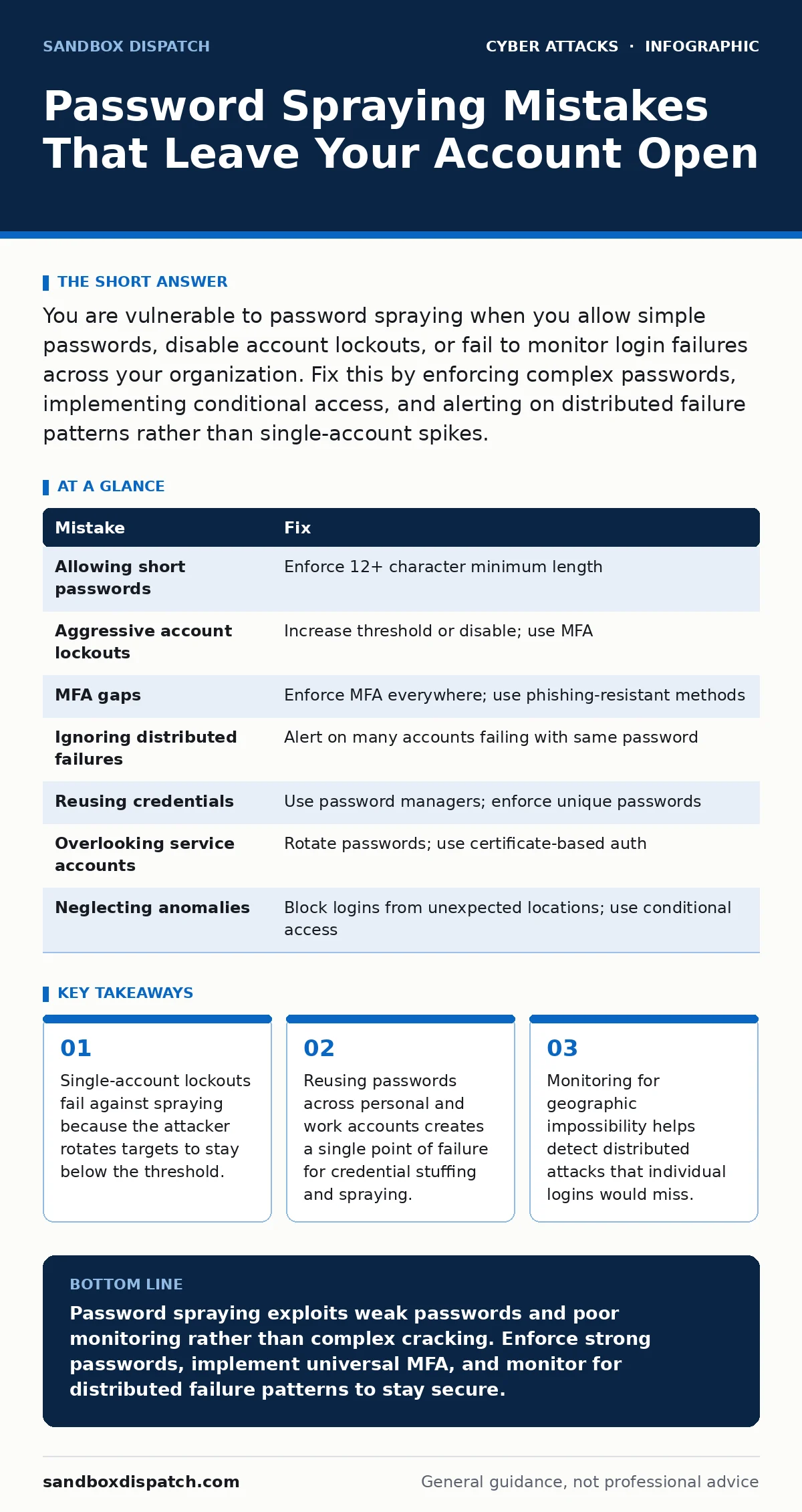
You are vulnerable to password spraying when you allow simple passwords, disable account lockouts, or fail to monitor login failures across your organization. Fix this by enforcing complex passwords, implementing conditional access, and alerting on distributed failure patterns rather than single-account spikes.
Mistake 1: Allowing Short or Common Passwords
If your policy permits "Password1" or "Welcome1", an attacker only needs to try a few dozen variations to gain entry. This approach works because human memory favors simplicity, and attackers exploit this predictability.
Why it hurts:
Short passwords reduce the search space for attackers. When combined with a list of known usernames, even a low success rate yields valid credentials quickly. This bypasses the need for complex cracking tools.
The fix:
Enforce a minimum password length of 12 characters. Length increases entropy exponentially more than complexity rules do. Block passwords that appear in known breach databases. This prevents users from setting passwords that have already been exposed and are likely to be tried first in a spray attack.
Mistake 2: Configuring Aggressive Account Lockouts
Many administrators set account lockout thresholds too low, such as locking after 5 failed attempts. This protects against brute force attacks on a single account but fails against password spraying. Attackers know this threshold and intentionally limit their attempts per account to stay under the radar.
Why it hurts:
Locking accounts after few failures forces attackers to move to the next user. They try one password against 100 users, then switch to the next password. No single account reaches the lockout threshold, so no alarm triggers. This turns a security control into a blind spot for distributed attacks.
The fix:
Increase the lockout threshold to a high number, such as 20 or 50 attempts, or disable automatic lockouts entirely. Instead, rely on multi-factor authentication to block unauthorized access. Monitor for many accounts failing with the same password within a short time window, which indicates spraying rather than random guessing.
Mistake 3: Ignoring Multi-Factor Authentication Gaps
Multi-factor authentication adds a second layer of verification, such as a code from a mobile app or a hardware token. However, many organizations implement it inconsistently, leaving some accounts or some access paths unprotected. Attackers target these gaps specifically, knowing they can bypass the second factor entirely.
Why it hurts:
If an attacker guesses a password for an account without MFA, they gain immediate access. They can then use this foothold to move laterally, discover other credentials, or exfiltrate data. Even if most accounts have MFA, a single unprotected administrative account can compromise the entire environment.
The fix:
Enforce MFA for all user accounts and all access methods, including internal tools and remote desktop. Use phishing-resistant methods like FIDO2 security keys or platform authenticators. Avoid SMS-based codes, which are vulnerable to SIM swapping and interception. This ensures that a guessed password alone is insufficient for login.
Mistake 4: Failing to Monitor Distributed Failures
Standard security information and event management systems often alert on high failure rates for a single username. Password spraying avoids this by spreading attempts across many users. If you only watch for spikes in one account, you will miss the pattern of low-volume failures across the whole directory.
Why it hurts:
The attack remains invisible to standard alerts. The attacker gains access to multiple accounts before anyone notices. By the time the breach is detected, the attacker may have already established persistence, installed malware, or stolen sensitive data. This delay increases the damage and remediation cost.
The fix:
Configure alerts to trigger when a specific password fails against multiple accounts in a short period. Look for patterns where failures come from different IP addresses but share the same password hash or pattern. Integrate these logs into your incident response plans for faster detection and containment.
Mistake 5: Reusing Credentials Across Services
Users often reuse the same password for personal email, social media, and work accounts. When a breach occurs on a public service, attackers harvest these credentials and try them on corporate systems. This technique, known as credential stuffing, overlaps with password spraying and amplifies the risk.
Why it hurts:
A breach on an unrelated site becomes an immediate threat to your organization. Attackers do not need to guess passwords; they already have valid username-password pairs. If these credentials work on your systems, they bypass all password complexity requirements and lockout policies.
The fix:
Use a corporate password manager to generate and store unique passwords for every account. Educate users on the risks of reuse. Implement single sign-on to reduce the number of passwords users need to remember. This limits the impact of external breaches to the specific service where the leak occurred.
See also: Exploit Chains: How Attackers Link Weaknesses to Break In · User Access Provisioning: How Identity Systems Grant and Restrict Rights
Mistake 6: Overlooking Service Accounts
Service accounts are automated identities used by applications to access resources. These accounts often have high privileges and are rarely logged into interactively. Administrators sometimes set weak passwords for these accounts or leave them unchanged for years, assuming they are safe because no human uses them.
Why it hurts:
Attackers target service accounts because they often lack MFA and have broad permissions. A guessed password for a service account can grant access to databases, file shares, or administrative consoles. Since these accounts do not trigger user-based alerts, the compromise can go unnoticed for a long time.
The fix:
Treat service accounts like human accounts. Enforce strong, complex passwords and rotate them regularly. Where possible, replace password-based authentication with certificate-based authentication or managed identities. Restrict the permissions of service accounts to the minimum necessary for their function.
Mistake 7: Neglecting Geographic and Behavioral Anomalies
Password spraying attacks often originate from locations unrelated to your user base. If a user in New York logs in from an IP address in Russia, this is a red flag. Ignoring geographic impossibility and behavioral anomalies allows attackers to bypass other controls.
Why it hurts:
Standard password checks do not consider context. An attacker with a valid password can log in from anywhere. If you do not evaluate the location, device, or time of login, you miss a critical layer of defense. This allows attackers to maintain access even after you detect the initial password guess.
The fix:
Implement conditional access policies that block logins from unexpected countries or regions. Require step-up authentication for logins from new devices or unusual locations. Monitor for impossible travel, where a user logs in from two distant locations within a short time. This adds a layer of context-aware security.
| Mistake | Fix |
|---|---|
| Allowing short passwords | Enforce 12+ character minimum length |
| Aggressive account lockouts | Increase threshold or disable; use MFA |
| MFA gaps | Enforce MFA everywhere; use phishing-resistant methods |
| Ignoring distributed failures | Alert on many accounts failing with same password |
| Reusing credentials | Use password managers; enforce unique passwords |
| Overlooking service accounts | Rotate passwords; use certificate-based auth |
| Neglecting anomalies | Block logins from unexpected locations; use conditional access |
Key takeaways
- Single-account lockouts fail against spraying because the attacker rotates targets to stay below the threshold.
- Reusing passwords across personal and work accounts creates a single point of failure for credential stuffing and spraying.
- Monitoring for geographic impossibility helps detect distributed attacks that individual logins would miss.
Password spraying exploits weak passwords and poor monitoring rather than complex cracking. Enforce strong passwords, implement universal MFA, and monitor for distributed failure patterns to stay secure.
Frequently asked questions
How does password spraying differ from brute force attacks?
Brute force attacks try many passwords against a single account, while password spraying tries one password against many accounts. Spraying avoids lockouts by staying under the per-account failure threshold.
How do I detect if I have been sprayed?
Look for a spike in failed login attempts across multiple accounts within a short time frame. Check for successful logins following these failures, especially from unusual locations or devices.
How this guide was produced: written by the Sandbox Dispatch editorial team with AI assistance, checked against the public references listed below, and reviewed when the facts change. See our editorial policy or report an error.