YARA Rules Explained: How Pattern Matching Finds Malware
YARA uses static pattern matching to identify files, allowing you to detect malicious software even when it is encrypted or packed to hide its true nature.

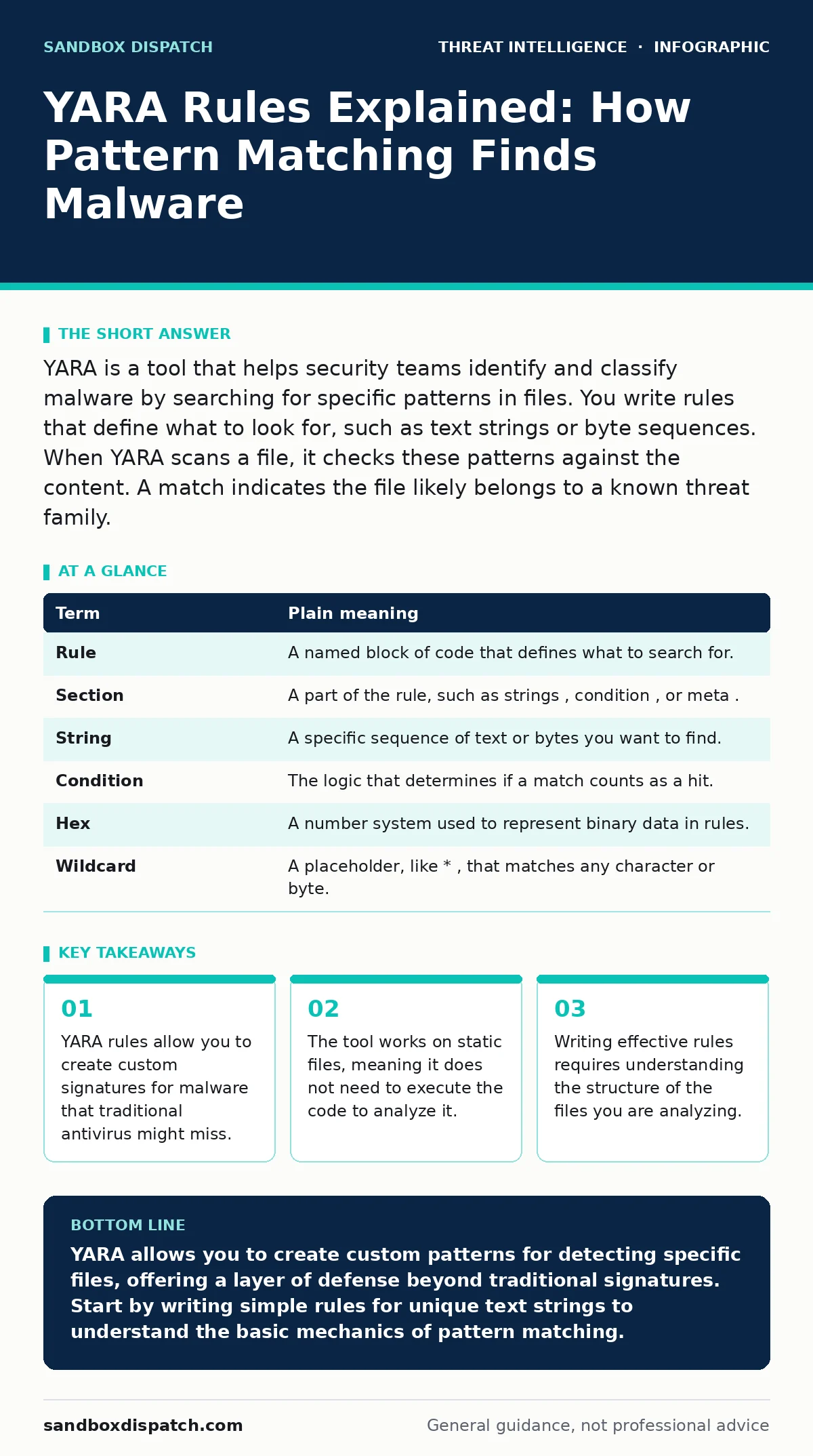
YARA is a tool that helps security teams identify and classify malware by searching for specific patterns in files. You write rules that define what to look for, such as text strings or byte sequences. When YARA scans a file, it checks these patterns against the content. A match indicates the file likely belongs to a known threat family.
The Digital Recipe Book
Imagine you are a food critic tasked with identifying a specific counterfeit dessert. The fake cake looks identical to the real one, but you know the original recipe always includes a pinch of saffron. You do not need to taste the cake to know if it is authentic. You simply check the ingredient list for that unique spice. This is how YARA works. It scans files for specific "ingredients" like text strings or byte patterns. If the file contains those unique markers, YARA flags it as a match.
This analogy carries through the entire process. The counterfeit cake represents malware that tries to look like legitimate software. The saffron is the unique identifier you discover in the malicious file. The ingredient list is the file’s raw data. YARA is your method of checking that list without eating the cake. This static analysis avoids the risk of executing harmful code.
Core Terminology
To write effective rules, you must understand the building blocks. These terms define how YARA interprets file data.
| Term | Plain meaning |
|---|---|
| Rule | A named block of code that defines what to search for. |
| Section | A part of the rule, such as strings, condition, or meta. |
| String | A specific sequence of text or bytes you want to find. |
| Condition | The logic that determines if a match counts as a hit. |
| Hex | A number system used to represent binary data in rules. |
| Wildcard | A placeholder, like *, that matches any character or byte. |
Structure of a Rule
A YARA rule has three main parts. The meta section contains descriptive information, such as the author or date. This helps you track why the rule exists. The strings section lists the patterns to search for. You can define text strings, like "malware_string", or hexadecimal sequences. The condition section defines the logic. It tells YARA when to declare a match. For example, you might require that all defined strings appear in the file.
Writing Your First Rule
Start with a simple text string. Suppose you find a file that always contains the phrase "test_malware". You create a rule named Test_Malware_Rule. In the strings section, you define $s1 = "test_malware". In the condition section, you write $s1. This tells YARA to flag any file containing that exact phrase. This is the simplest form of detection. It works well for unique identifiers that attackers forget to remove.
Using Hexadecimal Patterns
Text strings are easy to spot and remove. Attackers often change text to evade detection. Hexadecimal patterns are harder to change without breaking the code. Hex represents the raw binary data of a file. You might find a specific sequence of bytes that is critical for the malware to function. You write this sequence in hex format in your strings section. For example, 54 68 69 73 represents the ASCII text "This". Using hex allows you to match binary data that is not readable text.
See also: Remote Desktop Abuse: Definition, Vectors, and Mitigation
Conditional Logic
The condition section is where you define the rules of engagement. You can require that all strings match, or just one. You can also use logical operators like and, or, and not. Suppose you have two strings, $s1 and $s2. If you write $s1 and $s2, YARA only flags the file if both are present. This reduces false positives. You can also specify offsets, requiring a string to appear at a certain position in the file. This adds precision to your detection.
Practical Application
Integrating YARA into your workflow enhances your cyber threat intelligence capabilities. You can scan directories for suspicious files. You can also use it in automated pipelines. When you detect a new threat, you write a rule to find similar files. This helps you contain the incident quickly. YARA rules are often shared within the security community. This collective knowledge helps defend against emerging threats.
Try This Now
- Install the YARA command-line tool on a isolated test machine.
- Create a text file containing the phrase "unique_test_string".
- Write a simple YARA rule that searches for this phrase and run it against the file.
Key takeaways
- YARA rules allow you to create custom signatures for malware that traditional antivirus might miss.
- The tool works on static files, meaning it does not need to execute the code to analyze it.
- Writing effective rules requires understanding the structure of the files you are analyzing.
YARA allows you to create custom patterns for detecting specific files, offering a layer of defense beyond traditional signatures. Start by writing simple rules for unique text strings to understand the basic mechanics of pattern matching.
Frequently asked questions
Can YARA detect encrypted malware?
YARA can detect encrypted malware if you know the encryption key or specific patterns in the encrypted data, but it cannot decrypt files on its own.
How do I avoid false positives with YARA?
Use unique strings and complex conditions that require multiple matches, ensuring the pattern is specific to the malicious file.
Is YARA only for antivirus software?
No, YARA is a standalone tool used by security researchers, incident responders, and developers for various file analysis tasks.
Can I use YARA on network traffic?
YARA is designed for file analysis, not network traffic. You would need to extract files from traffic first or use a different tool for packet inspection.
How this guide was produced: written by the Sandbox Dispatch editorial team with AI assistance, checked against the public references listed below, and reviewed when the facts change. See our editorial policy or report an error.