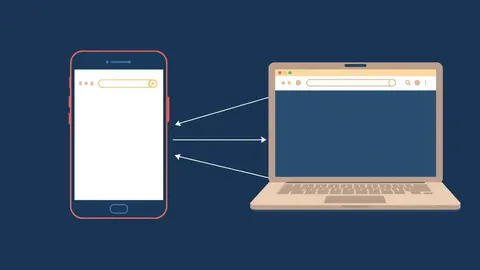
Login Alerts Explained: Why Your Notification System Fails
Most login alerts are useless noise because they trigger after the breach is complete, leaving you with no window to stop the attacker from accessing your data.
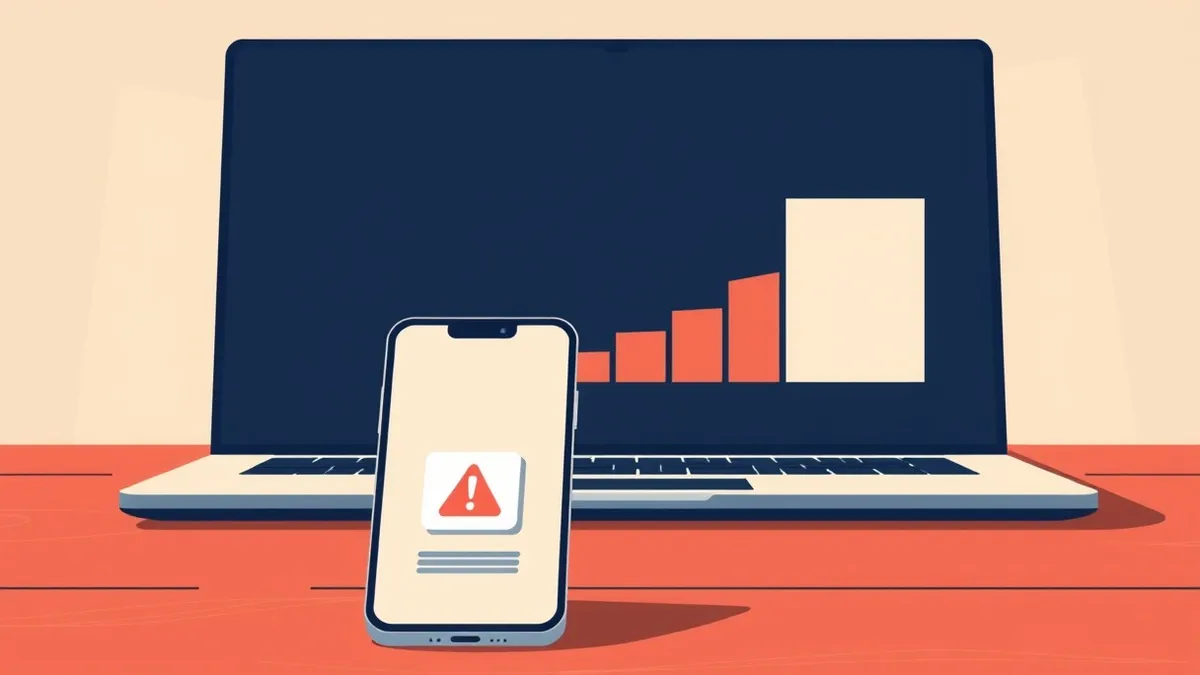
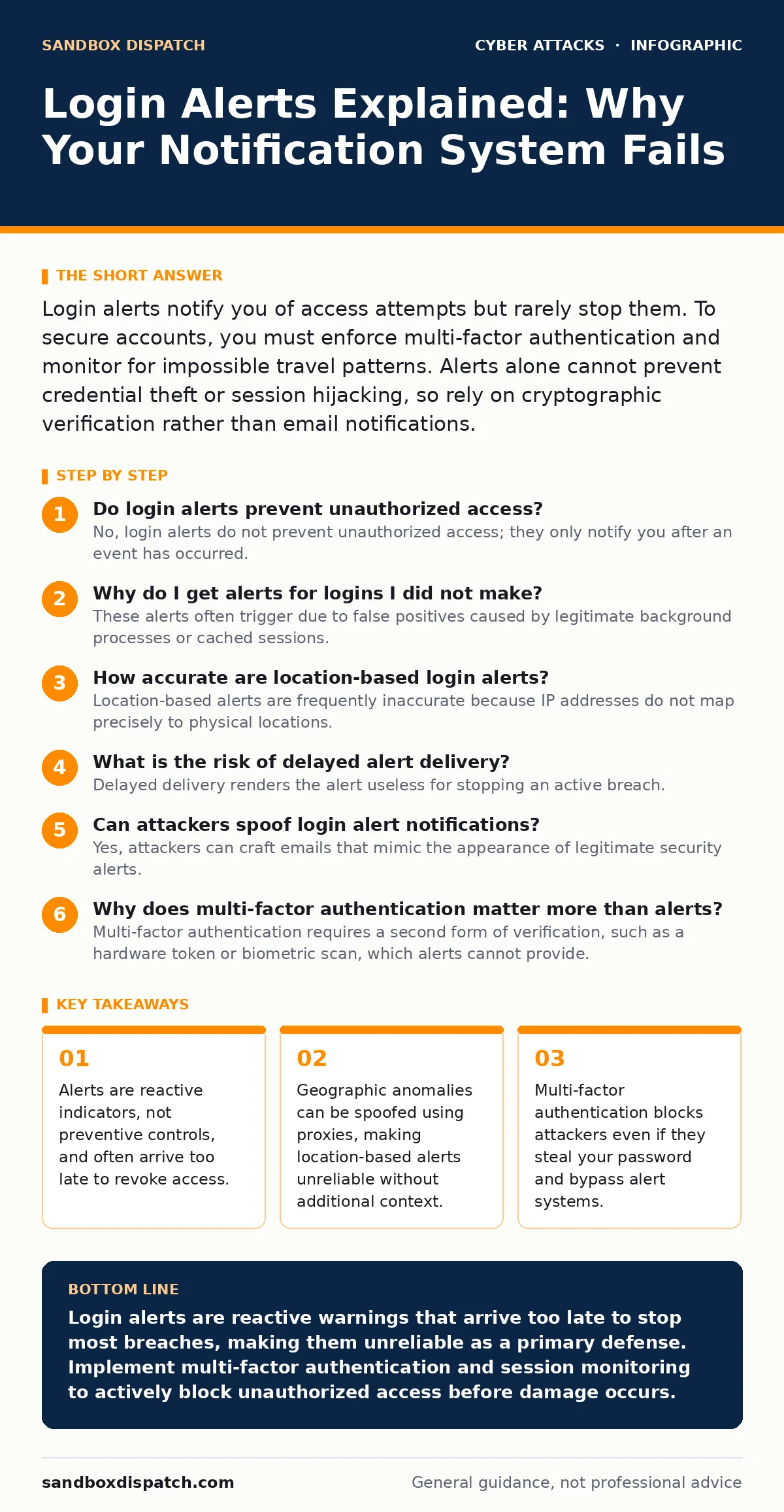
Login alerts notify you of access attempts but rarely stop them. To secure accounts, you must enforce multi-factor authentication and monitor for impossible travel patterns. Alerts alone cannot prevent credential theft or session hijacking, so rely on cryptographic verification rather than email notifications.
Do login alerts prevent unauthorized access?
No, login alerts do not prevent unauthorized access; they only notify you after an event has occurred. An alert is a post-facto signal that an authentication attempt succeeded or failed. By the time you receive an email or push notification, the attacker may have already copied your data or changed your settings. The mechanism relies on your manual intervention, which is too slow for real-time defense.
Why do I get alerts for logins I did not make?
These alerts often trigger due to false positives caused by legitimate background processes or cached sessions. Service accounts, automated scripts, or single sign-on integrations may initiate logins that look suspicious to the monitoring system. Additionally, if you previously logged in from a public device without clearing the session, that session may persist and trigger new activity. You must distinguish between human-driven access and machine-driven automation.
How accurate are location-based login alerts?
Location-based alerts are frequently inaccurate because IP addresses do not map precisely to physical locations. Internet Service Providers often assign IP ranges that appear to be in a different city or country than your actual position. Attackers also use virtual private networks and proxy servers to mask their true origin. Relying solely on geography creates a false sense of security while allowing sophisticated attackers to blend in with normal traffic patterns.
What is the risk of delayed alert delivery?
Delayed delivery renders the alert useless for stopping an active breach. Email systems process messages in batches, and mobile push notifications can queue during network congestion. If an attacker gains access and deletes your data within minutes, a delayed alert arrives only to confirm the loss. The latency between the event and the notification creates a window where no remediation is possible.
Can attackers spoof login alert notifications?
Yes, attackers can craft emails that mimic the appearance of legitimate security alerts. They use similar branding, language, and layout to trick you into clicking a link that steals your credentials. This technique is a form of QR code phishing when the link is embedded in a scannable code, or standard phishing when it is a hyperlink. You should never click links in alert emails; instead, navigate directly to the service website to check your activity log.
| Alert Type | Primary Trigger | Reliability Level | Response Time |
|---|---|---|---|
| Email Notification | Successful login | Low | Minutes to Hours |
| SMS Code | Failed login attempt | Medium | Seconds |
| Push Notification | Unusual device | High | Seconds |
| In-App Banner | Account change | High | Immediate |
Why does multi-factor authentication matter more than alerts?
Multi-factor authentication requires a second form of verification, such as a hardware token or biometric scan, which alerts cannot provide. An alert tells you something happened; multi-factor authentication stops the action from completing. If an attacker has your password, they cannot proceed without the second factor. This creates a barrier that is independent of your awareness or reaction time.
How do session tokens bypass login alerts?
Session tokens allow users to remain logged in without re-entering credentials, which means subsequent actions do not trigger new login alerts. Once an attacker steals a valid session token, they can access your account indefinitely without triggering additional notifications. This is why endpoint protection is critical; it monitors the device for token theft rather than waiting for a new login attempt. The initial login alert is the only warning you will receive.
What is impossible travel detection?
Impossible travel detection flags logins that occur from two distant locations in a time frame that makes physical travel between them impossible. For example, a login from New York followed by one from London ten minutes later triggers this rule. While effective, attackers can spoof IP locations using DNS hijacking or advanced proxy chains, making this metric imperfect. It serves as a strong indicator but not absolute proof of compromise.
How do I respond to a suspicious login alert?
Immediately revoke all active sessions and change your password through the official service website, not via links in the alert. Check your account activity log for changes to recovery emails, security questions, or linked devices. Enable multi-factor authentication if it is not already active. If you suspect a broader compromise, review your other accounts for similar activity, as credential stuffing is common across platforms.
Are login alerts sufficient for enterprise security?
No, login alerts are insufficient for enterprise security because they lack context and automation. Large organizations generate thousands of alerts daily, leading to alert fatigue where security teams ignore genuine threats. Enterprise security requires identity and access management systems that automatically block suspicious behavior based on risk scores. Alerts should trigger automated workflows, such as forcing a password reset or locking the account, rather than waiting for human review.
Key takeaways
- Alerts are reactive indicators, not preventive controls, and often arrive too late to revoke access.
- Geographic anomalies can be spoofed using proxies, making location-based alerts unreliable without additional context.
- Multi-factor authentication blocks attackers even if they steal your password and bypass alert systems.
Login alerts are reactive warnings that arrive too late to stop most breaches, making them unreliable as a primary defense. Implement multi-factor authentication and session monitoring to actively block unauthorized access before damage occurs.
Frequently asked questions
Should I delete my account if I see too many login alerts?
No, delete your account only if you cannot secure it with multi-factor authentication. Excessive alerts usually indicate credential stuffing attacks, which are mitigated by stronger authentication methods rather than account deletion.
Can I disable login alerts to avoid spam?
You can disable non-critical alerts, but never disable alerts for successful logins from new devices or locations. These are the only signals that indicate an active breach in progress.
Do privacy-focused browsers reduce login alerts?
Privacy browsers may reduce tracking but do not affect login alerts generated by the service provider. The alerts are triggered by the authentication server, not your browser's behavior.
Why do I get alerts for services I no longer use?
These alerts indicate that your old credentials are circulating on the dark web. Attackers are attempting to use your old password on dormant accounts, signaling that you must change that password immediately.
How this guide was produced: written by the Sandbox Dispatch editorial team with AI assistance, checked against the public references listed below, and reviewed when the facts change. See our editorial policy or report an error.