Clipboard Hijackers: How They Steal Crypto and How to Stop Them
Clipboard hijackers operate silently in memory, swapping your cryptocurrency wallet address with an attacker’s address the moment you copy it.
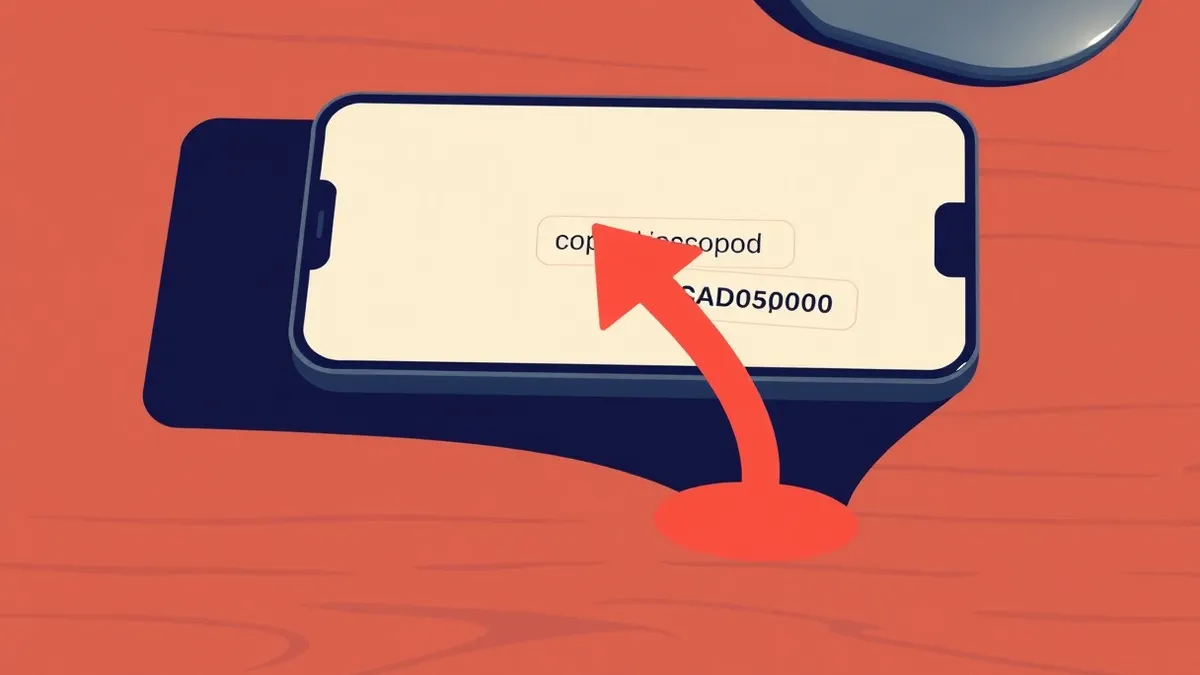
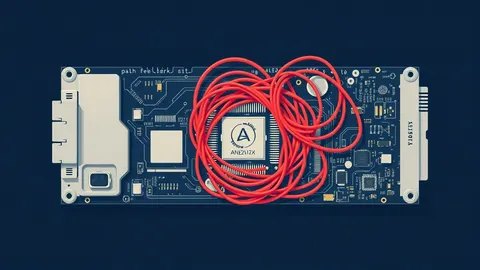
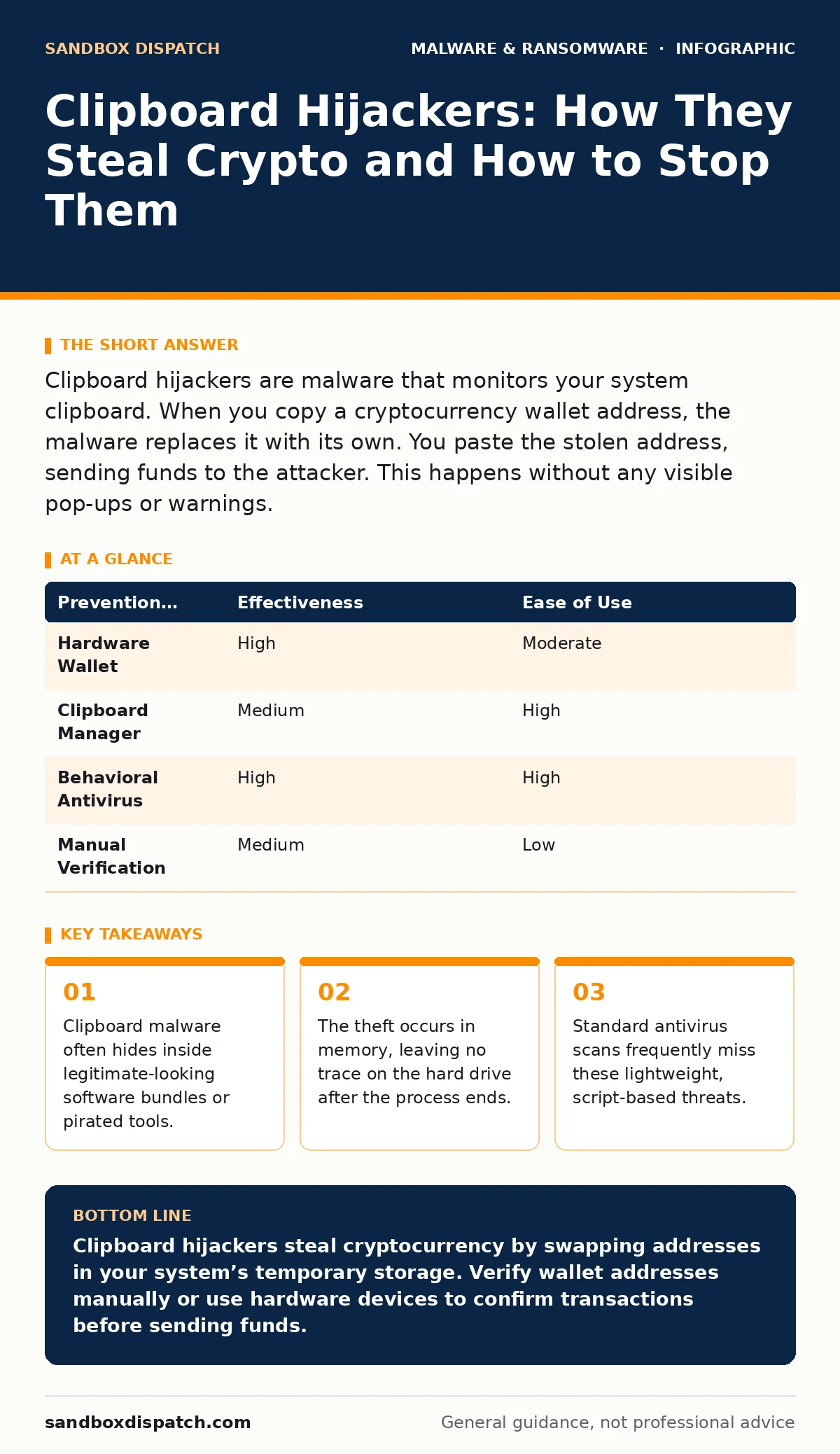
Clipboard hijackers are malware that monitors your system clipboard. When you copy a cryptocurrency wallet address, the malware replaces it with its own. You paste the stolen address, sending funds to the attacker. This happens without any visible pop-ups or warnings.
What exactly is a clipboard hijacker?
A clipboard hijacker is a type of malware designed to monitor and modify the data stored in your system clipboard. The clipboard is the temporary storage area your operating system uses when you copy text or files. This malware waits for you to copy a specific type of data, usually a cryptocurrency wallet address. Once detected, it silently swaps your address with one controlled by the attacker.
How does the theft actually happen?
The process relies on speed and invisibility. You copy a wallet address from a wallet application or a message. The malware detects this action within milliseconds. It replaces the original string of characters with a different address that looks similar. You then paste the address into a transaction form and send funds. The money arrives at the attacker’s wallet, not yours.
Why don’t I see any warning signs?
These programs are designed to leave no visual trace. They do not display pop-ups, change your desktop background, or slow down your computer noticeably. They run as background processes, often disguised as system utilities. Because they only act when you copy specific data, they remain dormant otherwise. This stealth makes them difficult to detect through casual observation.
Where does this malware come from?
Infection usually occurs through software bundling or pirated applications. You might download a legitimate utility that includes the hijacker as an optional component. If you skip the detailed installation steps, the malware installs alongside the main program. Alternatively, cracked versions of popular software often contain these payloads. The distribution method relies on user trust in the primary software.
Can standard antivirus software stop this?
Traditional antivirus solutions often fail to detect clipboard hijackers. These tools rely on known signatures, which are unique patterns of malicious code. Clipboard hijackers are often small, generic scripts that change their signature with each distribution. Because they do not exhibit classic malicious behavior like deleting files, they fly under the radar. You need behavioral analysis to catch them.
How can I detect if I am infected?
Look for unexpected processes in your task manager or activity monitor. The malware may use a generic name like "helper" or "service." Check for new entries in your startup programs. If you notice your clipboard history changing unexpectedly, that is a strong indicator. Specialized anti-malware tools designed for threat hunting are more effective than standard scanners.
What is the connection to other malware types?
Clipboard hijackers often travel with more dangerous payloads. They may be part of a larger toolkit that includes keyloggers or remote access trojans. The hijacker provides the initial theft, while other components maintain access to your system. This bundling increases the attacker's chances of success. Removing one component may not remove the others.
How do I remove it from my system?
You must terminate the malicious process and delete the associated files. First, identify the process using system monitoring tools. End the task immediately to stop the data swapping. Then, locate the file on your disk and delete it. You should also check your startup items to prevent it from running again. A full system scan with updated definitions is necessary afterward.
Can I prevent this without specialized software?
You can reduce risk by changing your workflow. Avoid copying wallet addresses directly from untrusted sources. Use hardware wallets that display addresses on their own screens. This ensures you are interacting with the device, not the computer’s clipboard. You can also use browser extensions that block clipboard access for specific sites. These methods add friction but increase security.
| Prevention Method | Effectiveness | Ease of Use |
|---|---|---|
| Hardware Wallet | High | Moderate |
| Clipboard Manager | Medium | High |
| Behavioral Antivirus | High | High |
| Manual Verification | Medium | Low |
Why is memory forensics relevant here?
The malware operates primarily in the computer’s RAM. It does not always write the malicious code to the hard drive in a persistent way. When the computer shuts down, the evidence disappears. Memory forensics allows you to analyze the active memory for signs of the hijacker. This technique reveals processes that file-based scans miss. It is a critical step in understanding the full scope of an infection.
How does this relate to DLL sideloading?
Attackers sometimes use DLL sideloading to execute the clipboard hijacker. This technique tricks a legitimate program into loading a malicious dynamic link library. The hijacker code runs with the privileges of the trusted application. This makes detection harder because the process appears legitimate. Understanding this mechanism helps you spot unusual library loading in your system logs.
What about script blocking as a defense?
Many clipboard hijackers are written in scripting languages like PowerShell or Python. These scripts are easy to write and modify. Enabling script blocking policies can prevent these payloads from executing. You restrict the ability of unsigned scripts to run on your system. This adds a layer of defense that stops the malware before it can monitor your clipboard. It requires proper configuration to avoid breaking legitimate workflows.
Is this a form of ransomware?
Clipboard hijackers are distinct from ransomware, though they share distribution channels. Ransomware encrypts your files and demands payment. Clipboard hijackers steal funds directly from transactions. They do not lock you out of your computer. However, both rely on social engineering and software supply chain compromises. The financial impact is immediate and irreversible in both cases.
Key takeaways
- Clipboard malware often hides inside legitimate-looking software bundles or pirated tools.
- The theft occurs in memory, leaving no trace on the hard drive after the process ends.
- Standard antivirus scans frequently miss these lightweight, script-based threats.
Clipboard hijackers steal cryptocurrency by swapping addresses in your system’s temporary storage. Verify wallet addresses manually or use hardware devices to confirm transactions before sending funds.
Frequently asked questions
Can a clipboard hijacker steal passwords?
No, these specific malware variants target cryptocurrency addresses. Keyloggers are the tools used to steal passwords, though both can coexist on a system.
Does clearing my clipboard history remove the malware?
No, clearing the history only removes the copied data. The malware itself remains active in the background, waiting for the next copy event.
Are mobile devices susceptible to clipboard hijacking?
Yes, mobile operating systems also have clipboards. Malicious apps with clipboard permissions can perform similar swaps on smartphones.
How do I know if my browser is involved?
Some hijackers use browser extensions to monitor clipboard activity. Check your installed extensions and remove any you do not recognize or use.
How this guide was produced: written by the Sandbox Dispatch editorial team with AI assistance, checked against the public references listed below, and reviewed when the facts change. See our editorial policy or report an error.