Memory Forensics: Extracting Hidden Malware from RAM
Most malware leaves no files on the disk, so you must analyze volatile memory to find processes that exist only while the computer is running.

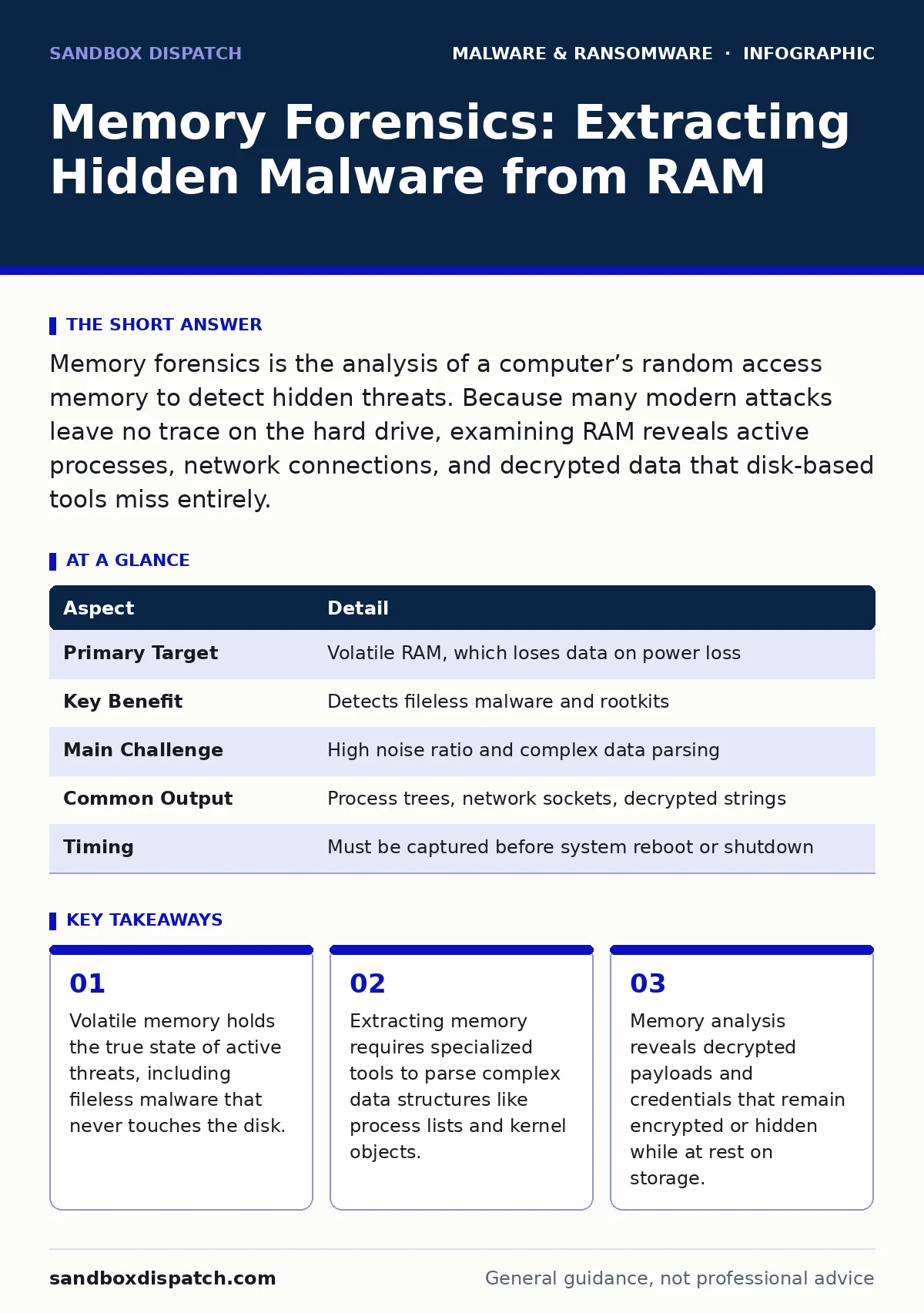
Memory forensics is the analysis of a computer’s random access memory to detect hidden threats. Because many modern attacks leave no trace on the hard drive, examining RAM reveals active processes, network connections, and decrypted data that disk-based tools miss entirely.
Why Disk Forensics Falls Short
Imagine a thief who enters a house, writes a note on a piece of paper, reads it, and then burns it before leaving. If you only search the house for physical evidence, you find ash. You never see the note. This is how modern malware operates. Traditional security tools scan the hard drive for suspicious files. They look for known signatures or unusual permissions. This approach fails when the attacker never writes a file to the disk in the first place.
These attacks are called fileless malware. They execute entirely within the computer’s random access memory, or RAM. RAM is volatile storage that loses its contents when power is cut. It holds the active instructions the processor needs right now. Because the data disappears when the system shuts down, standard disk forensics cannot see it. You need a different method to capture that fleeting state. Memory forensics fills this gap.
The Core Mechanism of Memory Analysis
Memory forensics involves creating a snapshot of the system’s RAM and analyzing that data offline. This snapshot is called a memory dump. The dump is a binary file that contains every bit of data currently in the memory modules. It includes running programs, open files, network connections, and user credentials.
The challenge is that memory is not organized like a file system. It is a chaotic mix of code, data, and system structures. You cannot simply search for a filename. Instead, you use specialized parsers to reconstruct the operating system’s view of itself. These tools identify process blocks, thread information, and kernel modules. They map out what the computer thinks is running, even if the task manager shows nothing.
| Aspect | Detail |
|---|---|
| Primary Target | Volatile RAM, which loses data on power loss |
| Key Benefit | Detects fileless malware and rootkits |
| Main Challenge | High noise ratio and complex data parsing |
| Common Output | Process trees, network sockets, decrypted strings |
| Timing | Must be captured before system reboot or shutdown |
Reconstructing the Hidden Environment
When you analyze a memory dump, you are looking for inconsistencies. The operating system maintains internal lists of running processes. Malware often hides by unlinking itself from these lists. This technique is known as Direct Kernel Object Manipulation, or DKOM. The process is still executing and consuming resources, but the system reports it as nonexistent.
Memory forensics tools compare different sources of truth within the dump. They might scan the memory for code that looks like a process but is not listed in the process table. They also look for allocated memory regions that do not belong to any known application. This reveals hidden injectors or shellcode. Shellcode is a small piece of code used as a payload in an exploit. It often resides in memory without ever being written to a file.
You also examine network connections. The operating system tracks active sockets. By correlating these sockets with process IDs, you can see which program is talking to the internet. If a socket belongs to a process that does not exist in the process list, you have found a hidden communication channel. This is often how ransomware or data exfiltration tools operate. They keep a low profile to avoid detection by standard monitoring.
The Hidden Cost of Volatility
The biggest limitation of memory forensics is timing. You must capture the memory dump before the system is powered off or rebooted. If the attacker shuts down the machine, the evidence vanishes. This creates a race condition for defenders. You need to detect the compromise early enough to preserve the state.
This volatility also means you cannot always rely on memory forensics for long-term investigations. If you miss the initial capture, you cannot recreate the state later. You are left with only disk artifacts, which may be incomplete or misleading. This is why memory forensics is often combined with other methods. It provides depth, but it requires speed.
Another hidden cost is the size of the data. Modern computers have large amounts of RAM. A memory dump can be tens of gigabytes in size. Processing this data requires significant computational resources and time. It is not a real-time solution. It is a post-incident analysis tool. You use it to understand what happened, not to stop it as it happens.
Integration with Broader Defenses
Memory forensics does not replace other security measures. It complements them. You use it to verify findings from extended detection and response (XDR) systems. XDR platforms correlate data from endpoints, networks, and clouds. They might flag suspicious behavior based on heuristics. Memory forensics provides the concrete proof of what that behavior was.
It also helps in understanding malware persistence mechanisms. Persistence is how malware ensures it survives a reboot. Some mechanisms rely on registry keys or startup folders. Others use rootkits that hide in the kernel. Memory analysis can reveal kernel-level hooks that persist even if the file system is clean. This insight is critical for thorough remediation. If you do not remove the rootkit, the malware will return after a restart.
This method is particularly useful when dealing with complex threats like clipboard hijackers. These tools monitor the clipboard for sensitive data. They often inject code into explorer.exe or other high-privilege processes. Standard antivirus might not flag the injection as malicious. Memory forensics can show the injected code and the data it accessed. This helps you understand the scope of the breach.
See also: Digital Forensics Misconceptions That Derail Incident Response · Early Warning Signs of Cyber Espionage for Technical Teams
Common Misconceptions About Memory Analysis
Many people believe that memory forensics is only for advanced threat hunting teams. This is false. It is also valuable for incident responders dealing with common malware. Even simple viruses can modify memory to evade detection. Understanding the memory state helps you confirm whether a threat is active or dormant.
Another mistake is assuming that memory dumps are easy to read. They are not. You need specialized tools and knowledge of operating system internals. You cannot just open a dump file in a text editor. You need parsers that understand Windows PE structures or Linux kernel objects. Without these tools, the data is just noise.
Some defenders think that if they see no malware on the disk, they are safe. This is a dangerous assumption. Fileless attacks are becoming more common. They rely on the fact that most security tools ignore memory. By incorporating memory analysis into your workflow, you close this blind spot. It is not about replacing disk forensics. It is about adding a second layer of visibility.
Practical Steps for Implementation
To use memory forensics effectively, you need a plan. First, identify the tools you will use. There are several open-source frameworks available. Choose one that supports your operating systems. Test it in a lab environment before using it in production. You need to understand how it parses data and what artifacts it can extract.
Second, establish a process for capturing memory. You need a way to trigger a dump remotely or locally. Ensure that the dump mechanism itself is secure. You do not want to introduce a new vulnerability while trying to fix an old one. Store the dumps securely. They may contain sensitive user data, including passwords and encryption keys.
Third, integrate findings with your broader security operations. Share insights with teams responsible for removing malware from a Windows PC or managing mobile malware. Different platforms have different memory structures. What works on Windows may not work on Android. Tailor your approach to each environment.
Key takeaways
- Volatile memory holds the true state of active threats, including fileless malware that never touches the disk.
- Extracting memory requires specialized tools to parse complex data structures like process lists and kernel objects.
- Memory analysis reveals decrypted payloads and credentials that remain encrypted or hidden while at rest on storage.
Frequently asked questions
Can memory forensics detect ransomware before it encrypts files?
It can detect the ransomware process and its network connections before encryption begins, allowing you to isolate the system. However, it does not stop the encryption automatically.
Is memory forensics legal to perform on company computers?
Laws vary by region, but generally, analyzing company-owned devices is legal. Always check local privacy regulations and employee policies before capturing memory dumps that may contain personal data.
How long does it take to analyze a memory dump?
It depends on the size of the dump and the complexity of the analysis. Simple process listings can be extracted in minutes. Deep analysis of network activity and decrypted strings may take hours or days.
Can I use memory forensics to recover deleted files?
No, memory forensics analyzes active memory, not storage. It may recover fragments of data that were recently accessed, but it is not a tool for recovering deleted files from the disk. BOTTOM LINE: Memory forensics reveals the hidden reality of active threats that disk scans miss. Start by testing open-source memory analysis tools in a lab environment to understand their capabilities and limitations.
How this guide was produced: written by the Sandbox Dispatch editorial team with AI assistance, checked against the public references listed below, and reviewed when the facts change. See our editorial policy or report an error.