QR Code Phishing: How to Spot Fake Scans and Secure Inputs
Scanning a code bypasses traditional URL inspection because the browser trusts the resulting navigation, hiding the destination until it loads.
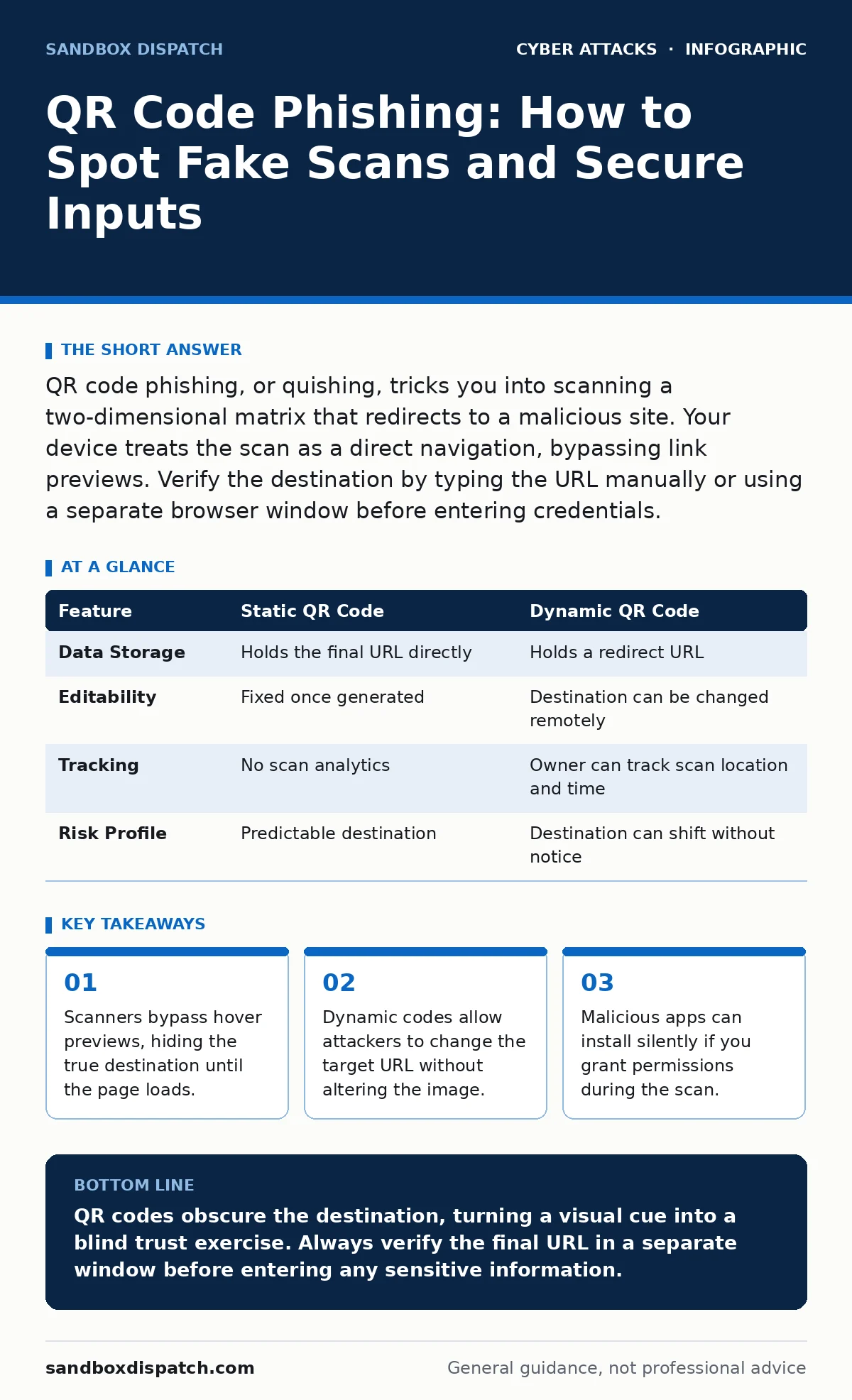
QR code phishing, or quishing, tricks you into scanning a two-dimensional matrix that redirects to a malicious site. Your device treats the scan as a direct navigation, bypassing link previews. Verify the destination by typing the URL manually or using a separate browser window before entering credentials.
What is the specific threat of QR code phishing?
The threat lies in the disconnect between the visual cue and the digital destination. A two-dimensional Quick Response code encodes a Uniform Resource Locator, but the human eye cannot read that address. You rely on the scanner to translate the pattern into a web request. This translation happens instantly and silently, removing the context you usually get from seeing a full hyperlink. The attacker controls the encoded address, not the physical image you are holding.
Why can’t I just hover over the code to check it?
Physical media does not support metadata hovering. When you look at a printed poster or a sticker, there is no hidden text layer to reveal the destination. Digital QR codes in emails or chats often lack hover states in mobile applications. The scanner application interprets the black and white modules directly into a network request. This means you have no preview of where the link leads before the request is sent. The action is immediate, not exploratory.
How do attackers change the destination after printing?
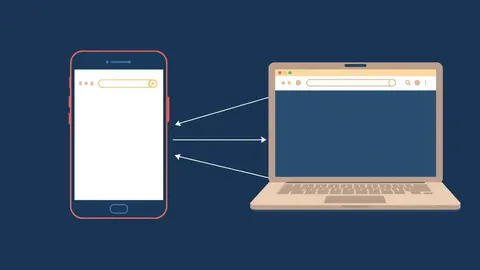
They use dynamic QR codes that point to a redirect server. The code contains a short, stable address that acts as a middleman. That middleman server receives your request and forwards you to the final destination. The attacker can update the final destination on their server at any time. The printed image never changes, but the URL it resolves to shifts. This allows one printed campaign to serve different lures to different victims over time.
| Feature | Static QR Code | Dynamic QR Code |
|---|---|---|
| Data Storage | Holds the final URL directly | Holds a redirect URL |
| Editability | Fixed once generated | Destination can be changed remotely |
| Tracking | No scan analytics | Owner can track scan location and time |
| Risk Profile | Predictable destination | Destination can shift without notice |
What happens if I scan a code on a compromised device?
The risk extends beyond a bad website. If your scanning application has elevated permissions, it might execute code rather than just opening a browser. Some scanners allow the installation of configuration profiles or applications directly from the scan. This bypasses the standard app store vetting process. A malicious profile can disable security controls or redirect all traffic through a proxy. This turns a simple scan into a full system compromise.
How does this relate to other social engineering tactics?
This technique often pairs with physical access tricks. Imagine seeing a flyer for a free gift on a breakroom door. You scan it, expecting a reward page. Instead, it leads to a credential harvest. This mirrors the logic of tailgating, where an attacker follows you into a secure area by exploiting your helpfulness. In both cases, the victim performs a security-bypassing action voluntarily. The attacker relies on your assumption that the context is benign.
See also: Callback Verification: How to Stop Impersonation Attacks
Can email filters catch QR code attacks?
Standard filters struggle with this vector. Most email security tools inspect text-based links for known malicious domains. A QR code is an image file, not a text hyperlink. The filter sees a harmless picture file attached to an email. It cannot decode the matrix to check the embedded URL. This makes the attack invisible to traditional spam detection. It also bypasses protections that warn you about email spoofing, as the malicious content is not in the text body.
Why doesn’t my security software stop the redirect?
Endpoint protection focuses on file integrity and known malware signatures. It does not always inspect outbound HTTP requests in real time. When you scan the code, your browser sends a request to the attacker’s server. If the server is new or uses a clean domain, the security software sees it as normal traffic. The malicious payload often loads after the initial connection is established. By then, the data has already left your device.
How do I verify a code before I trust it?
You must manually inspect the destination. Use a secondary device to scan the code, or copy the resulting URL and paste it into a separate browser window. Compare the domain name carefully against the expected official site. Look for subtle misspellings or extra subdomains. If the URL redirects multiple times, stop. Do not enter any information until you are certain of the final domain. This manual verification breaks the automation the attacker relies on.
What if I already scanned a malicious code?
Immediate action limits the damage. Change your passwords for any accounts where you might have entered credentials. If you installed an app, uninstall it and run a full system scan. Check your browser history for unfamiliar redirects. Enable two-factor authentication on all critical accounts to prevent unauthorized access. Monitor your accounts for unusual activity. This process mirrors the early steps of incident response plans, focusing on containment and eradication.
How is this different from voice-based attacks?
The psychological pressure differs from vishing. Voice scams rely on urgency and fear, demanding immediate compliance over the phone. QR code attacks rely on convenience and curiosity. They appear passive, requiring only a quick scan. This lowers your defenses because the action feels trivial. You are not being yelled at; you are being invited. The lack of human interaction makes it easier to ignore the risk.
Can I block all QR code scanners?
For high-security environments, yes. You can configure device management policies to disable QR code scanning capabilities. This prevents any application from interpreting the matrix patterns. This is a trade-off between security and utility. You lose the convenience of quick Wi-Fi connections or contact sharing. For general users, this is impractical. For servers or restricted kiosks, it is a valid control. It eliminates the vector entirely but reduces functionality.
Key takeaways
- Scanners bypass hover previews, hiding the true destination until the page loads.
- Dynamic codes allow attackers to change the target URL without altering the image.
- Malicious apps can install silently if you grant permissions during the scan.
QR codes obscure the destination, turning a visual cue into a blind trust exercise. Always verify the final URL in a separate window before entering any sensitive information.
Frequently asked questions
Does a QR code contain malware directly?
No, the code itself is just data. It contains a URL or text string. The malware resides on the website the code directs you to, or is downloaded if the code triggers an app install.
Can I scan a QR code from a screenshot?
Yes, most modern scanners can read a QR code from an image file or a screenshot. This is useful for verification, allowing you to check the destination on a different device without re-scanning the physical object.
Do dark mode or inverted colors affect scanning?
Standard scanners are robust enough to handle inverted colors, provided there is high contrast. However, heavily edited or artistic QR codes may fail to scan. Do not rely on visual aesthetics to judge safety; a beautiful code can lead to a malicious site.
Is it safe to scan QR codes for Wi-Fi?
It is risky. A QR code for Wi-Fi can contain the network name and password, but it can also contain malicious configuration details. Always verify the network name against the official venue signage. Connecting to an unknown network can expose your traffic to interception.
How this guide was produced: written by the Sandbox Dispatch editorial team with AI assistance, checked against the public references listed below, and reviewed when the facts change. See our editorial policy or report an error.