Stop Email Spoofing: The Technical Controls That Actually Work
Most email filters ignore the sender address header because it is trivial to forge, leaving your organization vulnerable to sophisticated impersonation attacks.
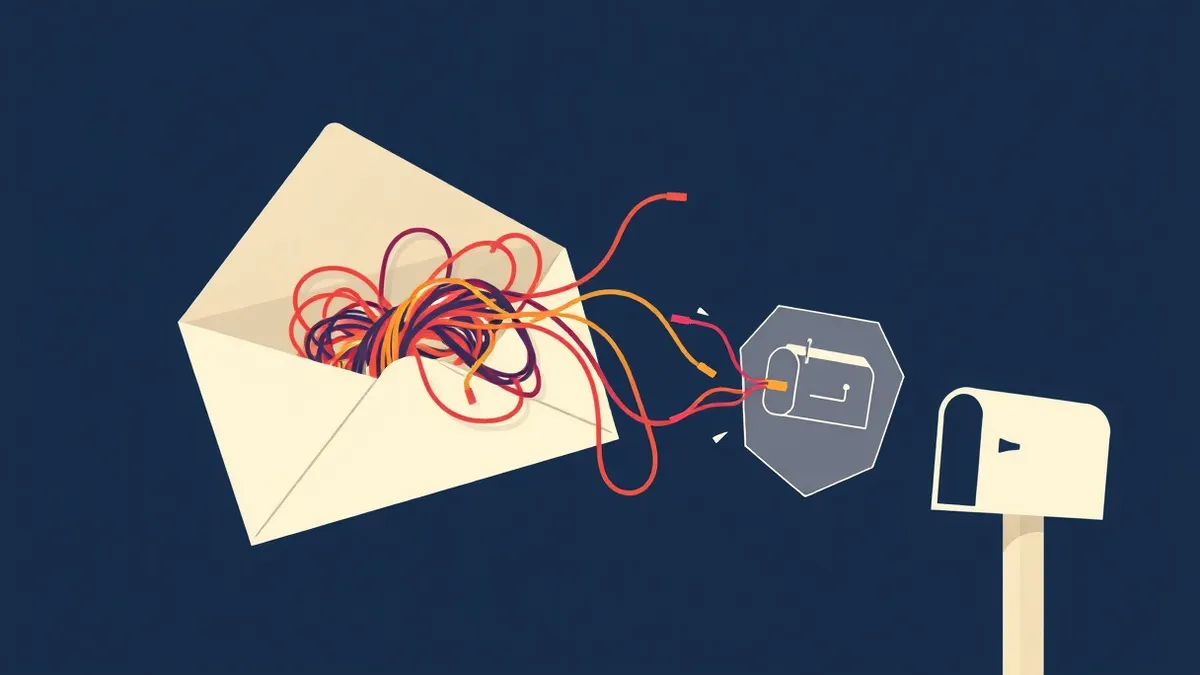
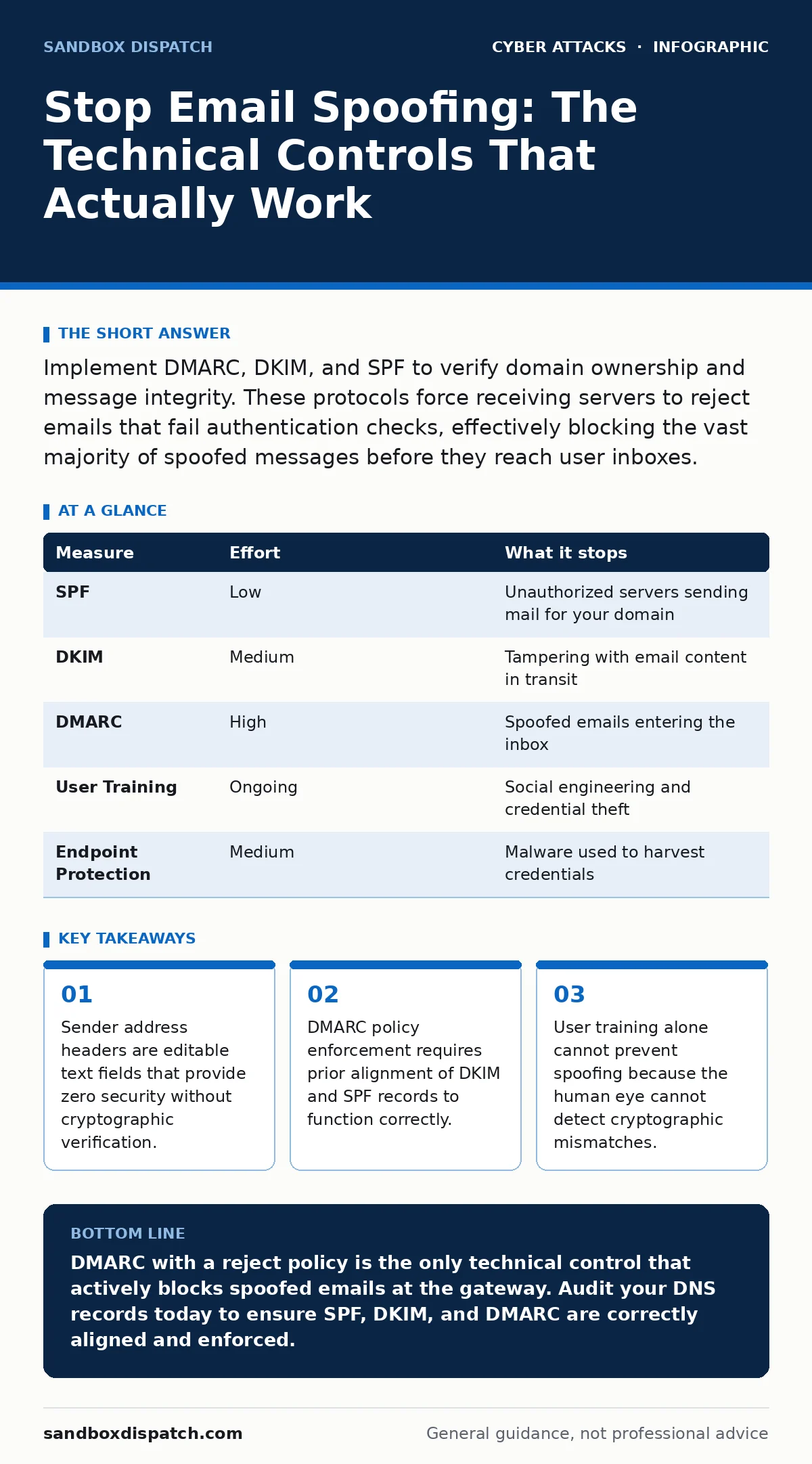
Implement DMARC, DKIM, and SPF to verify domain ownership and message integrity. These protocols force receiving servers to reject emails that fail authentication checks, effectively blocking the vast majority of spoofed messages before they reach user inboxes.
The Anatomy of a Forged Header
Imagine receiving an email that appears to come from your chief financial officer. The "From" field displays her name and corporate address. You reply with sensitive data, only to discover the message originated from a disposable account on a free provider. This happens because the "From" header in an email is not a secure identifier. It is a simple text string that any email client can modify.
Think of the "From" field like the return address on a physical letter. Anyone can write any address they wish on an envelope. The postal service does not verify that the sender actually lives at that address. Email works the same way. The receiving mail server accepts the message based on the transport layer, not the content of the header. Without cryptographic proof, the "From" address is merely a suggestion, not a fact.
Why Standard Filters Fail
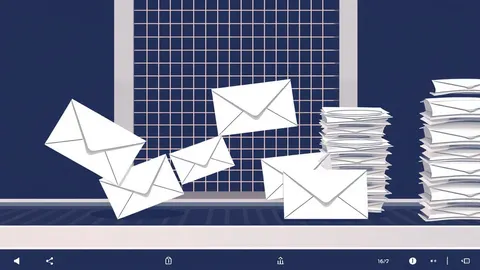
Most organizations rely on built-in spam filters to catch these forgeries. These filters use heuristic algorithms to analyze content patterns. They look for misspellings, urgent language, or suspicious links. This approach misses sophisticated spoofing attacks entirely. If the email body contains normal business language and no malicious links, the filter classifies it as safe.
The filter sees a clean message. It does not see that the digital signature is missing or invalid. It assumes the sender is legitimate because the content looks normal. This creates a false sense of security. You might think your infrastructure is protected because junk mail is reduced. In reality, you are only filtering noise, not identity theft.
The Three-Step Authentication Stack
To prevent spoofing, you must implement three open standards that work together. SPF, DKIM, and DMARC form a layered defense. SPF (Sender Policy Framework) publishes a list of IP addresses authorized to send mail for your domain. DKIM (DomainKeys Identified Mail) adds a cryptographic signature to the email headers. DMARC (Domain-based Message Authentication, Reporting, and Conformance) tells receivers what to do when SPF or DKIM fails.
You cannot rely on just one of these. SPF checks the sending server but can be bypassed if the email passes through a third-party marketing platform. DKIM verifies the message content but does not prove the domain ownership alone. DMARC ties them together by requiring alignment. It demands that the "From" domain matches the domain verified by DKIM or SPF. Without DMARC, the other two are just data points that receivers may ignore.
Configuring SPF Records Correctly
Your SPF record lives in your DNS (Domain Name System) configuration. It is a TXT record that lists authorized sending mechanisms. You must include every service that sends email on behalf of your domain. This includes your corporate mail server, CRM systems, and newsletter providers. If you miss one, legitimate emails will fail authentication.
A common mistake is using a wildcard include statement. This tells the world that any server can send mail for your domain. It renders SPF useless for security. Instead, use specific IP addresses or include records from trusted partners. Keep the record concise. Complex SPF records can cause DNS lookup limits to be exceeded, resulting in soft failures that look like valid sends to attackers.
Signing Messages with DKIM
DKIM works by generating a hash of the email headers and body. This hash is encrypted with a private key held by your mail server. The receiving server retrieves the public key from your DNS and decrypts the signature. If the hash matches the content, the message has not been altered. This proves integrity.
This mechanism stops attackers from modifying the email in transit. It also proves the sender controls the private key. However, DKIM does not validate the "From" address. An attacker could sign a message with a valid DKIM signature but place a different domain in the "From" field. This is where DMARC becomes necessary. It checks for this specific misalignment.
Enforcing DMARC Policies
DMARC is the policy engine. You publish a DMARC record in your DNS that specifies a policy: none, quarantine, or reject. "None" mode is for monitoring. It sends you reports but does not block anything. "Quarantine" sends failing emails to the spam folder. "Reject" blocks them entirely.
You should start with "none" to gather data. Check the reports to see if any legitimate emails are failing. Once you are confident that all authorized senders are aligned, switch to "quarantine" or "reject". This is the only measure that actively stops spoofed emails from entering the inbox. Without a strict policy, DMARC is just a logging tool.
The Human Layer and Edge Cases
Technical controls handle the protocol layer. They do not handle the user layer. Employees still need to recognize social engineering. Even with perfect DMARC, an attacker might compromise a legitimate account. If the CEO’s actual account sends a malicious email, it passes all authentication checks. The email is not spoofed; it is stolen.
This is why endpoint protection remains relevant. It detects malware that steals credentials. It also helps if an employee clicks a link in a legitimate-looking email. You should also consider callback verification for high-value requests. If someone asks for a wire transfer, call them on a known number. Do not use the number in the email.
| Measure | Effort | What it stops |
|---|---|---|
| SPF | Low | Unauthorized servers sending mail for your domain |
| DKIM | Medium | Tampering with email content in transit |
| DMARC | High | Spoofed emails entering the inbox |
| User Training | Ongoing | Social engineering and credential theft |
| Endpoint Protection | Medium | Malware used to harvest credentials |
What Does Not Work
Many organizations try to solve spoofing with visual indicators. Some email clients add a badge or green checkmark for verified senders. Attackers quickly adapt. They use lookalike domains or compromise legitimate accounts to get the badge. Do not rely on UI cues.
Another failed approach is teaching users to check the full email headers. This is impractical. Headers are complex and technical. Most users cannot interpret them under pressure. Furthermore, sophisticated attackers can forge header fields to mimic legitimate routing. The only reliable check is cryptographic, which happens automatically via DMARC.
Prioritizing Your Prevention Efforts
Start with SPF and DKIM. Ensure all your sending sources are listed and signed. Then implement DMARC in monitoring mode. Review the reports for a few weeks. Fix any alignment issues. Finally, enforce a reject policy. This sequence minimizes the risk of blocking legitimate business communications.
You should also review your incident response plans. If a breach occurs, you need a way to quickly update DNS records to revoke access. Speed matters. The longer an attacker uses your domain, the more trust they build with your customers.
Key takeaways
- Sender address headers are editable text fields that provide zero security without cryptographic verification.
- DMARC policy enforcement requires prior alignment of DKIM and SPF records to function correctly.
- User training alone cannot prevent spoofing because the human eye cannot detect cryptographic mismatches.
DMARC with a reject policy is the only technical control that actively blocks spoofed emails at the gateway. Audit your DNS records today to ensure SPF, DKIM, and DMARC are correctly aligned and enforced.
Frequently asked questions
Does enabling two-factor authentication stop email spoofing?
No, two-factor authentication protects account access but does not prevent attackers from forging your domain name in new messages sent from external servers.
Can I use DMARC if I use third-party email marketing services?
Yes, but you must include those services in your SPF record and ensure they sign emails with your DKIM key, or use a subdomain for their sends.
How long does it take to implement these controls?
Basic SPF and DKIM can be configured in hours. DMARC enforcement should be gradual, taking weeks to monitor and adjust before full rejection.
What is the difference between spoofing and phishing?
Spoofing is the act of faking the sender address. Phishing is the malicious intent to steal data. Spoofing is often used as the delivery method for phishing.
How this guide was produced: written by the Sandbox Dispatch editorial team with AI assistance, checked against the public references listed below, and reviewed when the facts change. See our editorial policy or report an error.