Tech Support Scams: How Scammers Bypass Trust and Steal Access
Scammers exploit operating system telemetry and remote desktop protocols to create fake urgency, bypassing your natural skepticism without ever touching your keyboard.
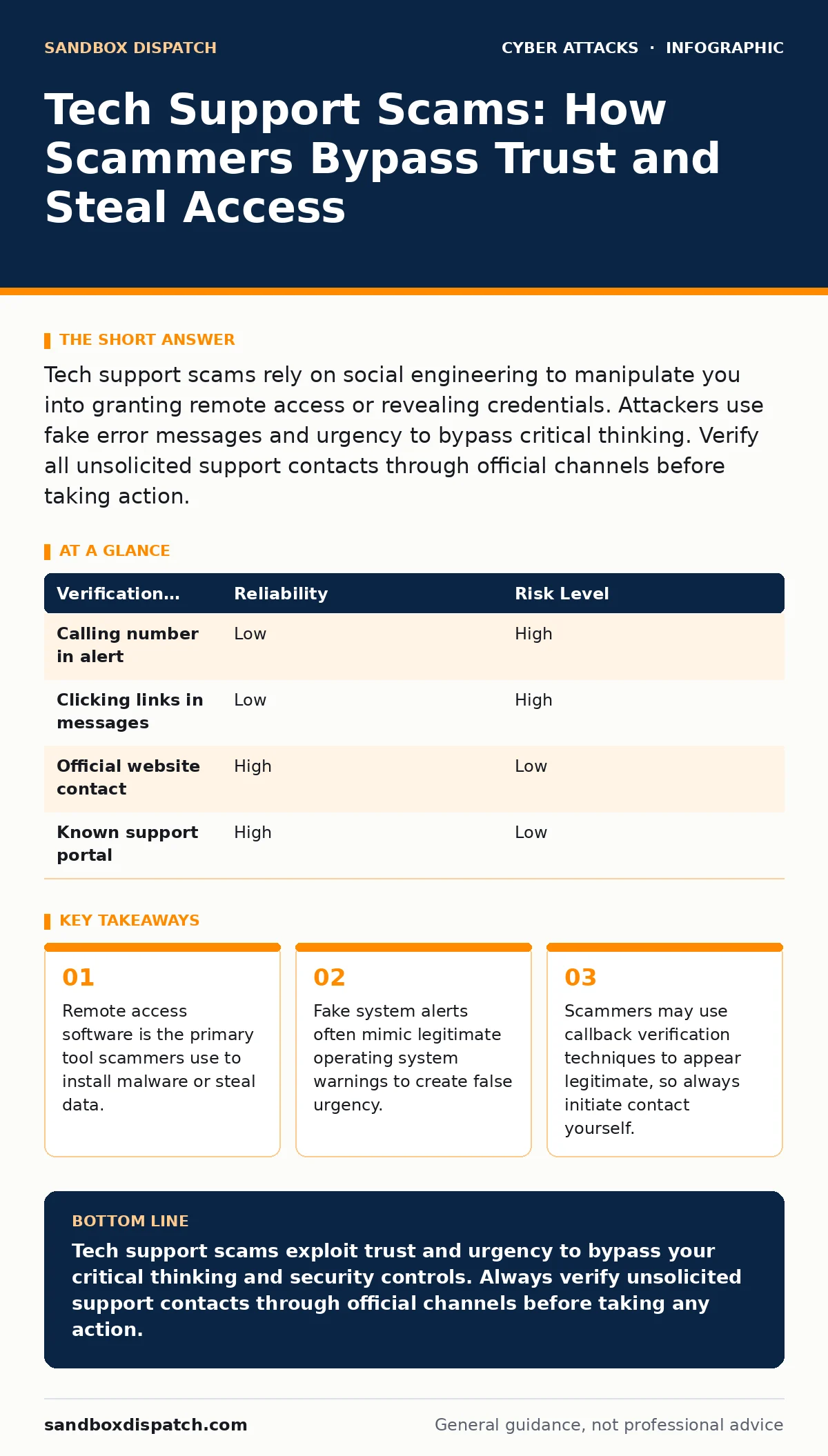
Tech support scams rely on social engineering to manipulate you into granting remote access or revealing credentials. Attackers use fake error messages and urgency to bypass critical thinking. Verify all unsolicited support contacts through official channels before taking action.
Why do my system alerts look so authentic?
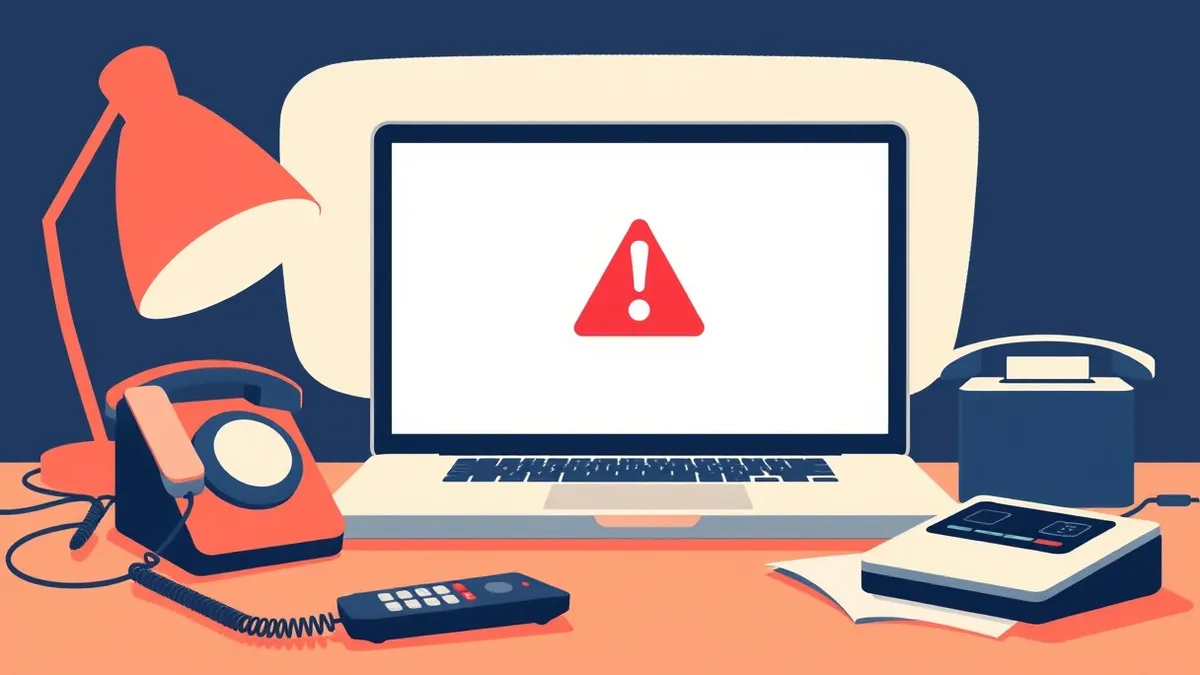
Modern operating systems generate telemetry data that scammers monitor to trigger targeted alerts. When your system encounters a minor error, the scammer sees this signal and immediately displays a full-screen overlay that mimics the native interface. This overlay blocks your ability to close the window using standard keyboard shortcuts. The design copies the exact color scheme, font, and iconography of your operating system to trigger a conditioned response of trust. You are reacting to a visual cue that your brain has been trained to obey.
How do scammers convince me to call them?
They create a closed loop of urgency where the only solution presented is immediate human contact. The fake alert often includes a phone number or a button that initiates a call. This technique bypasses your ability to research the issue because the interface suggests that time is critical. The psychological pressure prevents you from stepping back to verify the source. Imagine receiving an alert that your computer is about to format itself in minutes. The fear of data loss overrides your caution.
What happens when I grant remote access?
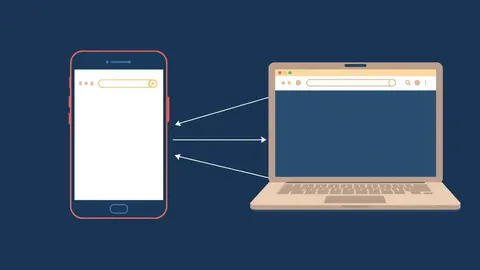
Granting remote access gives the attacker full control over your input devices and file system. They can see your screen, click buttons, and install software without your physical interaction. This access allows them to bypass local security controls that require user confirmation for specific actions. Once connected, they can navigate to sensitive folders, copy files, or install keyloggers. The remote session often remains active even after you think the issue is resolved.
Can scammers access my files without remote software?
Yes, if you provide credentials or payment information through phishing pages. Scammers often direct you to a website that looks like a legitimate portal for software updates or security scans. These sites harvest login details, credit card numbers, and personal identification. They do not need remote control if they can trick you into handing over the keys. This method relies on your willingness to comply with instructions rather than technical exploitation.
Why do they ask me to open command prompts?
They need you to execute commands that disable security features or download payloads. By having you type commands into the command prompt, they shift the blame for the action onto you. This makes it harder for you to claim you were unaware of what happened. The commands often disable firewall protections, turn off real-time scanning, or download scripts that establish persistence. You become the agent of your own compromise.
How do I verify if a contact is legitimate?
You must initiate the contact through a known, trusted channel. Do not use the phone number or link provided in the alert or message. Instead, close the alert and navigate to the official website of the vendor or service provider. Look for their official support contact information and reach out directly. This breaks the chain of deception because the scammer cannot control the official support page. This practice aligns with callback verification protocols to ensure the identity of the caller.
| Verification Method | Reliability | Risk Level |
|---|---|---|
| Calling number in alert | Low | High |
| Clicking links in messages | Low | High |
| Official website contact | High | Low |
| Known support portal | High | Low |
What is the role of vishing in these attacks?
Vishing, or voice phishing, is the primary vector for tech support scams. The attacker uses social engineering over the phone to manipulate your behavior. They may use spoofed caller IDs to make the number appear local or familiar. The human voice adds a layer of empathy and authority that text-based scams lack. They can adjust their tone and speed based on your reactions, making the deception more effective. This dynamic interaction makes it harder to maintain skepticism.
Why do standard security tools fail to stop this?
Endpoint protection tools focus on known malware signatures and suspicious network traffic. They do not monitor for social engineering or the psychological state of the user. If you voluntarily grant access or enter credentials, the security software sees this as authorized activity. The attack happens at the human layer, which is outside the scope of traditional technical defenses. This is why incident response plans must include human factors and training.
How do scammers maintain access after the call?
They install backdoors or remote access tools that remain hidden in the system. These tools can reconnect to the attacker’s server at any time, even after you have ended the initial session. They may disable startup scanning or create new user accounts with administrative privileges. This persistent access allows them to monitor your activity and steal data over time. Detecting these tools requires specialized forensic analysis, not just a standard virus scan.
What should I do if I suspect a scam?
Disconnect from the network immediately to prevent data exfiltration. This stops the attacker from sending your data to their servers. Then, boot your system into safe mode or use a recovery drive to inspect for unauthorized software. Check for unfamiliar remote access applications or scheduled tasks. If you provided credentials, change them from a different, clean device. Consider engaging professional services to perform a thorough audit of your system integrity.
Key takeaways
- Remote access software is the primary tool scammers use to install malware or steal data.
- Fake system alerts often mimic legitimate operating system warnings to create false urgency.
- Scammers may use callback verification techniques to appear legitimate, so always initiate contact yourself.
Tech support scams exploit trust and urgency to bypass your critical thinking and security controls. Always verify unsolicited support contacts through official channels before taking any action.
Frequently asked questions
Can a tech support scam wipe my computer?
Yes, if you grant remote access or execute commands provided by the scammer, they can format your drive or delete critical system files.
Is it safe to call the number on a system alert?
No, system alerts generated by scams are fake and the number leads directly to the attacker, not official support.
How do I know if I have been hacked?
Look for unfamiliar software, changes in system settings, or unusual network activity, and verify with a trusted security tool.
Can email spoofing be part of a tech support scam?
Yes, scammers often use
How this guide was produced: written by the Sandbox Dispatch editorial team with AI assistance, checked against the public references listed below, and reviewed when the facts change. See our editorial policy or report an error.