Vishing Response: Secure Accounts and Stop Financial Loss
Attackers often bypass technical controls by manipulating human behavior, making immediate account isolation more effective than technical countermeasures during the initial panic.
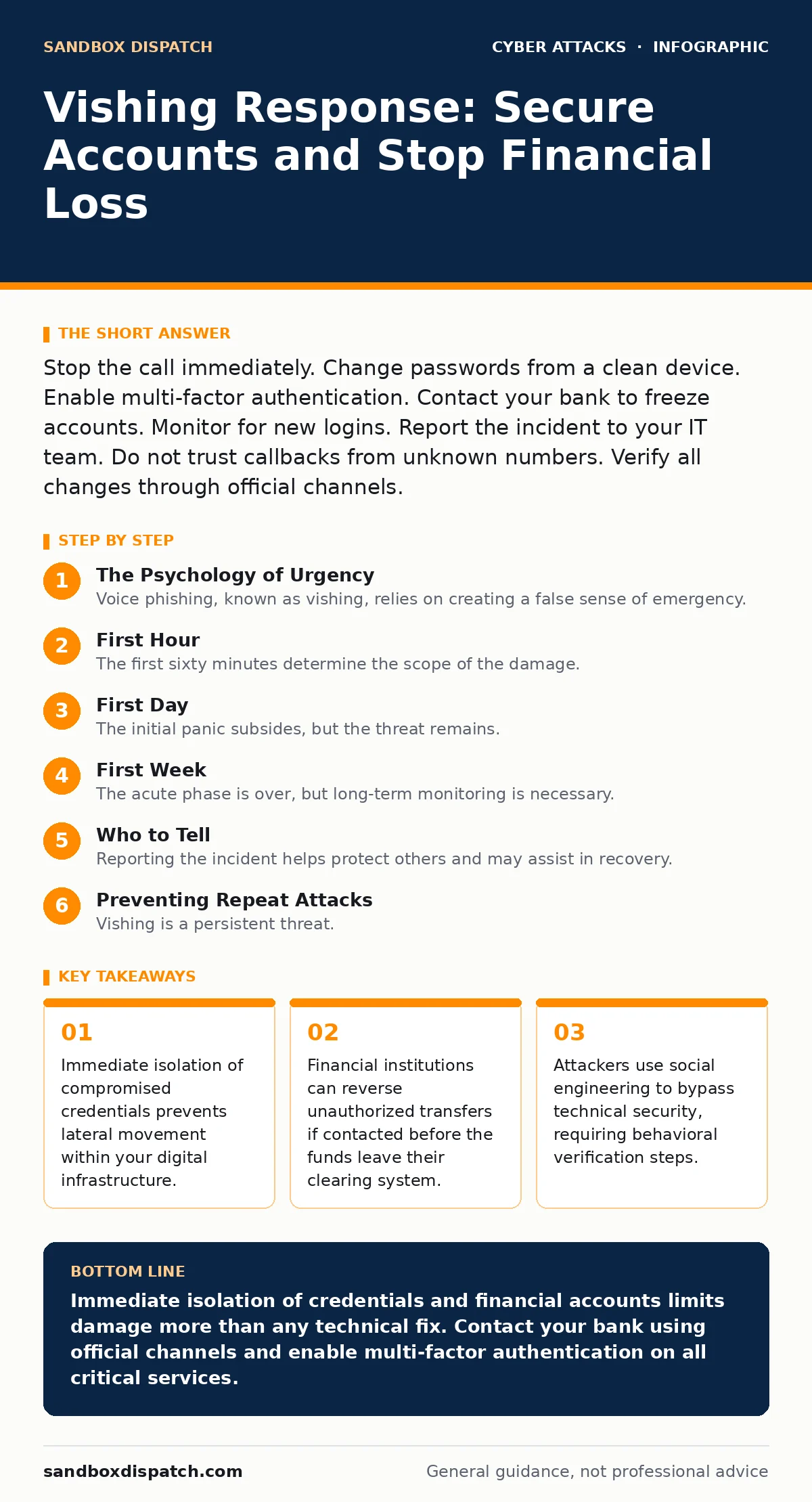
Stop the call immediately. Change passwords from a clean device. Enable multi-factor authentication. Contact your bank to freeze accounts. Monitor for new logins. Report the incident to your IT team. Do not trust callbacks from unknown numbers. Verify all changes through official channels.
The Psychology of Urgency
Voice phishing, known as vishing, relies on creating a false sense of emergency. The caller claims your account is compromised or demands immediate payment to avoid legal action. This pressure short-circuits your critical thinking. You act before you verify. The attacker wants you to skip standard verification procedures. They rely on your fear of loss rather than technical exploitation.
Imagine a caller stating your bank account has been locked due to suspicious activity. They demand you verify your identity immediately to unlock it. This scenario exploits your desire to maintain access. The caller may mimic official tones or use caller ID spoofing to appear legitimate. You must recognize that legitimate organizations never demand immediate sensitive information over an unsolicited call.
First Hour
The first sixty minutes determine the scope of the damage. Speed matters more than perfection. You must act to contain the breach before the attacker moves deeper.
Immediate Isolation
- Disconnect the compromised device from the network. This stops any active data exfiltration or remote control.
- Change passwords for the most critical accounts. Start with email and financial services. Use a device that has not been exposed to the attacker.
- Enable multi-factor authentication on all active accounts. This adds a layer of security that passwords alone cannot provide.
Financial Containment
- Call your bank using the number on the back of your card. Do not use numbers provided by the attacker.
- Request a freeze on all outgoing transfers. This prevents immediate financial loss.
- Cancel any compromised credit cards. Issue new cards with new numbers.
- Disconnect compromised device
- Change critical passwords on clean device
- Enable multi-factor authentication
- Freeze bank accounts
- Cancel compromised cards
First Day
The initial panic subsides, but the threat remains. You must now verify the extent of the compromise. The attacker may have accessed more than just the accounts you suspect.
Credential Audit
Review all accounts where you reused the password you just changed. Password reuse is a common vulnerability. If you used the same password for email and a shopping site, change both. Attackers test compromised credentials across multiple services. This process is called credential stuffing.
Check your email forwarding rules. Attackers often set up filters to hide their communications from you. Look for rules that automatically delete or archive emails from your bank or IT department. These rules prevent you from seeing legitimate security alerts.
Device Security
Run a full system scan on the compromised device. Use reputable security software. Look for unknown applications or processes. Check your browser extensions. Malicious extensions can capture login data even after you change passwords. Remove any extension you do not recognize or no longer use.
If you work for an organization, follow your incident response plans. Report the incident to your security team. They may need to isolate your workstation from the corporate network. Do not attempt to clean the device yourself if it is company property.
First Week
The acute phase is over, but long-term monitoring is necessary. Attackers may have harvested information for future use. They might sell your data on underground markets. This is part of cybercrime-as-a-service.
Monitoring and Verification
Monitor your financial statements for small, test transactions. Attackers often make small purchases to verify card validity before larger thefts. Look for unfamiliar charges or subscriptions. Check your credit report for new accounts opened in your name.
Review login alerts for your critical accounts. These notifications show when and where you logged in. Look for logins from unfamiliar locations or devices. If you see suspicious activity, revoke access immediately. Change your passwords again if necessary.
Strengthening Defenses
Implement callback verification for any future unsolicited calls. If someone claims to be from a company, hang up. Find the official contact number yourself. Call back to verify the claim. This simple step defeats most vishing attempts.
Consider using a password manager. This tool generates and stores unique passwords for each site. If one password is compromised, the others remain safe. It also helps you manage multi-factor authentication codes.
Who to Tell
Reporting the incident helps protect others and may assist in recovery. You should notify several parties depending on the nature of the compromise.
Financial Institutions
Your bank and credit card issuers need to know about the potential fraud. They can monitor for suspicious activity. They may also offer fraud protection services. Keep a record of all communications with them.
Law Enforcement
File a report with local law enforcement. While they may not investigate individual cases, the data helps track patterns. In the United States, you can also file a report with the Federal Trade Commission. This creates an official record of the fraud.
Employers
If the incident occurred on a work device or involved work credentials, notify your IT department immediately. They need to secure your access to company systems. They may also need to investigate potential lateral movement within the network.
See also: QR Code Phishing: How to Spot Fake Scans and Secure Inputs
Preventing Repeat Attacks
Vishing is a persistent threat. Attackers adapt their tactics. You must stay vigilant and update your defenses.
Technical Controls
Use multi-factor authentication everywhere possible. Prefer hardware security keys or authenticator apps over SMS codes. SMS codes are vulnerable to SIM swapping attacks. Hardware keys are the most secure option.
Enable account recovery options that do not rely solely on email or phone numbers. Use backup codes or trusted contacts. This ensures you can regain access even if your primary contact methods are compromised.
Behavioral Changes
Be skeptical of unsolicited calls. Legitimate organizations will not pressure you to act immediately. They will allow you to verify their identity. Use callback verification as a standard practice.
Educate those around you. Family members and colleagues may be targeted next. Share what you learned. Help them recognize the signs of vishing. A informed community is harder to exploit.
Recovery Mindset
Recovery from a vishing attack is a process. It takes time to fully secure your digital identity. Do not rush. Take each step carefully.
Accept that you may not recover all lost data or funds. Focus on preventing future losses. Learn from the experience. Update your security habits. Stay informed about new threats.
Remember that security is a continuous effort. There is no final state of safety. You must adapt to new threats. Stay proactive, not reactive.
Key takeaways
- Immediate isolation of compromised credentials prevents lateral movement within your digital infrastructure.
- Financial institutions can reverse unauthorized transfers if contacted before the funds leave their clearing system.
- Attackers use social engineering to bypass technical security, requiring behavioral verification steps.
Immediate isolation of credentials and financial accounts limits damage more than any technical fix. Contact your bank using official channels and enable multi-factor authentication on all critical services.
Frequently asked questions
Can attackers trace my location through a phone call?
No, standard phone calls do not provide precise location data to the caller. However, if you share personal details, they can infer your location.
Should I change my phone number after a vishing attack?
Only if you suspect SIM swapping. If your phone service was interrupted or redirected, contact your carrier immediately to secure your account.
Is it safe to use SMS for two-factor authentication?
SMS is less secure than authenticator apps or hardware keys. It is vulnerable to SIM swapping and interception. Use stronger methods if available.
What if I gave my password but no other information?
Change the password immediately from a clean device. Enable multi-factor authentication. Monitor the account for suspicious activity.
How this guide was produced: written by the Sandbox Dispatch editorial team with AI assistance, checked against the public references listed below, and reviewed when the facts change. See our editorial policy or report an error.