Data Inventory and Mapping: Track Every Byte to Prevent Leaks
Most organizations lose track of half their data stores, creating blind spots that attackers exploit during unauthorized access incidents.

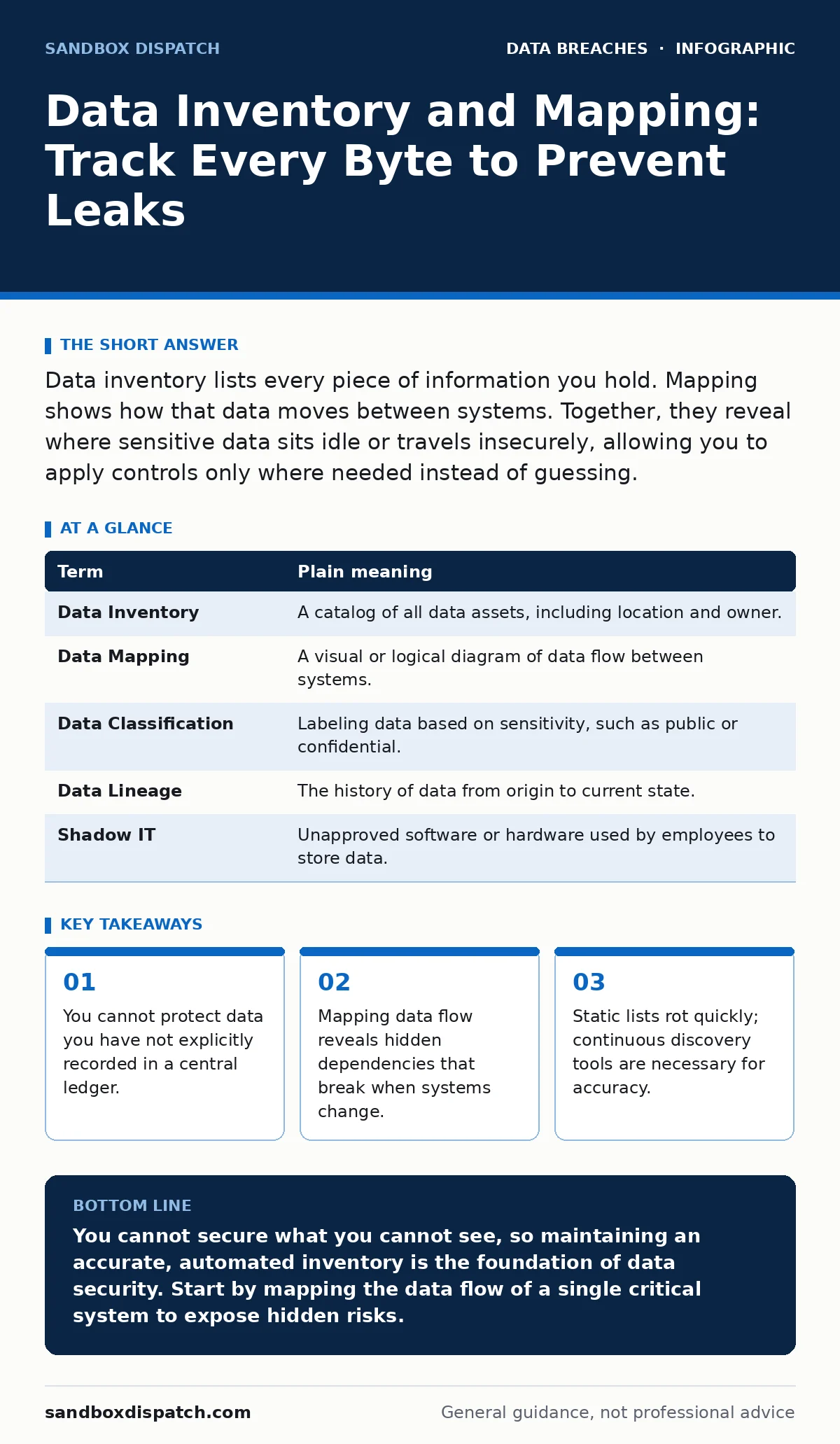
Data inventory lists every piece of information you hold. Mapping shows how that data moves between systems. Together, they reveal where sensitive data sits idle or travels insecurely, allowing you to apply controls only where needed instead of guessing.
The Warehouse Blueprint
Imagine you manage a large warehouse. You have aisles of boxes, some containing fragile glass, others holding heavy steel. If you only know what is on the main floor, you are vulnerable. A thief enters through a side door and takes the glass from the basement storage. You did not know it was there, so you never installed a camera.
Data inventory is the list of every box in the warehouse. Data mapping is the diagram showing how boxes move from the loading dock to the shelves, then to the shipping bay. Without both, you are flying blind.
Defining the Core Terms
Developers often confuse storage with inventory. Saving a file to a server is storage. Recording that file’s location, owner, and content type in a separate registry is inventory. Mapping adds the dimension of time and direction. It answers how the data moves from point A to point B.
| Term | Plain meaning |
|---|---|
| Data Inventory | A catalog of all data assets, including location and owner. |
| Data Mapping | A visual or logical diagram of data flow between systems. |
| Data Classification | Labeling data based on sensitivity, such as public or confidential. |
| Data Lineage | The history of data from origin to current state. |
| Shadow IT | Unapproved software or hardware used by employees to store data. |
The Hidden Cost of Blind Spots
When you lack a full inventory, you assume silence means safety. It does not. Old development environments often contain copies of production data. These copies sit unprotected because the original system was decommissioned. Attackers know this. They look for forgotten databases that still hold valid credentials.
This is where shadow IT becomes dangerous. An employee uses a personal cloud drive to share a spreadsheet. That drive is not in your inventory. It is not in your mapping. It is a leak waiting to happen.
Mapping the Flow, Not Just the Storage
Storage is static. Flow is dynamic. A database might be secure, but the application that reads from it might send data to an external analytics service. If you do not map that connection, you do not know where the data ends up.
Consider a user login event. The password hash stays in your database. But the timestamp and IP address might go to a third-party fraud detection tool. Then, that tool might share aggregated data with an advertising partner. Your inventory lists the database. Your map reveals the external exit points.
The First Practical Step
Start with one system. Do not try to inventory the entire organization at once. Pick a single application or database. List every table or collection. Identify which fields contain sensitive personal data. Note who owns that data and why it is stored.
This small exercise exposes gaps immediately. You will likely find fields labeled "misc" or "notes" that contain email addresses or phone numbers. These are classification errors. Fixing them requires changing the data model, not just adding a firewall rule.
See also: Employee Offboarding Security Checklist: Prevent Data Leaks · Data Privacy vs Security: How to Choose the Right Control
Why Static Lists Fail
A spreadsheet created last year is already wrong. Developers add new fields daily. They change API endpoints. They migrate services to new regions. A static inventory becomes a liability because it encourages false confidence. Teams trust the old list and stop looking for new risks.
You need automated discovery. Tools that scan your infrastructure continuously update the inventory. They detect new storage buckets, new database instances, and new data flows. This is not optional for modern cloud environments.
Integrating With Security Policies
Once you have the map, you can apply controls precisely. Instead of encrypting everything, which slows down performance, you encrypt only the sensitive fields. You restrict access to the specific services that need the data.
This approach supports better data retention policies. You can identify data that has passed its useful life and delete it. This reduces the attack surface. It also helps with compliance, as you can prove what data you hold and where it is.
The Developer’s Role in Accuracy
You build the systems that create the data. You know where the data goes. When you write code that sends data to an external service, document it. Update the data map. Treat the map as part of the codebase.
If you ignore this, you create technical debt. Future developers will not know why data is flowing to a specific endpoint. They might break it, or worse, leave it exposed. Accurate mapping is a form of documentation that keeps the system secure over time.
Key takeaways
- You cannot protect data you have not explicitly recorded in a central ledger.
- Mapping data flow reveals hidden dependencies that break when systems change.
- Static lists rot quickly; continuous discovery tools are necessary for accuracy.
You cannot secure what you cannot see, so maintaining an accurate, automated inventory is the foundation of data security. Start by mapping the data flow of a single critical system to expose hidden risks.
Frequently asked questions
How often should I update my data inventory?
Ideally, updates happen continuously through automated scanning tools rather than manual reviews.
What is the difference between data mapping and data lineage?
Mapping shows current flow between systems, while lineage tracks the history and transformations of data over time.
Can I use a spreadsheet for data inventory?
Spreadsheets work for small, static systems but fail in dynamic cloud environments due to rapid changes.
Does data mapping help with compliance?
Yes, it provides evidence of where data is stored and processed, which is required for most privacy regulations.
How this guide was produced: written by the Sandbox Dispatch editorial team with AI assistance, checked against the public references listed below, and reviewed when the facts change. See our editorial policy or report an error.