Scheduled Task Abuse: 6 Myths That Blind Defenders
Attackers manipulate system clocks and use hidden attributes to bypass standard monitoring, making time-based logs unreliable for detection.

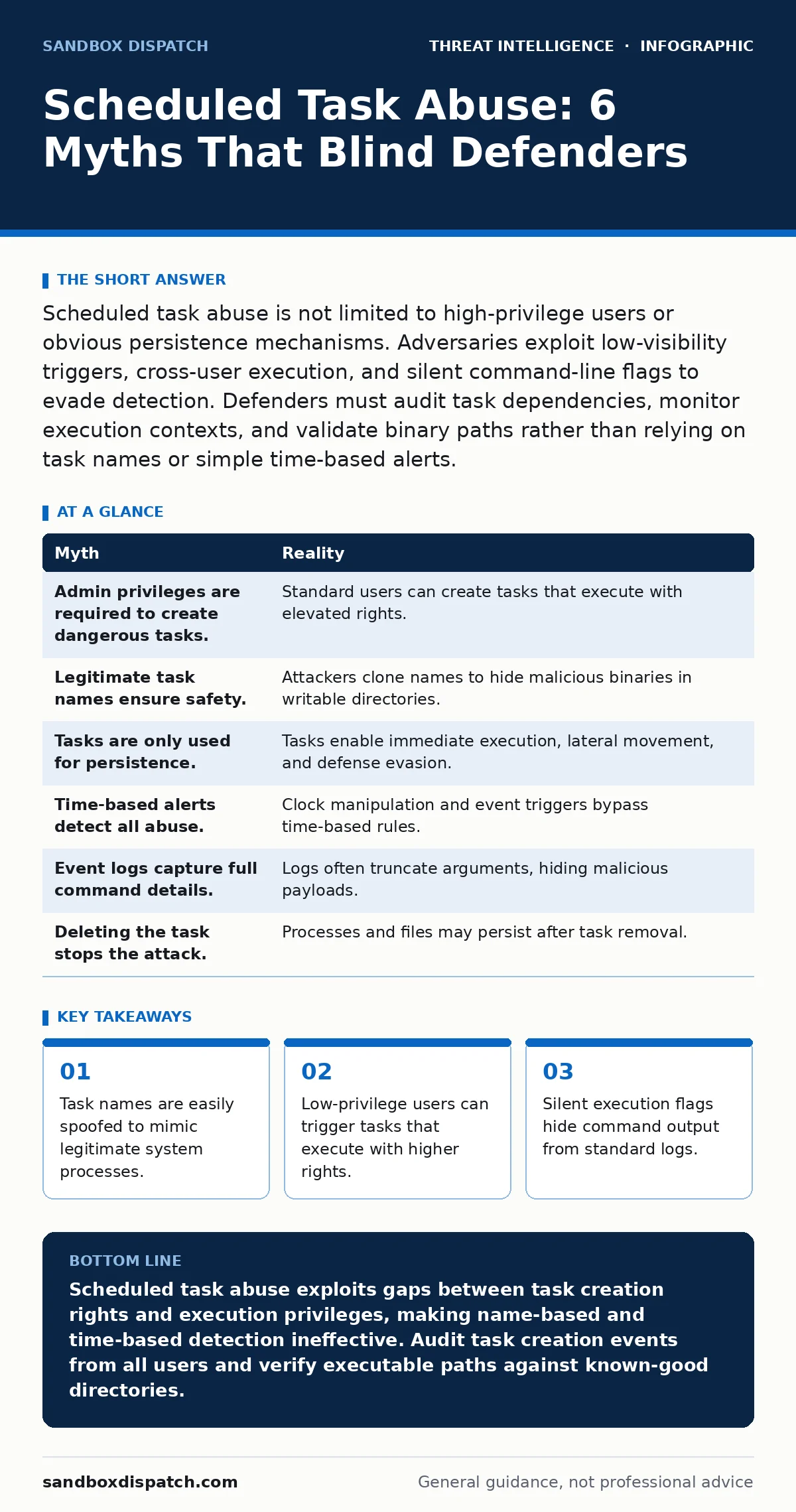
Scheduled task abuse is not limited to high-privilege users or obvious persistence mechanisms. Adversaries exploit low-visibility triggers, cross-user execution, and silent command-line flags to evade detection. Defenders must audit task dependencies, monitor execution contexts, and validate binary paths rather than relying on task names or simple time-based alerts.
Myth: Scheduled tasks require administrative privileges to create
Reality: Standard users can create scheduled tasks that execute with elevated rights if the system configuration allows it. Many organizations assume that only administrators can define tasks that run as System or Local Service. This belief ignores the default permissions on many Windows installations. A standard user can create a task that triggers on logon or idle conditions. The task definition specifies a high-privilege account for execution.
If the user knows the credentials or if the system uses blank passwords for service accounts, the task runs with those rights. This creates a privilege escalation vector that does not require initial admin access. The attacker gains a foothold that persists across reboots. Defenders often miss this because they monitor for administrative activity only. They fail to audit task creation events from standard user accounts. The gap between who creates the task and who executes it is the core risk.
Myth: Legitimate task names prevent detection
Reality: Adversaries frequently clone the names of legitimate system tasks to hide their malicious activity. Security tools often whitelist known task names like "WindowsUpdate" or "DefenderCheck". Attackers exploit this trust by registering their payload under an identical name. The task schedule and trigger conditions may also mimic legitimate patterns. This technique relies on the defender's assumption that a familiar name implies a safe origin.
The binary path, however, often points to a temporary directory or a user profile folder. Monitoring task names alone provides no security value. You must verify the full command line and the executable path. A legitimate update task runs from a signed system directory. A malicious clone runs from a writable user location. The name is a cosmetic layer that adds no cryptographic assurance. Relying on names allows attackers to blend into the noise of normal operations.
Myth: Scheduled tasks are only for persistence
Reality: Attackers use scheduled tasks for immediate execution, lateral movement, and defense evasion, not just long-term persistence. The common view is that tasks are set to run hours or days later to maintain access. This overlooks the use of immediate triggers. An attacker can create a task that runs once immediately after creation. This bypasses some command-line logging restrictions. It also allows the execution of commands that would be blocked by application whitelisting if run directly.
The task scheduler acts as a trusted interpreter. It executes the command in a context that may differ from the user's current session. This technique facilitates pass-the-ticket attacks by executing credential dumping tools in a privileged context. It also helps in cyber espionage by staging data exfiltration commands before they run. Treating tasks solely as persistence mechanisms blinds you to their use as execution engines.
Myth: Time-based alerts catch all scheduled task abuse
Reality: Adversaries manipulate system clocks and use irregular triggers to defeat time-based detection rules. Many security solutions flag tasks that run at unusual hours. Attackers anticipate this by setting tasks to run during peak business hours. They may also adjust the system clock to match normal patterns before execution. Some tasks use event-based triggers rather than time. These triggers respond to user logons or system events.
Time-based logs cannot detect these conditional executions. The task runs only when a specific user logs in. This makes the activity appear as a normal user session. Defenders who focus on timestamps miss these context-dependent executions. You must monitor for the creation of event-based triggers. These triggers are more subtle and harder to correlate with malicious intent. The timing of the execution is less relevant than the condition that caused it.
Myth: Event logs capture all task details
Reality: Standard Windows event logs often lack the full command line arguments used in scheduled tasks. Event ID 106 records task start events, but it may truncate long command strings. Attackers exploit this by using long, obfuscated arguments that exceed log limits. The visible part of the command looks harmless. The hidden portion contains the malicious payload or exfiltration instructions. This gap in logging makes forensic analysis difficult.
Digital forensics and incident response teams struggle to reconstruct the full attack chain. They see a task running a known binary but miss the dangerous arguments. You must enable verbose auditing or use EDR solutions that capture full process trees. Standard logs provide a partial view that attackers can exploit. Assuming log completeness leads to missed detections. The missing data is often the most critical part of the investigation.
See also: Exploit Chains: How Attackers Link Weaknesses to Break In · The Pyramid of Pain: Why Attacker Indicators Fail and How to Fix It
Myth: Deleting the task stops the attack
Reality: Removing the scheduled task does not stop processes that have already launched or cached credentials. Attackers often use tasks to drop additional tools or establish multiple persistence mechanisms. Deleting the task removes the trigger but not the payload. The malicious binary may remain on disk. It may also have already spawned child processes that continue running.
Some tasks are designed to recreate themselves if deleted. This resilience frustrates incident responders. You must identify and terminate all related processes. You must also remove the dropped files and clear any cached credentials. Simply deleting the task is a superficial fix. It addresses the symptom but not the root cause. The attacker retains access through other channels. A thorough cleanup requires mapping the entire execution chain.
| Myth | Reality |
|---|---|
| Admin privileges are required to create dangerous tasks. | Standard users can create tasks that execute with elevated rights. |
| Legitimate task names ensure safety. | Attackers clone names to hide malicious binaries in writable directories. |
| Tasks are only used for persistence. | Tasks enable immediate execution, lateral movement, and defense evasion. |
| Time-based alerts detect all abuse. | Clock manipulation and event triggers bypass time-based rules. |
| Event logs capture full command details. | Logs often truncate arguments, hiding malicious payloads. |
| Deleting the task stops the attack. | Processes and files may persist after task removal. |
Key takeaways
- Task names are easily spoofed to mimic legitimate system processes.
- Low-privilege users can trigger tasks that execute with higher rights.
- Silent execution flags hide command output from standard logs.
- Time-based detection fails when attackers manipulate system clocks.
Scheduled task abuse exploits gaps between task creation rights and execution privileges, making name-based and time-based detection ineffective. Audit task creation events from all users and verify executable paths against known-good directories.
Frequently asked questions
How do attackers hide scheduled tasks from standard views?
They use hidden attributes or register tasks in less-monitored directories, making them invisible to basic administrative tools.
Can scheduled tasks bypass application whitelisting?
Yes, because the task scheduler is a trusted system component that can execute commands regardless of user-level restrictions.
What is the best way to detect malicious task arguments?
Use Endpoint Detection and Response tools that capture full process trees and command lines, rather than relying on standard event logs.
Do scheduled tasks persist after a system reboot?
Yes, scheduled tasks are stored in the system registry and survive reboots, making them a reliable persistence mechanism.
How this guide was produced: written by the Sandbox Dispatch editorial team with AI assistance, checked against the public references listed below, and reviewed when the facts change. See our editorial policy or report an error.