iOS Zero-Click Prevention Checklist for Secure Applications
Most mobile defenses assume user interaction, but zero-click attacks bypass this requirement by exploiting memory corruption in background processes.

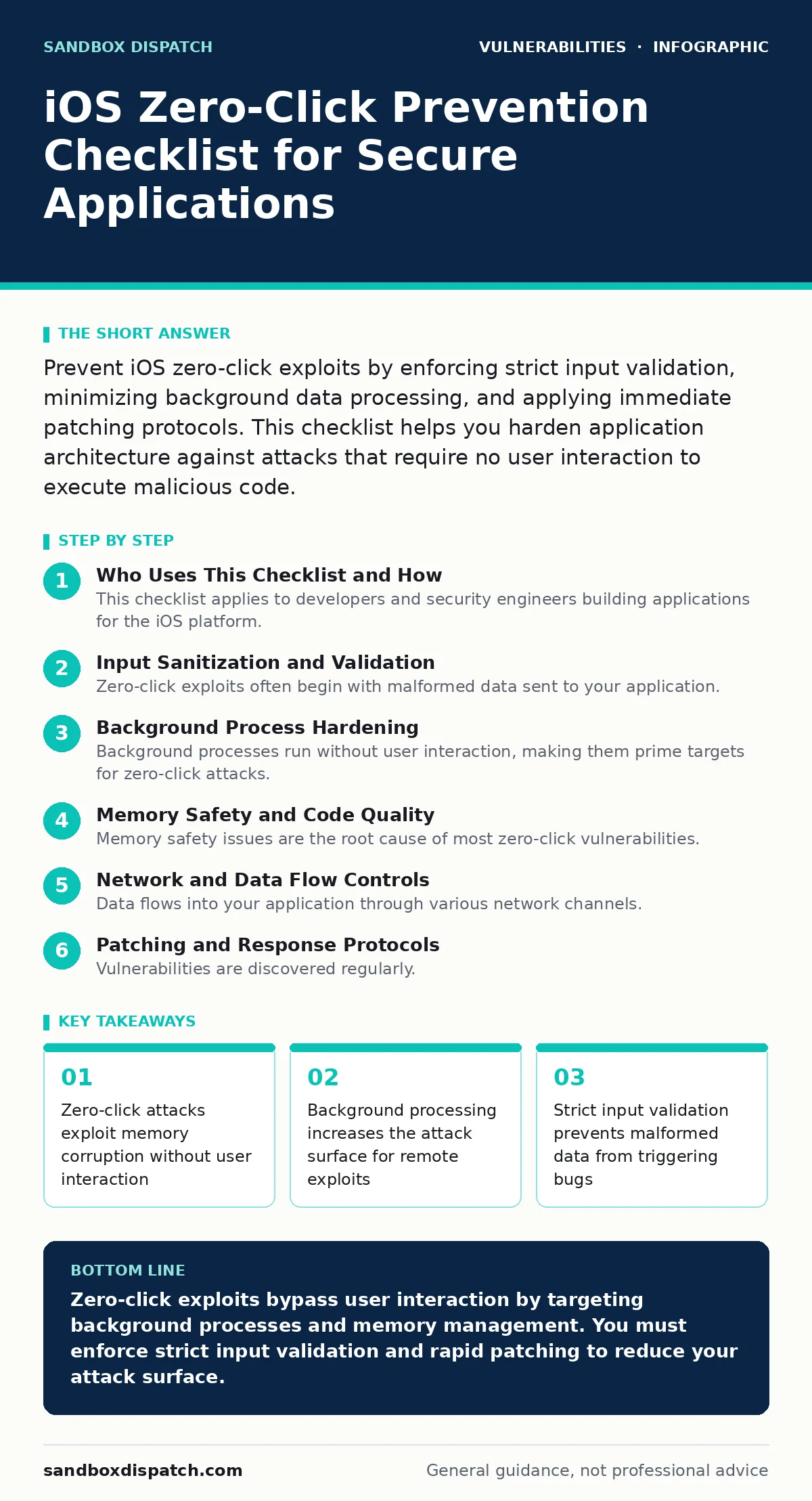
Prevent iOS zero-click exploits by enforcing strict input validation, minimizing background data processing, and applying immediate patching protocols. This checklist helps you harden application architecture against attacks that require no user interaction to execute malicious code.
Who Uses This Checklist and How
This checklist applies to developers and security engineers building applications for the iOS platform. You use it to audit your application’s handling of external data and background processes. The goal is to reduce the attack surface where zero-click exploits typically operate. These attacks do not require the user to tap a link or open an attachment. They exploit vulnerabilities in how the system processes data automatically. Review each item before releasing new builds. Treat every unchecked item as a potential entry point for remote code execution.
Input Sanitization and Validation
Zero-click exploits often begin with malformed data sent to your application. If your app processes this data without strict validation, it may trigger memory corruption. You must validate every byte of input that enters your application from external sources. This includes data received via push notifications, background fetches, and inter-process communication. Invalid data can cause unexpected behavior in memory management.
- Validate all external input formats: Malformed data can trigger parsing errors that lead to memory corruption.
- Enforce strict type checking: Type confusion allows attackers to reinterpret data structures in memory.
- Reject oversized payloads immediately: Large inputs can cause buffer overflows if not checked early.
- Strip metadata from media files: Metadata can contain hidden commands that trigger parsing bugs.
Background Process Hardening
Background processes run without user interaction, making them prime targets for zero-click attacks. Your application likely performs background updates or data syncing. These processes often have elevated privileges or access to sensitive data. If an attacker can exploit a bug in these processes, they gain access without the user ever opening the app. You must minimize the amount of code running in the background.
- Limit background task duration: Shorter execution windows reduce the time available for an exploit to trigger.
- Isolate background services: Separate processes prevent a compromise in one area from affecting others.
- Disable unnecessary background fetches: Less frequent data retrieval reduces exposure to malicious payloads.
- Use sandboxing for background tasks: Sandboxing restricts file and network access for background processes.
Memory Safety and Code Quality
Memory safety issues are the root cause of most zero-click vulnerabilities. Buffer overflows and use-after-free errors allow attackers to overwrite critical memory. Even if you do not write code in C or Objective-C, third-party libraries might. You must ensure that all components handle memory safely. Modern languages like Swift offer safety features, but they are not foolproof. Mixing languages increases the risk of unsafe interactions.
- Audit third-party libraries for memory bugs: External code often contains unpatched vulnerabilities that you inherit.
- Enable address sanitizer during testing: This tool detects memory errors that might otherwise go unnoticed.
- Avoid raw pointer manipulation: Raw pointers bypass safety checks and increase the risk of corruption.
- Review dependency scanning results regularly: Outdated dependencies may contain known memory safety issues.
Network and Data Flow Controls
Data flows into your application through various network channels. Attackers can inject malicious payloads into these flows. If your application trusts network data implicitly, it becomes vulnerable. You must treat all network data as untrusted. Encryption protects data in transit, but it does not validate its structure. You need additional controls to ensure that the data received is safe to process.
- Verify server certificates strictly: Certificate pinning prevents man-in-the-middle attacks that inject malicious data.
- Validate JSON structures deeply: Shallow validation may miss nested objects that trigger parsing bugs.
- Rate-limit incoming requests: Limiting frequency reduces the impact of automated exploit attempts.
- Log network anomalies without PII: Logging helps detect suspicious patterns without exposing user data.
See also: Patch Prioritization Mistakes That Leave Systems Exposed · Spot npm Package Vulnerabilities Before They Break Production
Patching and Response Protocols
Vulnerabilities are discovered regularly. When a new vulnerability is announced, your response time matters. Zero-click exploits are often patched quickly by vendors. If you do not apply patches promptly, your application remains exposed. You need a clear process for applying updates. This process should be faster than standard update cycles. Delaying patches gives attackers more time to exploit known weaknesses.
- Define vulnerability remediation SLAs: Clear timelines ensure that critical patches are applied quickly.
- Automate dependency updates where possible: Automation reduces the delay between patch release and application.
- Test patches in isolation: Ensure that new patches do not introduce new vulnerabilities or break functionality.
- Monitor security advisories daily: Early awareness allows you to prepare mitigation strategies before exploits spread.
Configuration and Access Control
Misconfigurations can expose your application to attacks even if the code is secure. Broken access control allows unauthorized access to sensitive functions. Attackers may exploit these misconfigurations to escalate privileges. You must review your application’s configuration settings regularly. Ensure that only necessary permissions are granted. Overly permissive settings increase the impact of a successful exploit.
- Review app permissions regularly: Remove permissions that are not strictly necessary for core functionality.
- Enforce least privilege principles: Limiting access reduces the damage a successful exploit can cause.
- Audit configuration hardening settings: Ensure that security features are enabled and properly configured.
- Check for broken access control: Ensure that users cannot access data or functions they should not.
Understanding exploit chains helps you see how these individual weaknesses combine. A single vulnerability might not be dangerous, but combined with another, it becomes critical. See our guide on exploit chains for more details.
Key takeaways
- Zero-click attacks exploit memory corruption without user interaction
- Background processing increases the attack surface for remote exploits
- Strict input validation prevents malformed data from triggering bugs
Zero-click exploits bypass user interaction by targeting background processes and memory management. You must enforce strict input validation and rapid patching to reduce your attack surface.
Frequently asked questions
Can zero-click exploits affect apps that do not use C or Objective-C?
Yes, because third-party libraries or system-level components may still contain memory safety vulnerabilities that can be exploited.
How do I know if my app is vulnerable to zero-click attacks?
You cannot know for certain without extensive security testing, but you can reduce risk by following this checklist and auditing your code.
Is encrypting network traffic enough to prevent zero-click exploits?
No, encryption protects data in transit but does not prevent memory corruption caused by malformed data once it is decrypted.
Should I disable all background processing to be safe?
Disabling all background processing is impractical, but you should minimize it and isolate tasks to reduce the attack surface.
How this guide was produced: written by the Sandbox Dispatch editorial team with AI assistance, checked against the public references listed below, and reviewed when the facts change. See our editorial policy or report an error.