Zero-Click Exploits: Risks and Protection for Small Businesses
Zero-click exploits bypass user interaction entirely, allowing attackers to compromise devices through passive data reception like image loading or network handshakes.

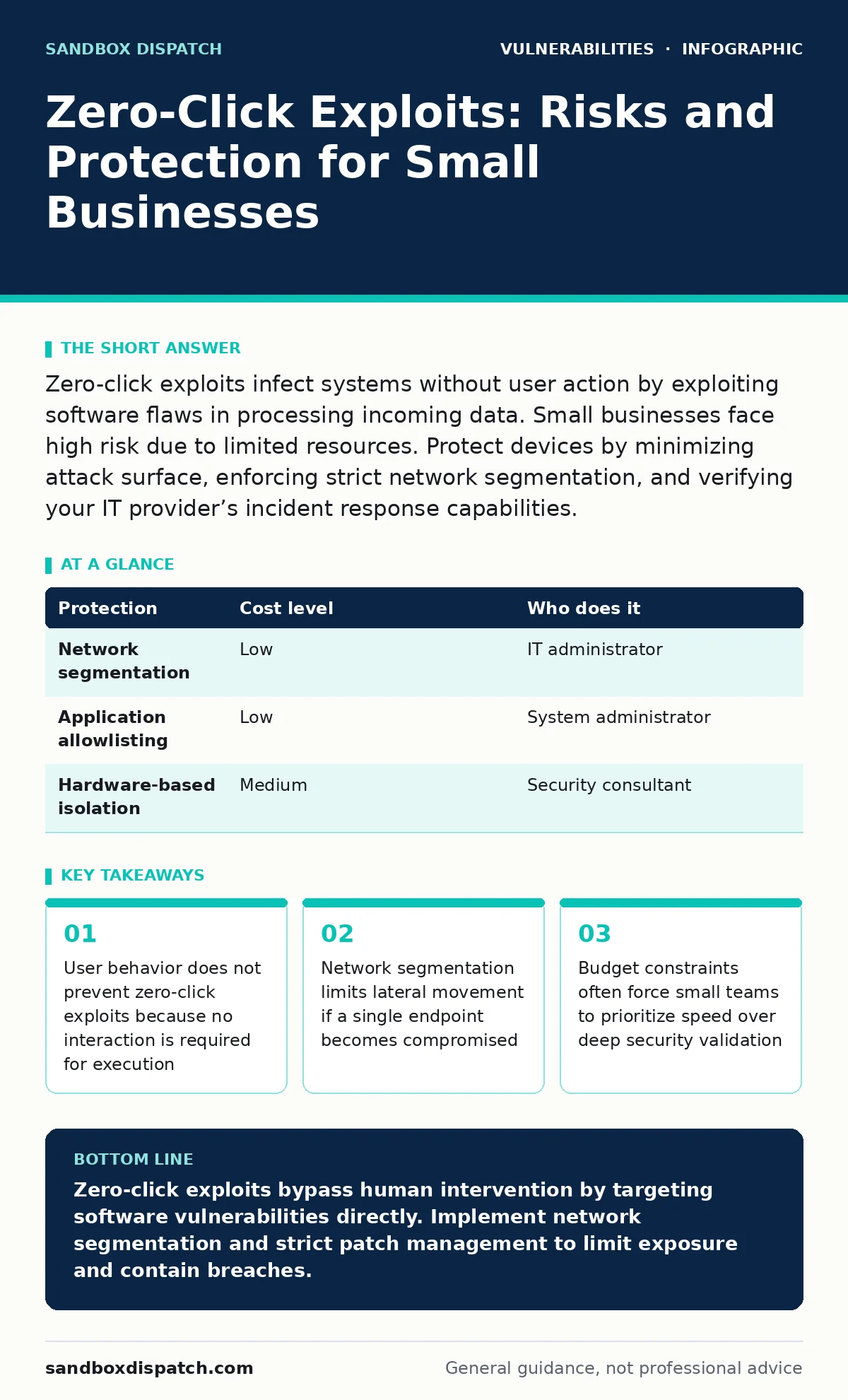
Zero-click exploits infect systems without user action by exploiting software flaws in processing incoming data. Small businesses face high risk due to limited resources. Protect devices by minimizing attack surface, enforcing strict network segmentation, and verifying your IT provider’s incident response capabilities.
Why Small Organisations Are Exposed to Silent Attacks
Zero-click exploits target the software stack rather than human error. Developers assume input validation handles all edge cases, but complex parsing libraries often contain subtle logic flaws. Small businesses rely on commercial off-the-shelf software that millions of others use. This popularity makes these targets attractive for high-value adversaries. The lack of dedicated security teams means detection relies on vendor patches rather than internal monitoring.
Small organizations often skip the dependency scanning process for their internal tools. They assume the vendor has tested every component. When a third-party library contains a vulnerability, the entire application becomes vulnerable. This mirrors the risks found in vulnerabilities in npm packages where supply chain trust is implicit rather than verified. The attack surface expands with every connected device and service.
The Mechanics of Non-Interactive Compromise
A zero-click exploit requires no user input. It exploits how a program processes data it receives passively. Consider a smartphone receiving an iMessage. The device parses the message content to display it. If the parser mishandles a malformed image file, the memory corruption leads to code execution. This happens before the user reads the message. The mechanism relies on the software’s failure to sanitize unexpected data structures.
This differs from phishing, which relies on social engineering. Zero-click attacks are purely technical. They target the attack vectors in CVSS scoring that reward remote, unauthenticated exploitation. The complexity of modern software makes it nearly impossible to audit every code path. Memory safety issues in C or C++ libraries remain common sources of these flaws. Using memory-safe languages reduces this risk significantly.
Low-Cost Protections for Limited Budgets
You do not need expensive hardware to mitigate these risks. The most effective defense is reducing the number of services exposed to the internet. Network segmentation isolates critical assets from general user devices. If a laptop is compromised, the attacker cannot easily reach the finance server. This limits the blast radius of any single breach.
Implementing application allowlisting ensures only approved software runs. This prevents malware from executing even if it bypasses initial defenses. You should also disable unused ports and services. Every open port is a potential entry point. Regularly reviewing patch management procedures ensures updates are applied quickly. Delaying updates leaves known vulnerabilities open for exploitation.
| Protection | Cost level | Who does it |
|---|---|---|
| Network segmentation | Low | IT administrator |
| Application allowlisting | Low | System administrator |
| Hardware-based isolation | Medium | Security consultant |
What to Ask Your IT Provider
Your IT provider is your first line of defense. You need to understand their approach to silent threats. Ask specific questions about their monitoring capabilities. Do they detect anomalies in network traffic? Can they identify suspicious process behavior? General promises of "security" are insufficient. You need concrete details about their technical stack and response times.
Verify how they handle unpatched software when vendors delay fixes. Temporary mitigations, such as disabling specific features, may be necessary. Ask about their incident response plan. Does it include forensic analysis to determine the entry point? Understanding their methodology helps you assess their competence. A provider who cannot explain their process is a liability.
- How do you detect zero-day exploits before vendor patches are available?
- What is your average response time for critical alerts?
- Do you perform regular penetration testing to validate defenses?
- How do you manage credentials for administrative access?
- What is your strategy for broken access control remediation?
The Hidden Cost of Over-Reliance on Vendors
Small businesses often trust vendors to handle security. This trust can be misplaced. Vendors prioritize feature development over security hardening. They may not disclose vulnerabilities promptly. This delay leaves customers exposed. You must verify the vendor’s vulnerability disclosure policies. A transparent vendor admits flaws and provides fixes quickly.
Outsourcing security entirely removes your visibility. You cannot protect what you do not understand. Maintain basic oversight of your systems. Understand the architecture of your critical applications. This knowledge helps you spot irregularities. It also empowers you to challenge your provider’s recommendations. Blind trust is a dangerous strategy in cybersecurity.
See also: Remote Desktop Abuse: Definition, Vectors, and Mitigation · Early Warning Signs of Cyber Espionage for Technical Teams
Edge Cases and Failed Defenses
Firewalls often fail to stop zero-click exploits. These attacks use legitimate protocols like HTTPS or DNS. The traffic looks normal. Deep packet inspection is resource-intensive and may miss encrypted threats. Endpoint detection and response tools rely on known signatures. New exploits lack signatures. Behavioral analysis helps but generates false positives.
IoT device patching is particularly difficult. Many devices cannot be updated. They run outdated firmware with known flaws. These devices often cannot support modern security controls. They become entry points for attackers. Isolating these devices on a separate network is critical. Do not connect IoT devices to the same network as sensitive business data.
Building a Resilient Security Posture
Resilience means surviving an attack with minimal damage. It accepts that breaches will happen. The goal is to limit impact and recover quickly. Backup your data regularly. Test restore procedures. Ensure backups are immutable and offline. This protects against ransomware following an exploit.
Train your staff to recognize unusual system behavior. Sluggish performance or unexpected pop-ups may indicate compromise. Encourage reporting of anomalies. A culture of awareness complements technical controls. Regularly review your security strategy. Adapt to new threats. Stay informed about emerging techniques. Continuous improvement is the only sustainable path.
Key takeaways
- User behavior does not prevent zero-click exploits because no interaction is required for execution
- Network segmentation limits lateral movement if a single endpoint becomes compromised
- Budget constraints often force small teams to prioritize speed over deep security validation
Zero-click exploits bypass human intervention by targeting software vulnerabilities directly. Implement network segmentation and strict patch management to limit exposure and contain breaches.
Frequently asked questions
Can antivirus software detect zero-click exploits?
Traditional antivirus often misses these exploits because they execute in memory without creating malicious files on disk. Behavioral analysis is more effective but not foolproof.
How do I know if my network is segmented correctly?
Verify that devices in one zone cannot communicate with devices in another zone without explicit permission. Use firewall rules to enforce these boundaries.
Is it safe to use free operating systems?
Free operating systems can be secure if maintained properly. The risk lies in lack of support and delayed patches. Ensure you have a plan for timely updates.
What is the biggest risk for small businesses?
The biggest risk is assuming size provides anonymity. Attackers often target small businesses because they have weaker defenses and fewer resources to respond.
How this guide was produced: written by the Sandbox Dispatch editorial team with AI assistance, checked against the public references listed below, and reviewed when the facts change. See our editorial policy or report an error.