SOAR Explained: Automating Security Operations Without the Chaos
Security orchestration automates routine tasks so analysts can focus on complex threats, but poor integration creates blind spots that attackers exploit.

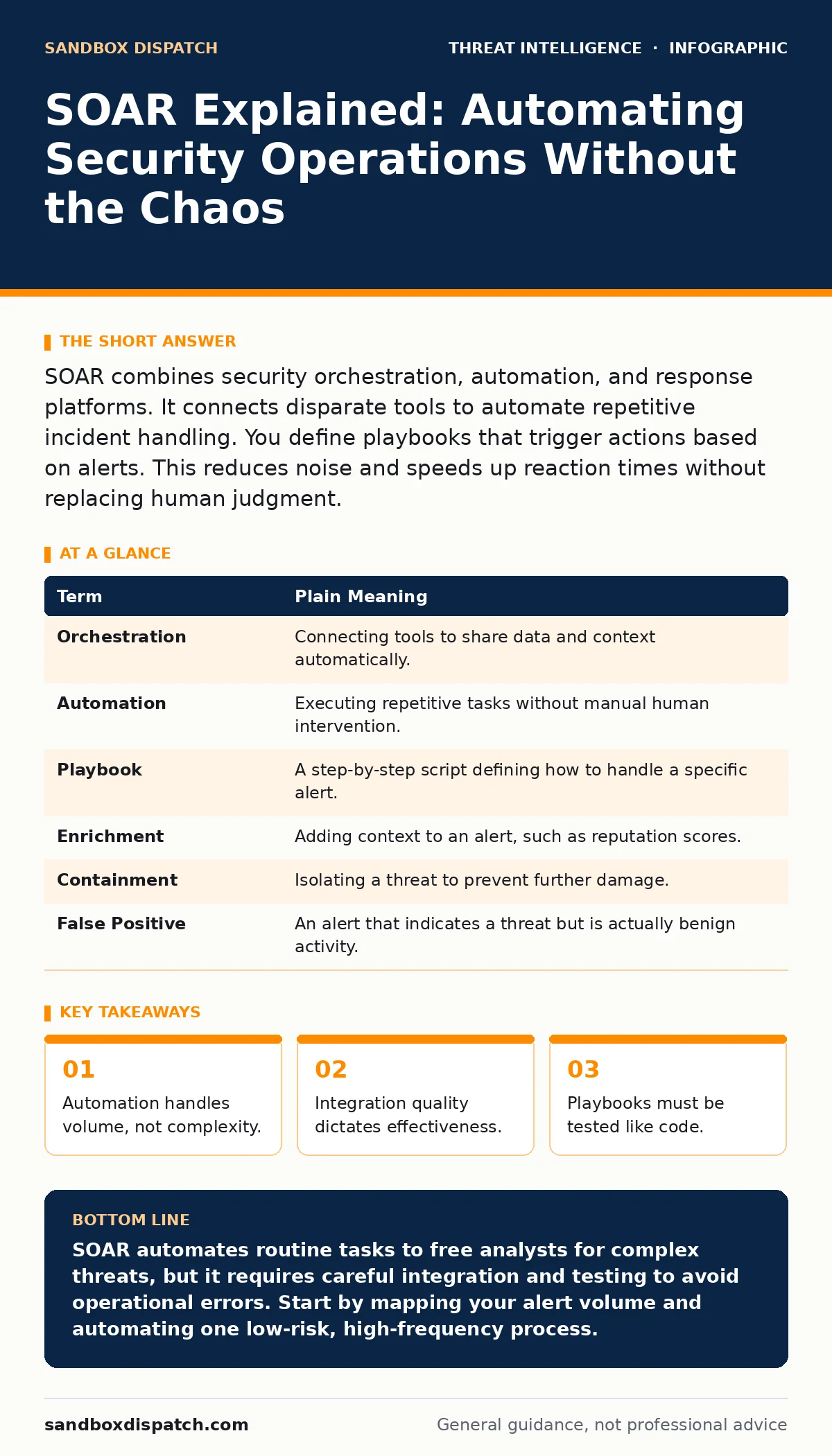
SOAR combines security orchestration, automation, and response platforms. It connects disparate tools to automate repetitive incident handling. You define playbooks that trigger actions based on alerts. This reduces noise and speeds up reaction times without replacing human judgment.
The Air Traffic Control Analogy
Imagine an air traffic control tower. Controllers monitor radar screens filled with dots representing aircraft. If every controller manually radioed each pilot for every minor altitude adjustment, the system would collapse under the noise. Instead, automated systems handle standard holding patterns and routine clearances. Controllers only intervene when planes deviate from expected paths or when weather creates complex conflicts. SOAR functions as that automation layer for your security operations center. It handles the routine radio calls so your team can focus on the storms.
Decoding the Acronym
SOAR stands for Security Orchestration, Automation, and Response. It is not a single product but a framework for connecting tools. Orchestration links different security products so they can share data. Automation executes predefined tasks without human input. Response defines the actions taken when a threat is confirmed. The goal is to reduce the time between detection and containment. This speed prevents attackers from moving laterally within your network.
| Term | Plain Meaning |
|---|---|
| Orchestration | Connecting tools to share data and context automatically. |
| Automation | Executing repetitive tasks without manual human intervention. |
| Playbook | A step-by-step script defining how to handle a specific alert. |
| Enrichment | Adding context to an alert, such as reputation scores. |
| Containment | Isolating a threat to prevent further damage. |
| False Positive | An alert that indicates a threat but is actually benign activity. |
The Hidden Cost of Speed
Speed introduces new risks. When you automate a response, you remove the human pause that might catch an error. If your playbook incorrectly identifies a critical server as malicious, the automation will isolate it instantly. This causes downtime before anyone realizes the mistake. You must design playbooks with safeguards. Include steps that verify the target before taking destructive action. Automation amplifies your intent, including your errors.
Integrating Your Toolchain
SOAR relies on the quality of its connections. If your endpoint detection tool cannot speak to your firewall, the orchestration fails. You must map out how data flows between systems. Identify which tools provide alerts and which can execute actions. Ensure that the data format matches what each system expects. Poor integration leads to broken playbooks and missed threats. This is why a threat intelligence program is relevant here; it provides the context needed to make automation decisions accurate.
Building Your First Playbook
Start with a low-risk, high-volume alert. Phishing email triage is an ideal candidate. Most emails flagged by spam filters are false positives. A playbook can automatically check the sender’s domain reputation and scan attachments. If the email is clean, the playbook archives it and closes the ticket. If it looks suspicious, it routes the email to an analyst for review. This reduces the number of alerts your team sees daily. It frees them to investigate complex issues like AS-REP roasting attempts or scheduled task abuse.
See also: Early Warning Signs of Cyber Espionage for Technical Teams · Jailbroken AI Response: Immediate Containment and Recovery Steps
The Limits of Automation
SOAR cannot think. It follows rules. If an attacker uses a novel technique that does not match your rules, the system will ignore it. This is why human oversight remains necessary. You must regularly review automated decisions. Look for patterns that the system missed. Update your playbooks to reflect new tactics. This continuous improvement process keeps your defenses effective. It also helps you detect attacker reconnaissance that falls below the threshold of automated alerts.
Testing and Validation
Treat your playbooks like software code. They must be tested before deployment. Create a safe environment where you can trigger false alerts. Watch how the system responds. Does it enrich the data correctly? Does it route the ticket to the right team? Does it close the loop when the threat is resolved? Fix any breaks in the chain. Regular testing ensures that your automation works when you need it most. It also helps you avoid mistakes that could lead to LSASS credential theft going unnoticed due to alert fatigue.
Practical Next Steps
- Inventory your current security tools and document their APIs.
- Identify one repetitive alert type that consumes significant analyst time.
- Draft a manual process for handling that alert, then identify which steps can be automated.
The Human Element
Automation changes the job of the security analyst. It removes the tedious work of data gathering. It leaves the hard work of reasoning and strategy. Analysts become operators of the automation engine. They write, test, and maintain the playbooks. They investigate the exceptions that the system cannot handle. This shift requires new skills. You must understand logic, data flow, and system interaction. The goal is not to replace humans but to make them more effective.
Looking Beyond the Basics
As you mature, you can integrate more complex data sources. Use YARA rules to identify malware signatures and feed those results into your orchestration engine. Connect your system to external cyber threat intelligence feeds to enrich alerts with global context. This allows your system to block known bad actors automatically. However, be cautious with cyber espionage indicators. These are often subtle and require deep analysis that automation cannot provide. Keep these cases in the human queue.
Key takeaways
- Automation handles volume, not complexity.
- Integration quality dictates effectiveness.
- Playbooks must be tested like code.
SOAR automates routine tasks to free analysts for complex threats, but it requires careful integration and testing to avoid operational errors. Start by mapping your alert volume and automating one low-risk, high-frequency process.
Frequently asked questions
Does SOAR replace security analysts?
No, it automates repetitive tasks so analysts can focus on complex investigations and strategic improvements.
How long does it take to implement SOAR?
Implementation varies, but you can start with simple automations in weeks while building complex integrations over months.
Is SOAR only for large enterprises?
No, small teams benefit most from automation because they lack the headcount to handle high alert volumes.
What is the biggest risk of using SOAR?
Poorly designed playbooks can cause operational disruption or miss novel threats that do not fit predefined rules.
How this guide was produced: written by the Sandbox Dispatch editorial team with AI assistance, checked against the public references listed below, and reviewed when the facts change. See our editorial policy or report an error.